Strut Lattice
Strut Lattice creates the structure of a lattice, derived from your specified parameters. At its core, this is a structure of unprintable lines and nodes.
Strut Lattice Workflow
There are two workflow paths for creating a strut lattice:
Tet Strut Lattice Steps
The strut lattice operation implicitly creates a tet mesh while creating the tet strut lattice.
Hex Strut Lattice Steps
Hex strut lattices require a separate operation to create a hex mesh scaffold first.
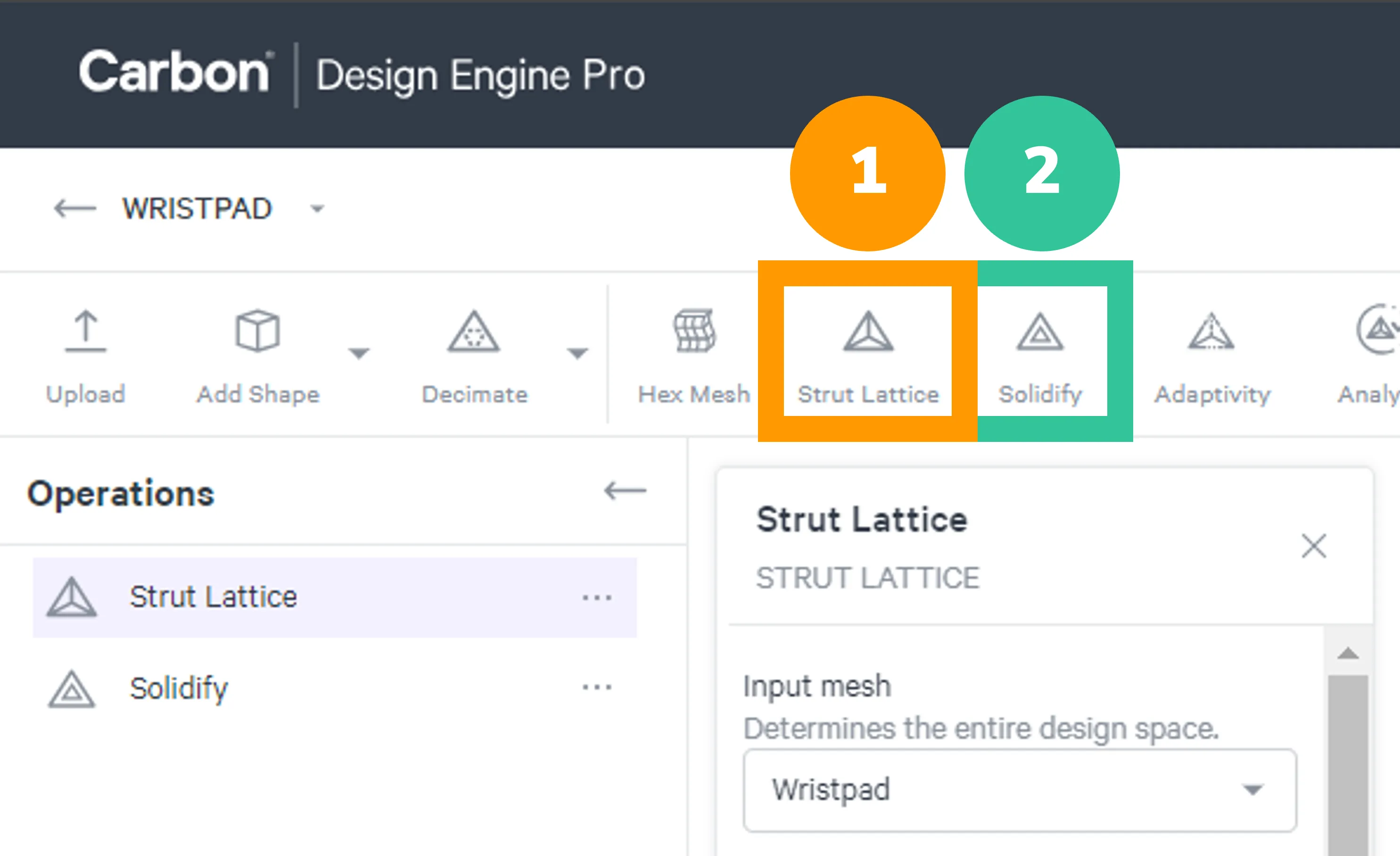
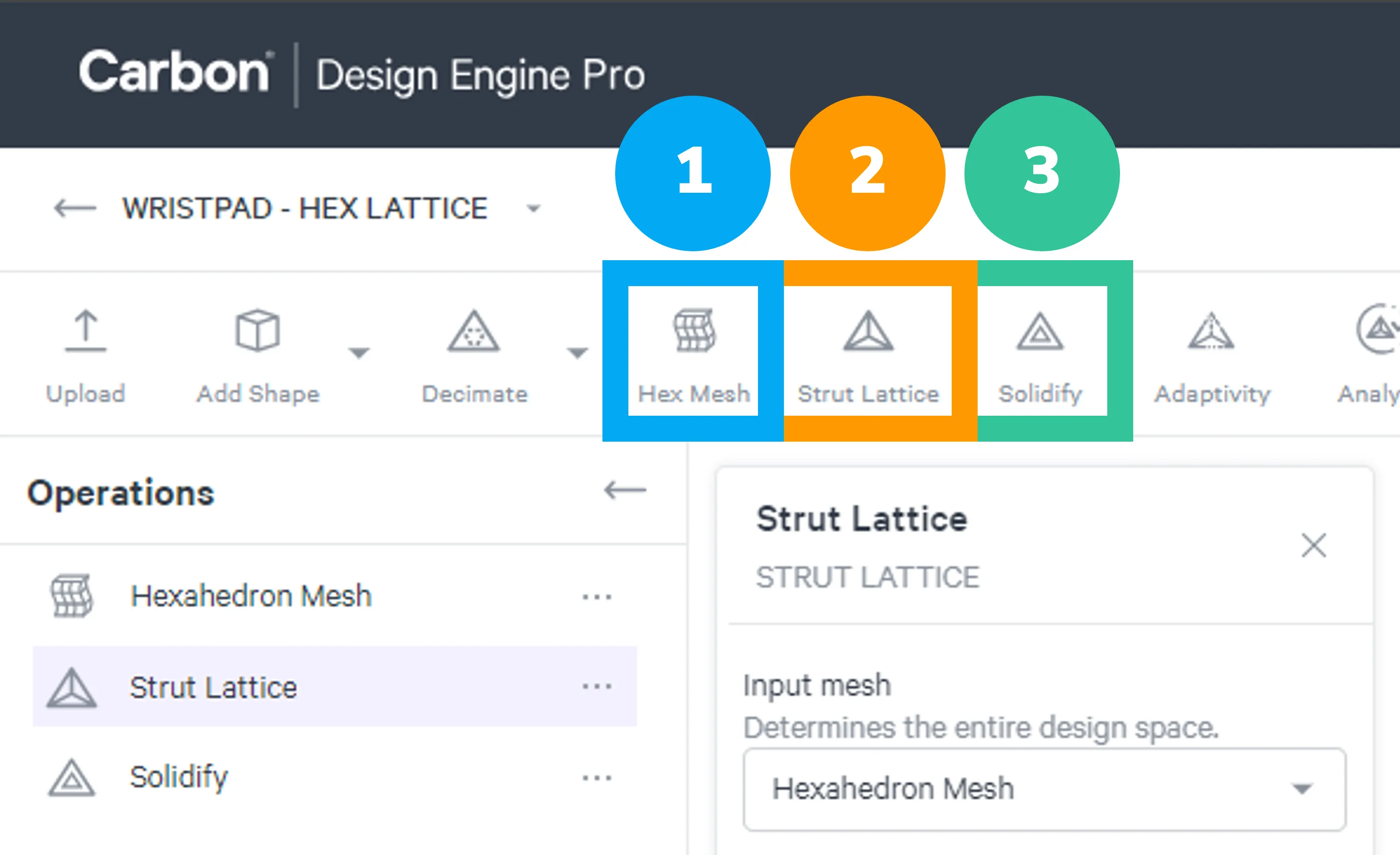
All strut lattices need to use the Solidify operation to be converted into a printable mesh file.
Tet Strut Lattice
Hex Strut Lattice
Lattice Population Type
Uniform
Uniform population type applies the same unit cell parameters throughout the specified input mesh (design space).
Point Cloud
Point Cloud applies unit cell parameters to the design space via pressure map data.
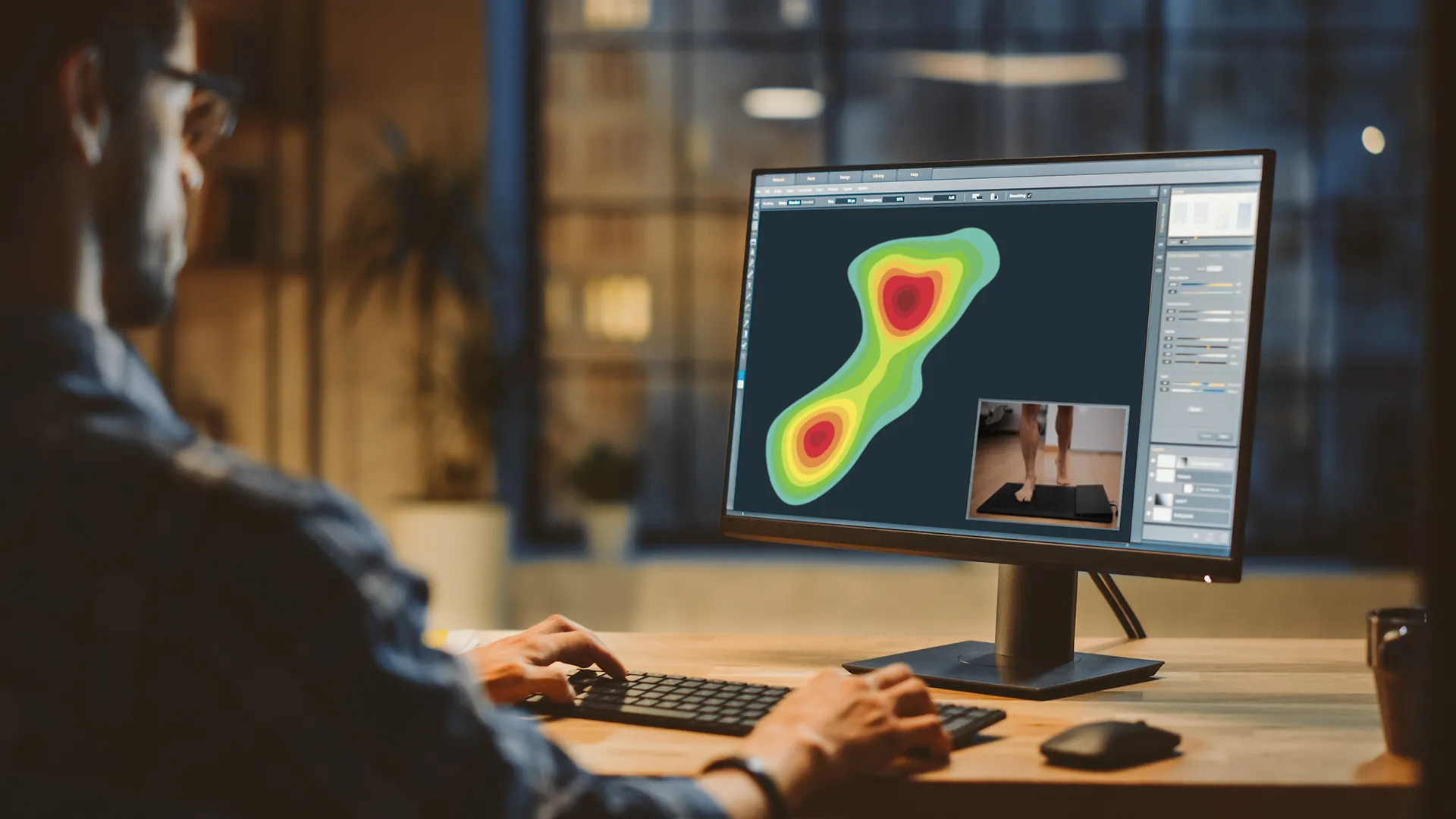
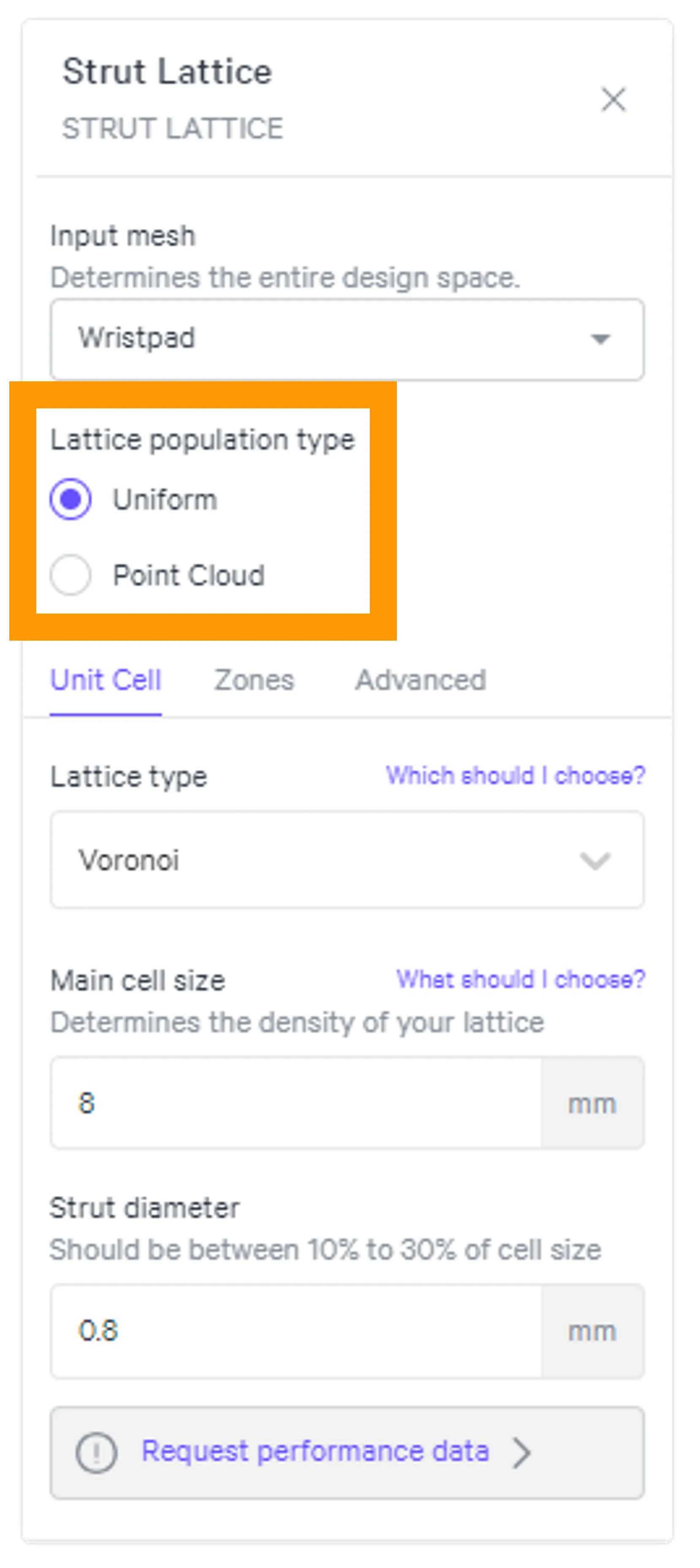
Both population types will apply specified unit cell parameters throughout the input mesh by default, but both types can still utilize Zones for variation within that design space as needed.
Strut Lattice Menus
Unit Cell
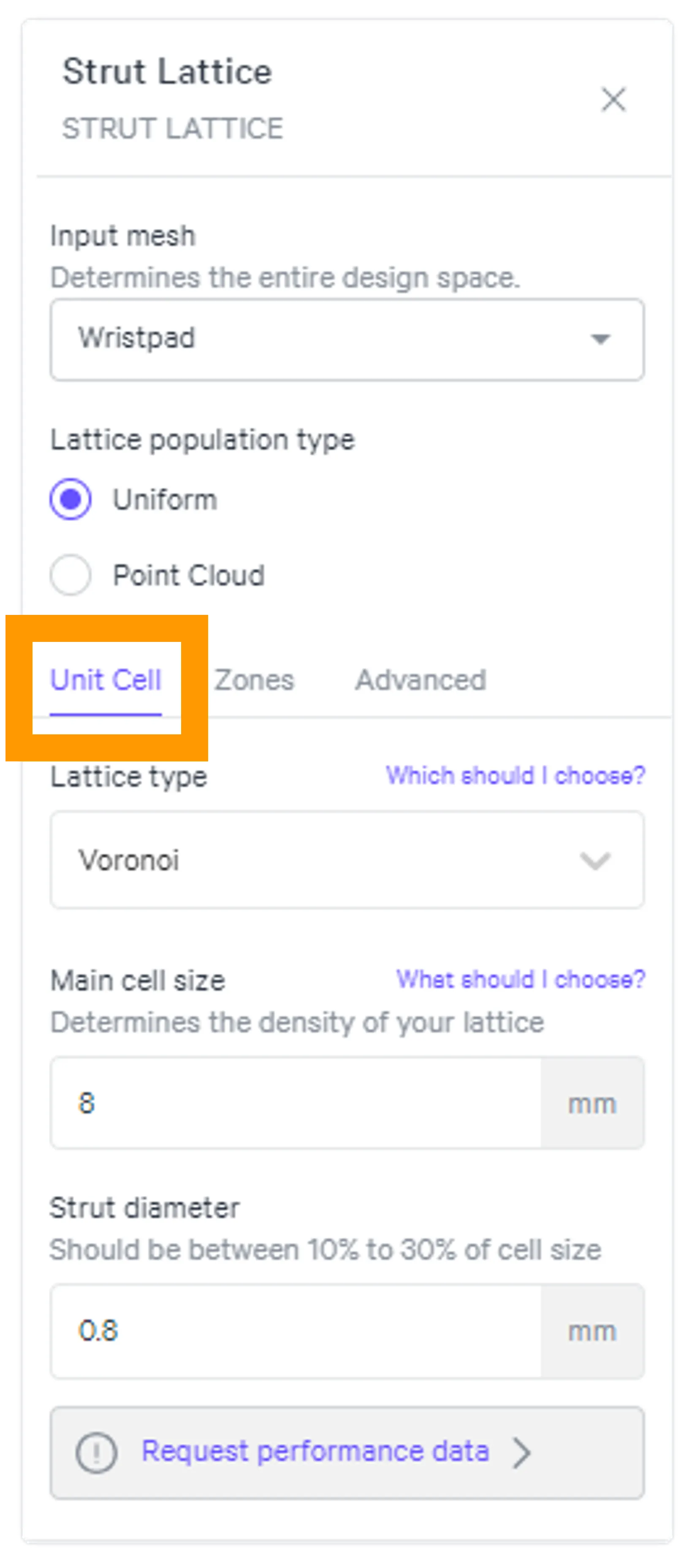
A strut lattice is comprised of unit cells, which are defined by three parameters:
- Lattice type
- Main cell size
- Strut diameter
You can select these parameters via two methods:
Zones
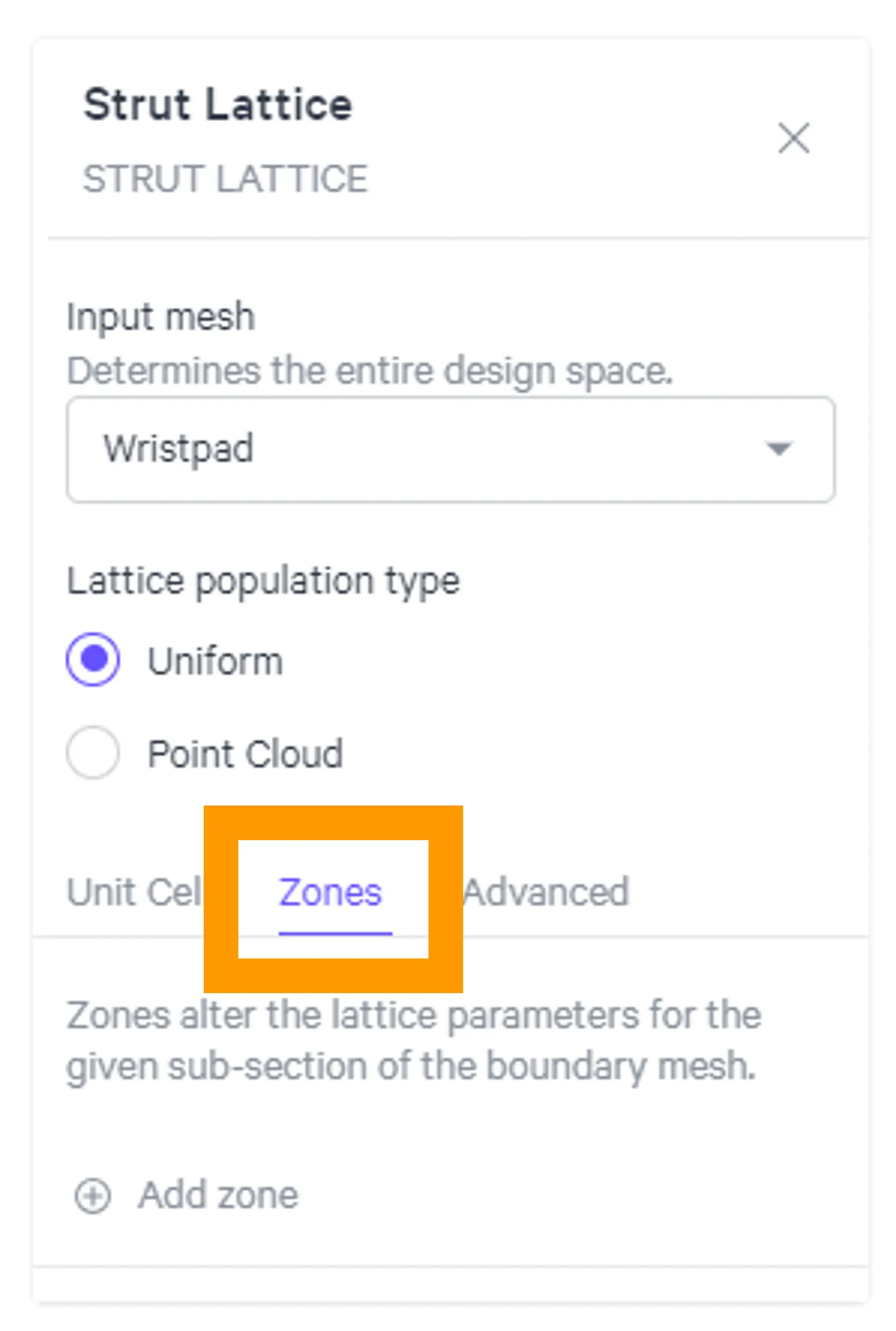
Zones allow you to have ultimate control over the performance of your lattice. If you require varied performance across your design space, you can utilize zones to vary lattice parameters by lattice type, cell size, strut diameter, or all of the above.
Reference multi-zone file preparation and zones to get the most out of this feature.
Advanced
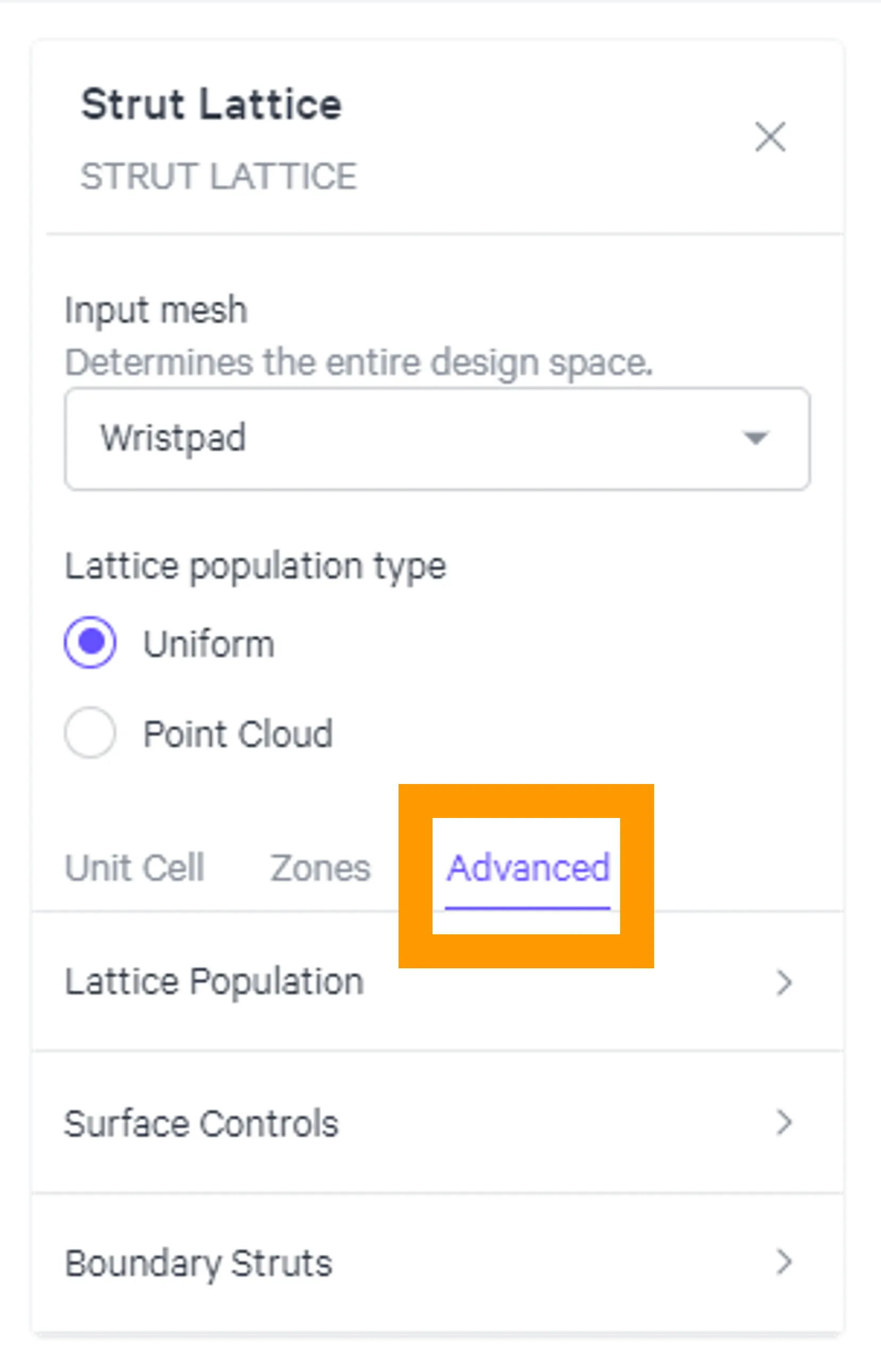
The advanced options provide additional control over how the strut lattice populates the design space.
Lattice Population
Lattice conformity in the design space can be adjusted via Cell Size Adaptivity, by allowing smaller cell sizes on the surface in smaller features.
Surface Controls
The aesthetics of your lattice can be just as important as the performance. You can fine tune the surface appearance with
Boundary Struts
Additional control is available for struts on the boundary of the design space. You can adjust Boundary Strut Diameter and/or apply additional struts on Feature Edges.
Strut Lattice and Solidify
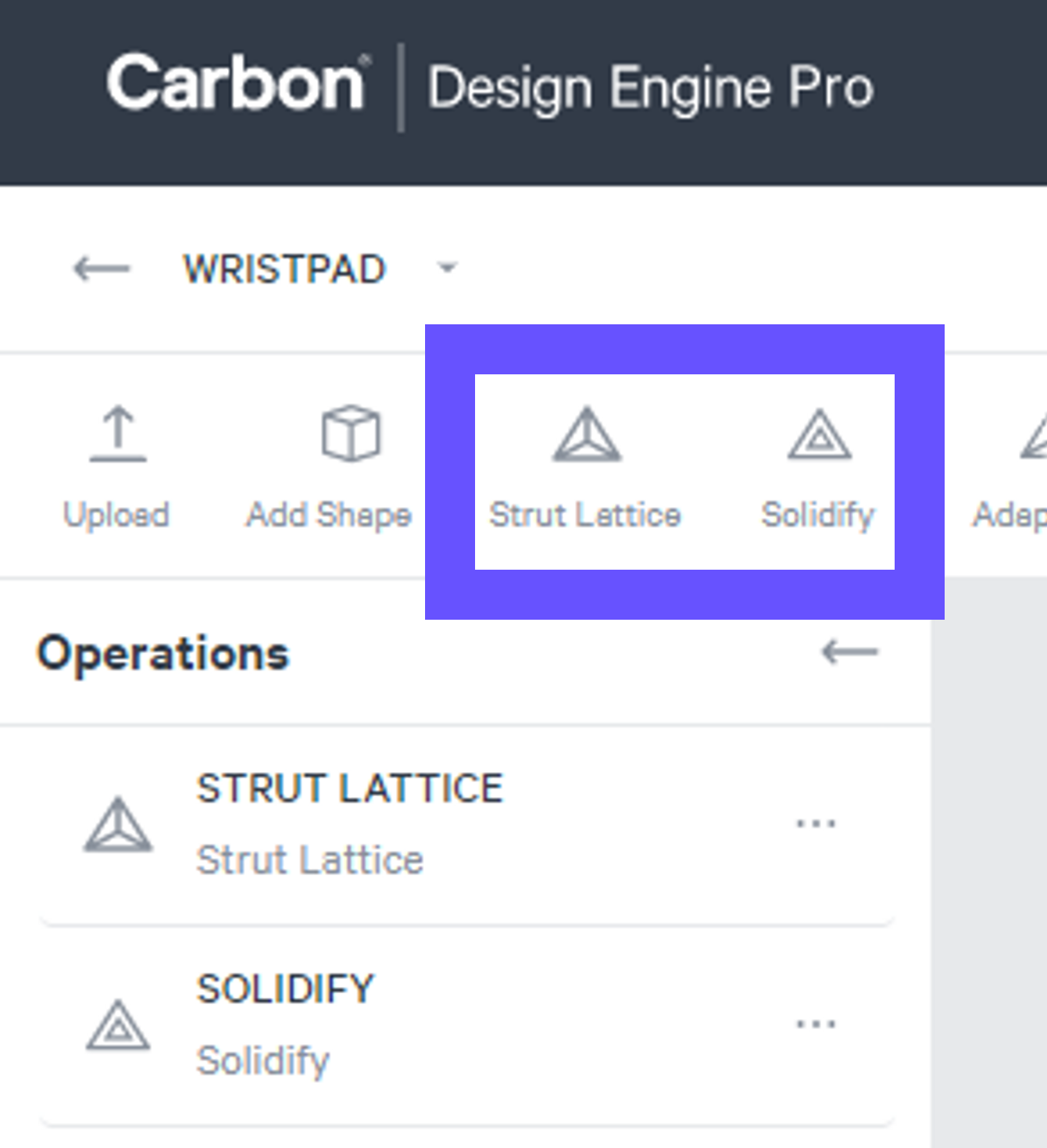
Strut Lattice and Solidify are a Team Both tools must be used to create a printable strut lattice.
Strut Lattice Strut Lattice is the foundational structure, derived from your specified parameters. At its core, this is a structure of unprintable lines and nodes.
Solidify Solidified lattices are derived from Strut Lattices but have been converted into a triangulated mesh, or STL file, for printing.
Strut Lattice and Solidify Visibility
- Strut Lattice can be viewed volumetrically (Preview or Diameter) or as lines (Paths & Nodes).
- Solidify accurately depicts the printable STL file, with all utilized features in play. If you are not seeing a feature depicted in a volumetric strut lattice view, you may need to view the solidified lattice.
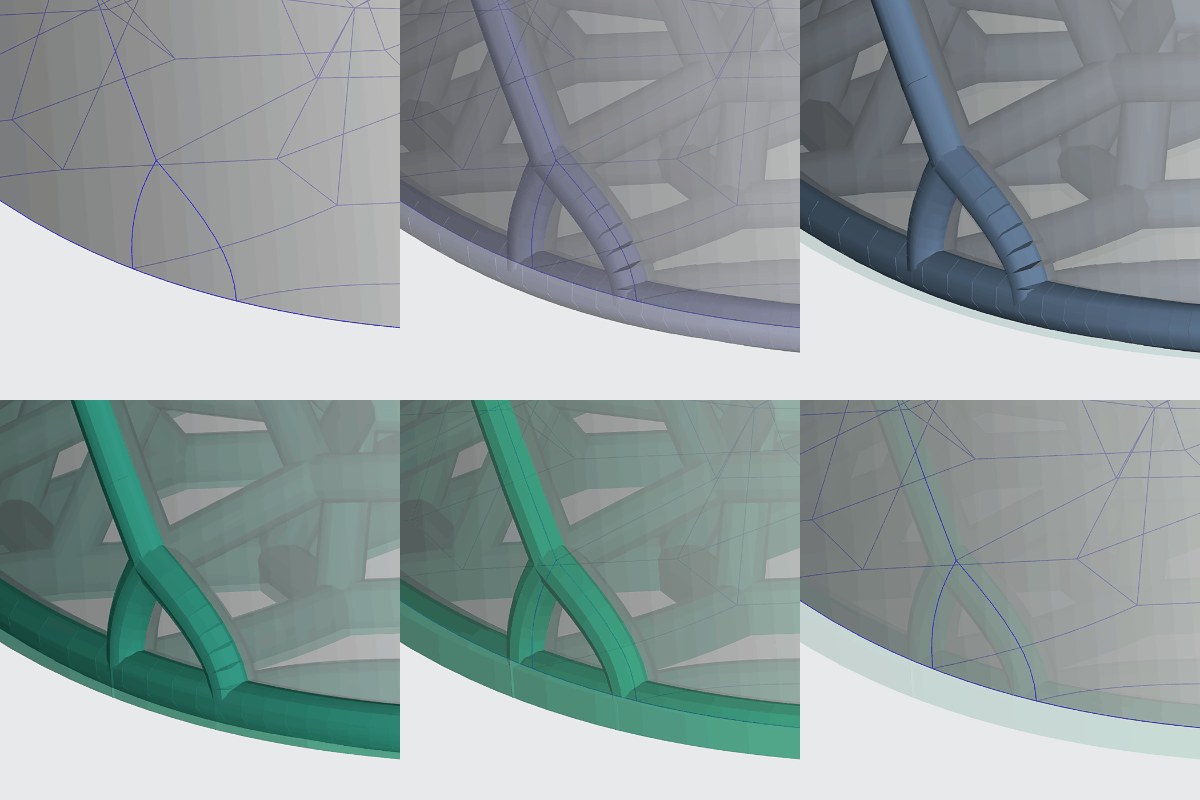
Strut Lattice The strut lattice lines are polylines, not splines, made up of line segments. The default view for Strut Lattices is to display them volumetrically with the specified strut diameter, helping you visualize the lattice in 3D. This view expands each line segment with a circular cross section of the specified diameter. Line segments along a curved strut may appear not fully connected on the outside of the curve. However, this is only a temporary visual representation and does not affect the integrity of your struts.
Solidify In the mesh conversion, all seemingly disconnected line segments are fully connected in the printable lattice.