Dental CAD Software Settings for DPR 10
Dental CAD software must be used to modify dental scans and design the production files. Settings to use when printing on a Carbon DLS printer in DPR 10 resin are available for 3Shape (including a DME file) and exocad.
These recommended settings are the best starting point for your models and dies. Adjustment for fit and design preference may be required.
exocad
exocad provides a handout on their 3D printer integration page that will provide the presets you need for Carbon M series printers.
Scroll to the Carbon section
Click the dropdown to View and download libraries
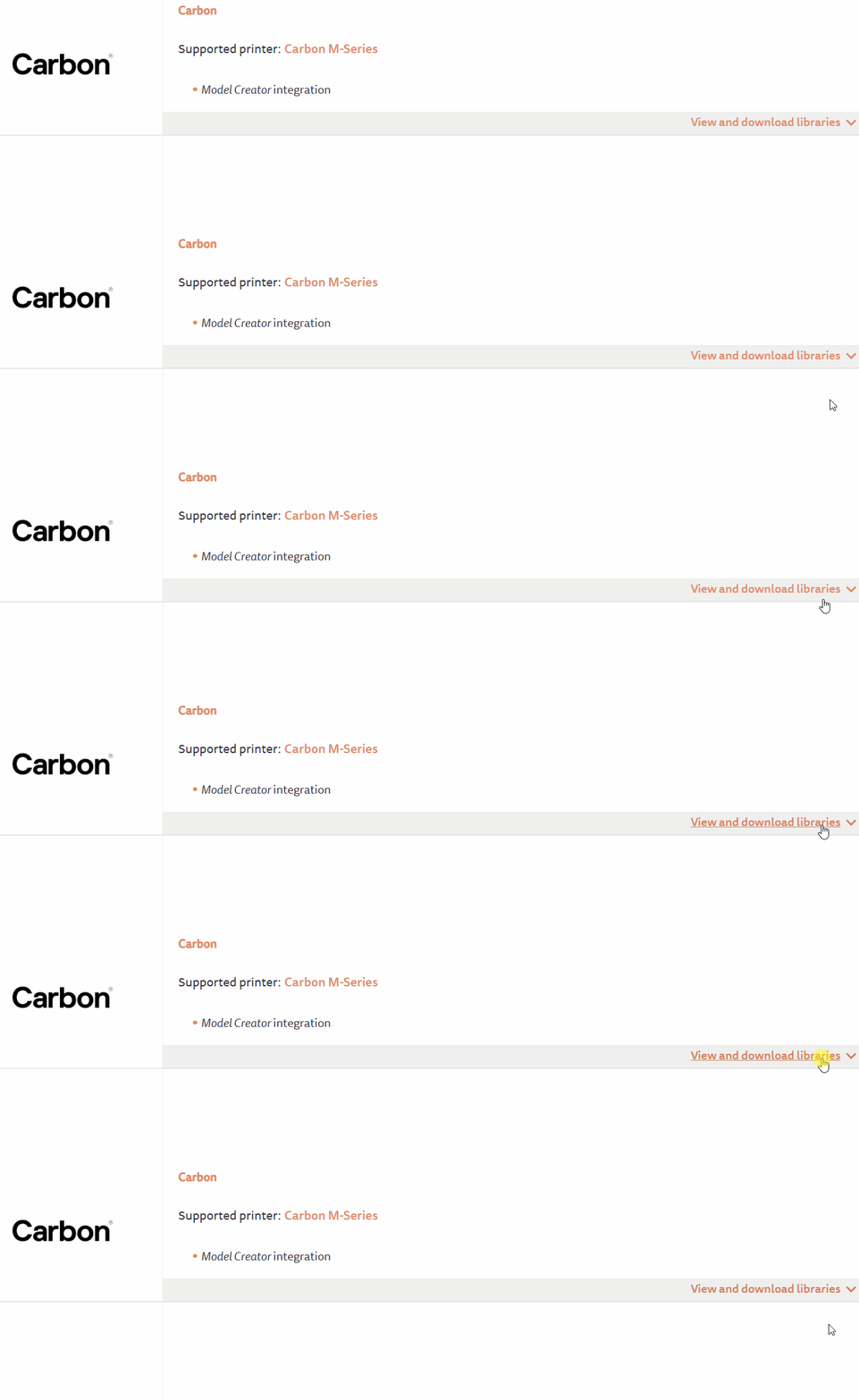
Add the Carbon handout to your download list and follow exocad's instructions
3Shape
Handout
Use this reference sheet to quickly configure 3Shape for DPR 10.
DME File
- Dental CAD programs can use a DME file to apply settings to your models. A DME file is a set of parameters that is tuned for specific manufacturing processes and resins.
- Carbon provides a DME for DPR 10 to use in 3Shape software.
- The DME file will hollow your models, apply vent holes, add friction bars to die pockets, enlarge die pins, and more.
- You may want to customize these parameters later for your specific needs.
The image to the right shows a number of parameters that are included in the DME file. The DME settings handout shows which settings are personal preference, and which are critical to a print's success and therefore should not be changed.
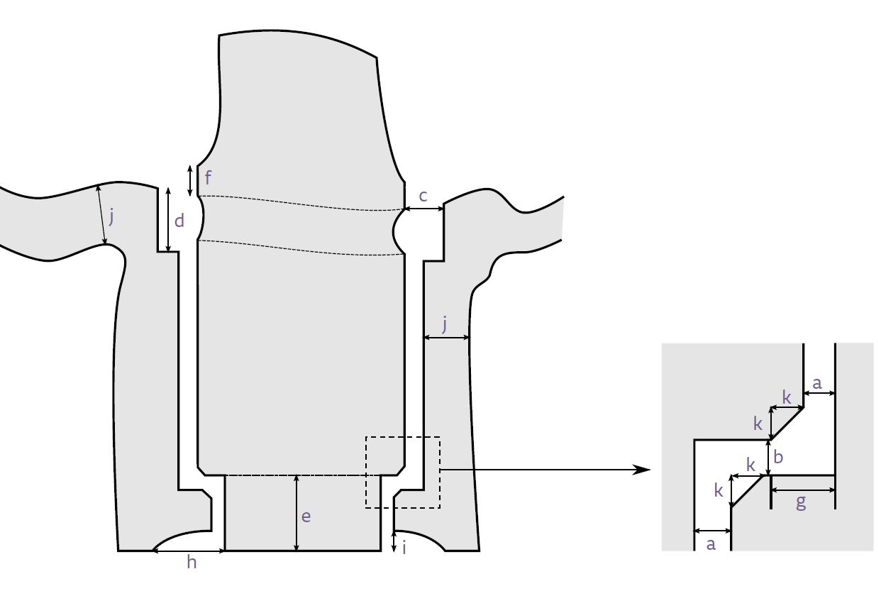
DME Settings for Printer UI after v1.37
DME Settings for Printer UI before v1.37