Vita Vionic Base Resin Impact
Overview
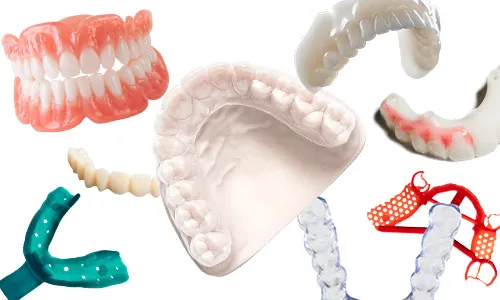
Vita Vionic Base Resin Impact is an impact resistant printing material for removable denture bases. The excellent impact resistance of the product reduces the risk of breaking under stress.
In addition to the fracture work, the high flexural strength and optimized modulus of elasticity values ensure a balanced property profile, forming the basis for long-lasting dentures.
- Long lasting Patients benefit from long-lasting dentures, thanks to the impact resistance of the material, which reduces the risk of breaking under stress. Low plaque adhesion contributes to wearing comfort.
- Well balanced The well-balanced mechanical property profile is impressive in terms of fracture work, flexural strength and modulus of elasticity.
- Excellent processing Short printing times, low shrinkage and high fitting accuracy are just as compelling as the great polishing characteristics.

Carbon has validated the following shades:
- pink
- pink translucent
This resin is not currently compatible with the AO Polishing Cassette.
Resource Links
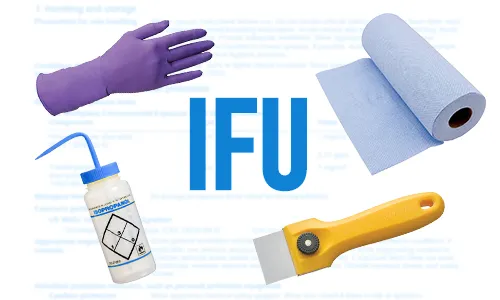
Scroll down to 'Instructions for Use' and click the appropriate region.

Scroll down to 'Safety data sheets' and click the appropriate region.
Protocol
This downloadable handout provides important usage information, including instructions about storage and post-processing. Print it out and bring it into the lab!
Design
See IFU above for manufacturer design recommendations.
Print Preparation
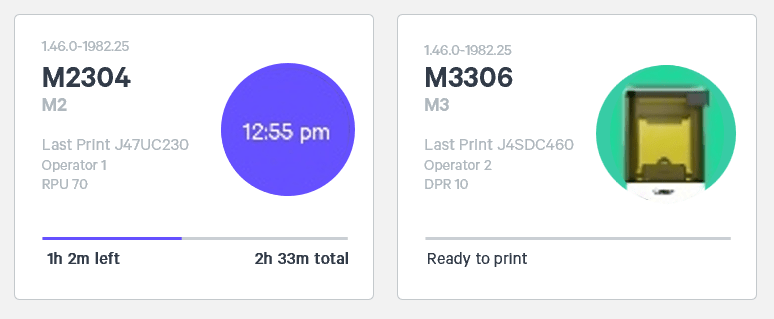
Connect to Printer
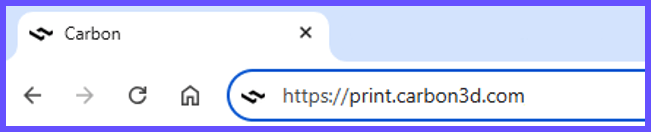
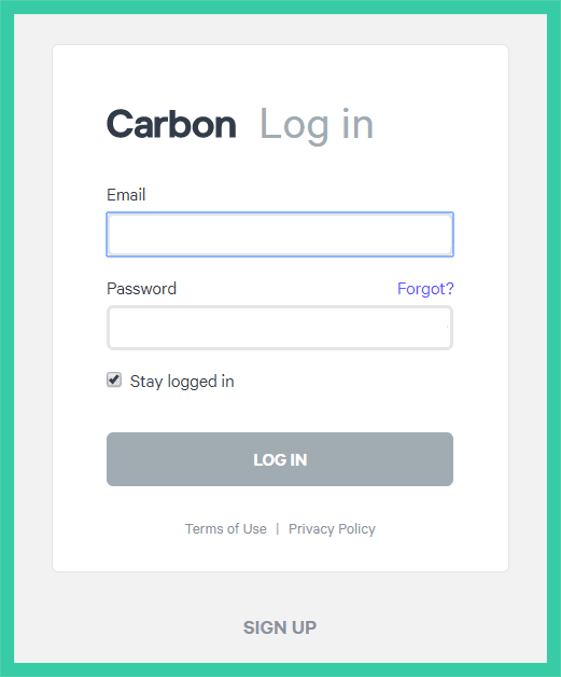
Connect to the printer software using your web browser.
Create Project
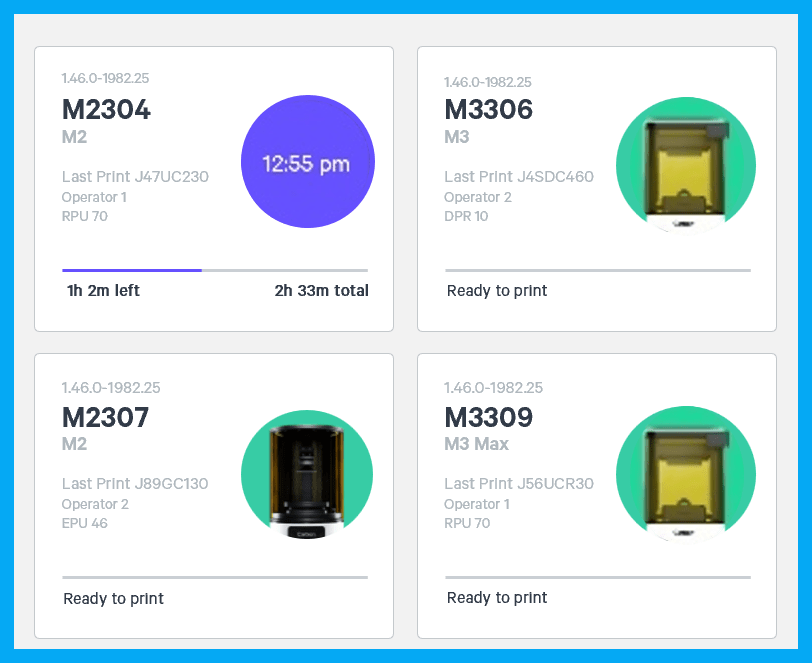
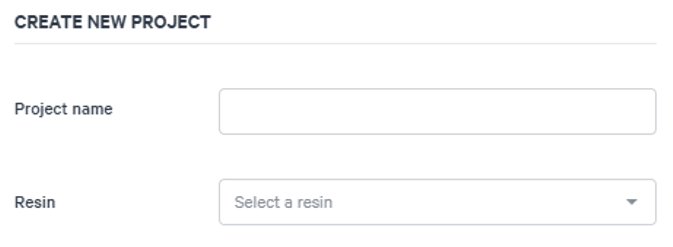
After you have chosen the printer, you must create a new project.
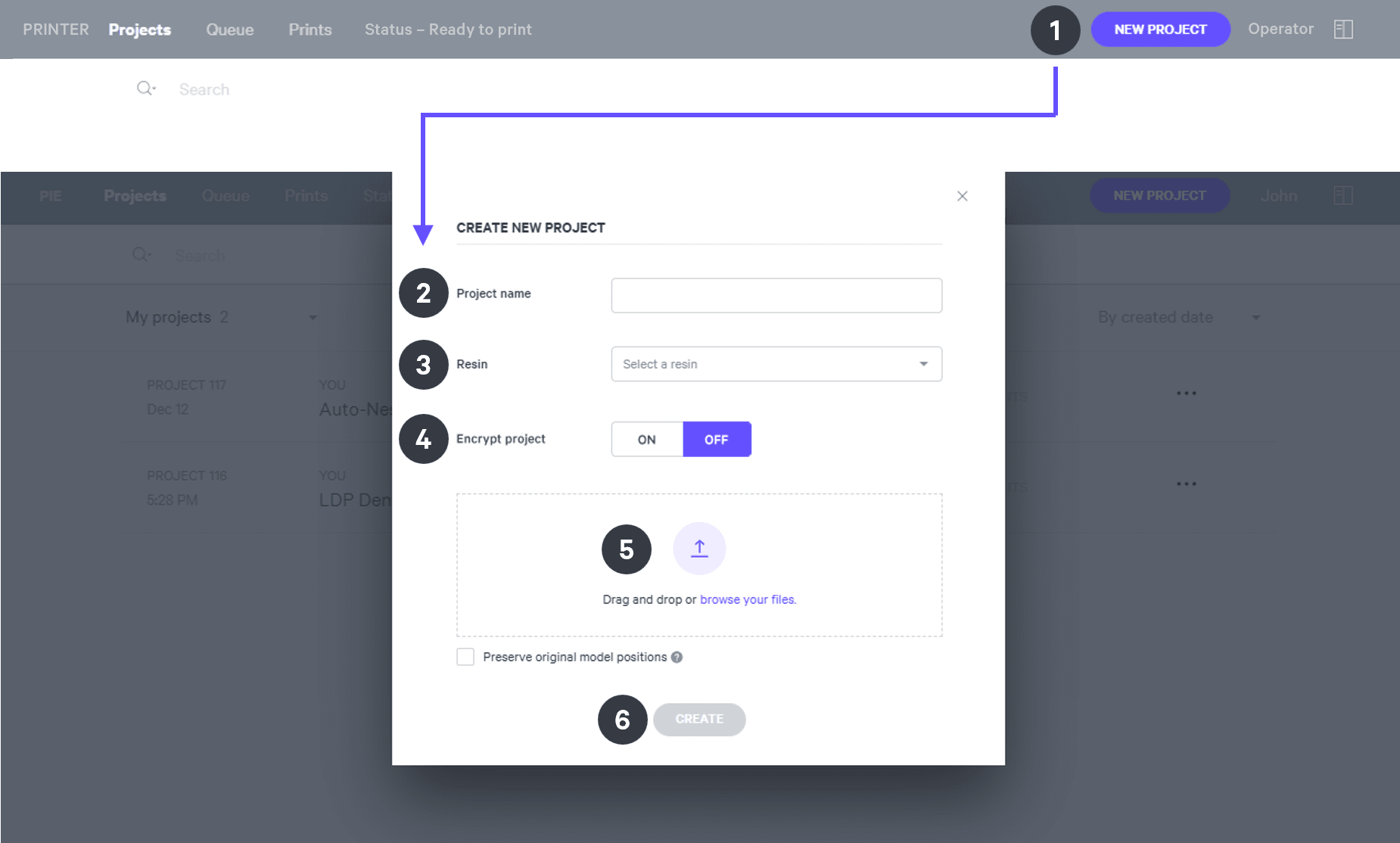
Orientation
For detailed information about orienting parts, read Orient.
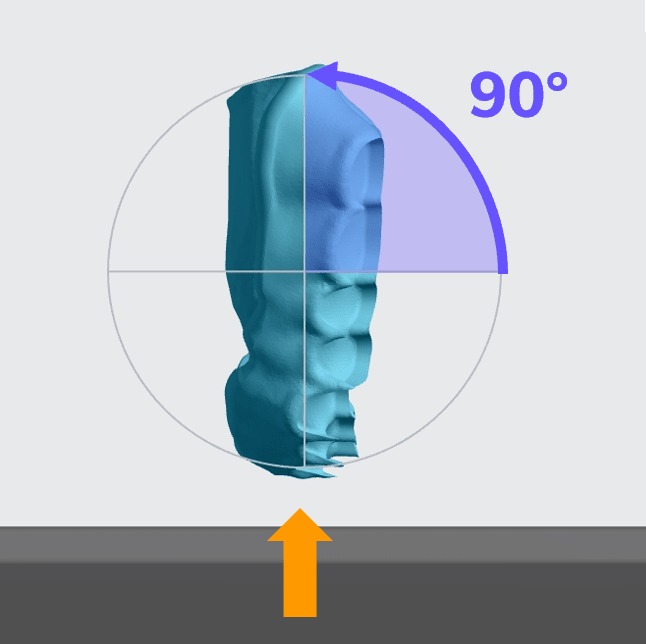
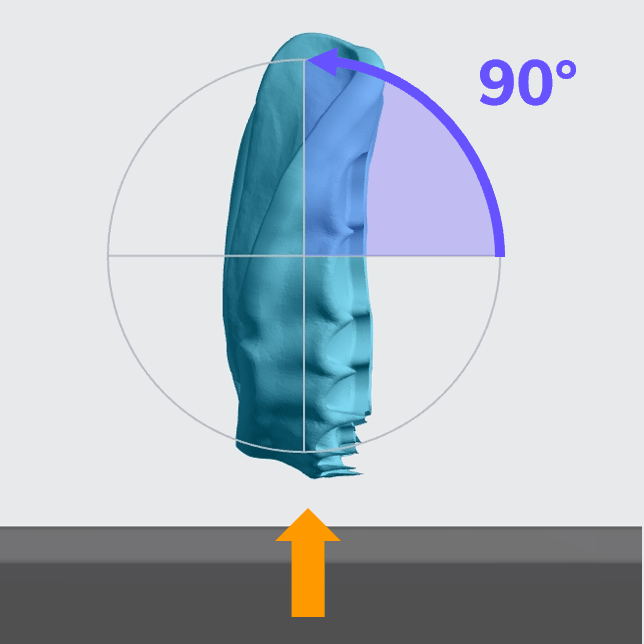
- Rotate denture bases to vertical to the platform with the anterior at the platform.
Upper Base
Lower Base
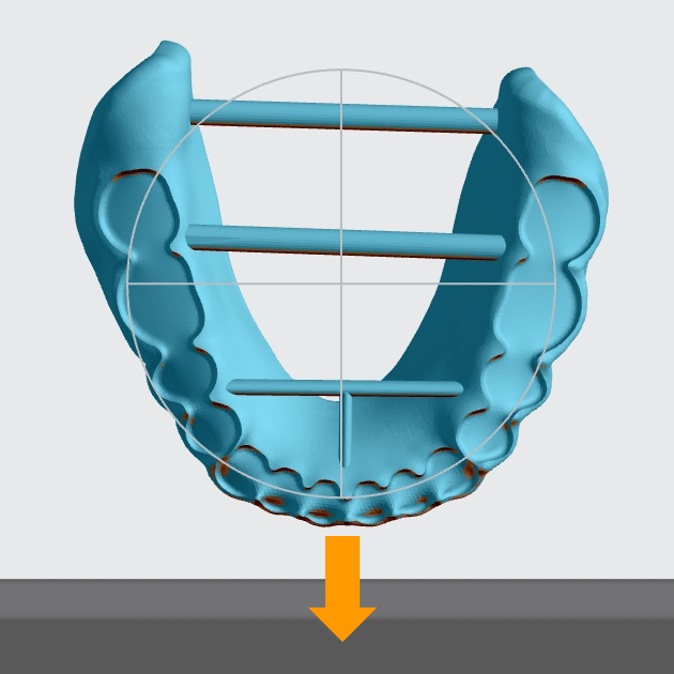
Supporting
See Supports for detailed information.
Select the Supports tab in the top bar or press Shift + S.

In the bottom bar, toggle Overhang Detection on and set the angle to 40 degrees.

Also in the bottom bar, set Toggle Platform to off.
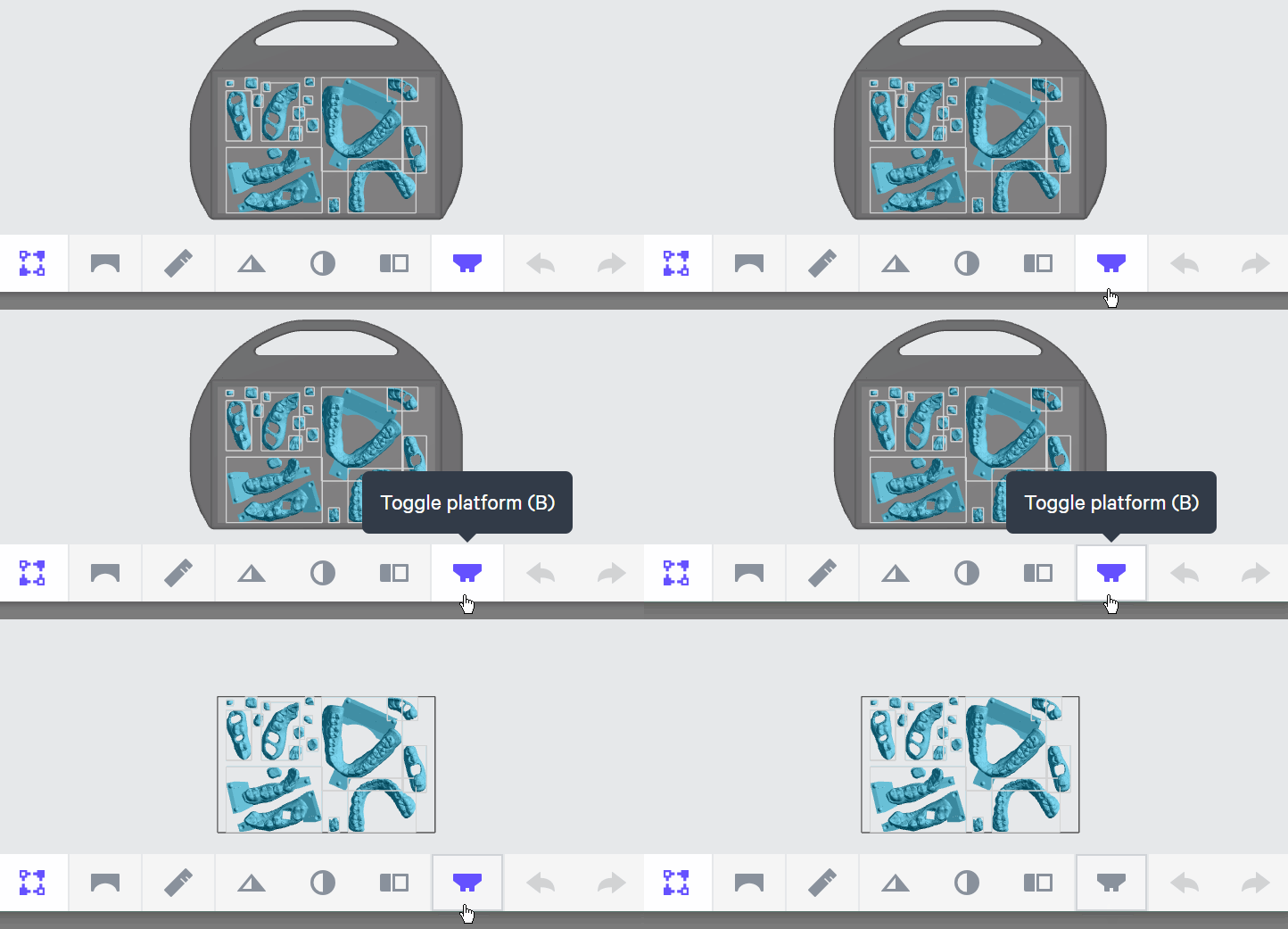
Set Part Postion to Above.

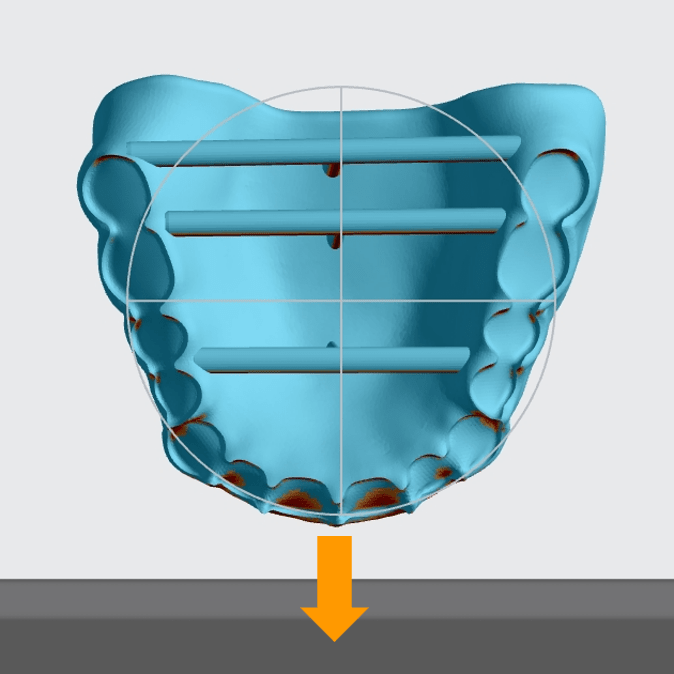
Support the labial anterior surface with the patch tool.
- Adjust the Overhang as needed, typically between 35 and 45 degrees.
- Set the Primary Support Type to Fence.
- Set Spacing as desired, typically 3.5 - 4.5 mm.
- Avoid placing supports in tooth pockets.

Support horizontal T-bars with fences.

Nesting
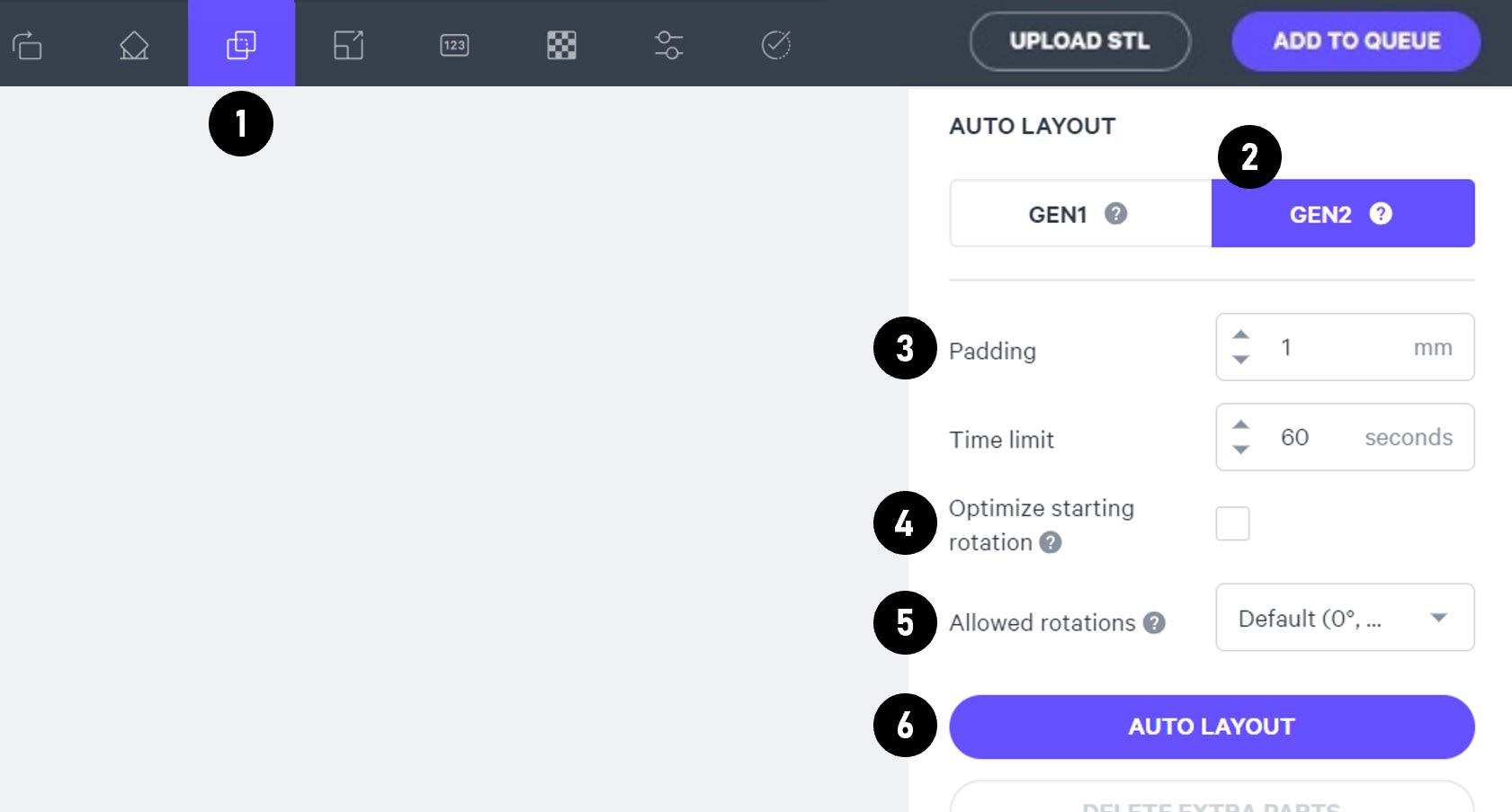
Select the Layout tab (Shift + L) in the top menu bar.
Under Auto Layout, select Gen2.
Gen2 usually gives the most efficient packing for dental devices.
Enter at least 1 mm in Padding.
Models require a minimum of 1 mm of space between them.
Leave Optimize starting rotation unchecked.
This leaves your parts in their previous orientations.
Leave Allowed rotations at the default setting.
This gives the software maximum flexibility to fit the most possible parts on the build platform.
Press the Auto Layout button to arrange your parts.
If necessary, nesting can be changed manually:
- Click and drag parts to adjust their position.
- Modify Z rotation by using the Spin tool or manual rotations under the Orient tab (Shift + O).
- Use the Part List tab as needed to more easily select models and focus on them.
Print Controls
Click Print Controls or Shift + P in the top menu bar.

Slicing
Set Slice Thickness to Standard (100 µm).

Reducing the slice thickness by choosing the Fine (50 µm) or Super-fine (25 µm) settings will increase print time and may reduce part quality and accuracy.
Project Analysis
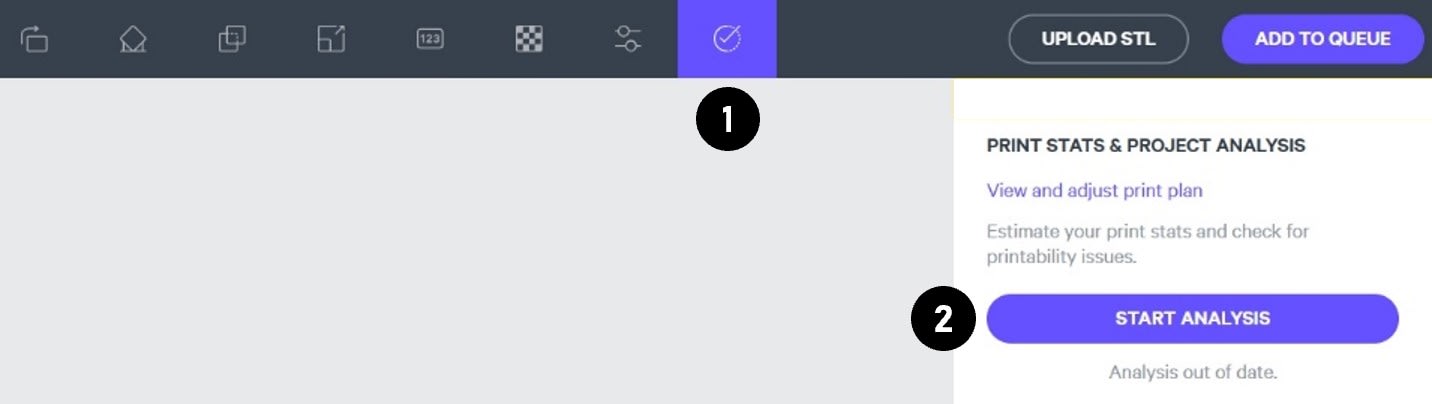
On the top menu bar, select the Project Analysis tab (Shift + A).
Press Start Analysis.
After a short time, the result of the project analysis will be displayed. Note the print time and the required resin volume.
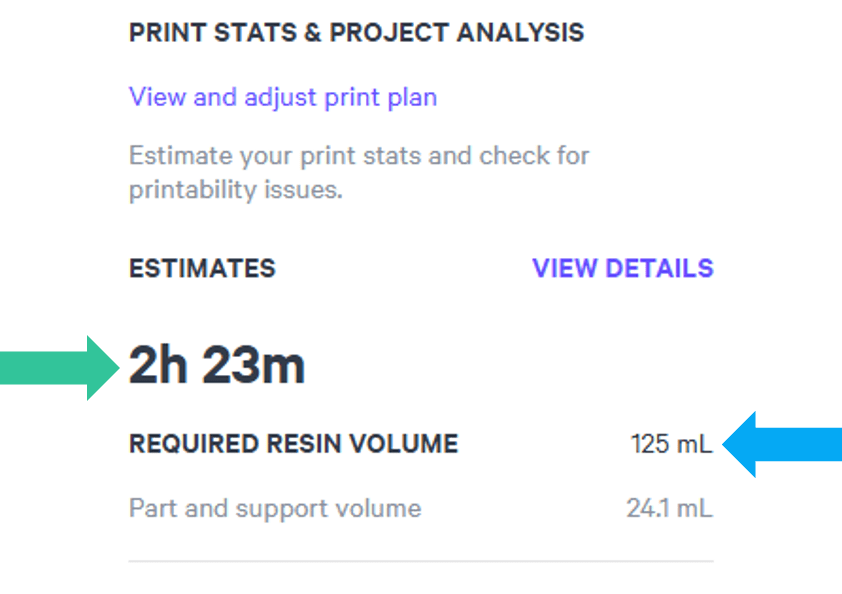
Click Add to Queue.

Printing & Post-Processing
Consult the manufacturer IFU for dispensing, printing, washing, curing, bonding and finishing information.
Scroll down to 'Instructions for Use' and click the appropriate region.
Questions & Support
For questions about the resin properties, printing, washing or curing your parts, please contact the Vita support team:
- Phone: +49 7761 562 222
For questions about your Carbon printer or Carbon software settings used for this resin, please contact Carbon:
- Email: [email protected]
- Phone:
- U.S. and Canada 1-650-285-6307 option 2
- Germany +49 6102 5790849
- UK +44 (0) 2082 647484
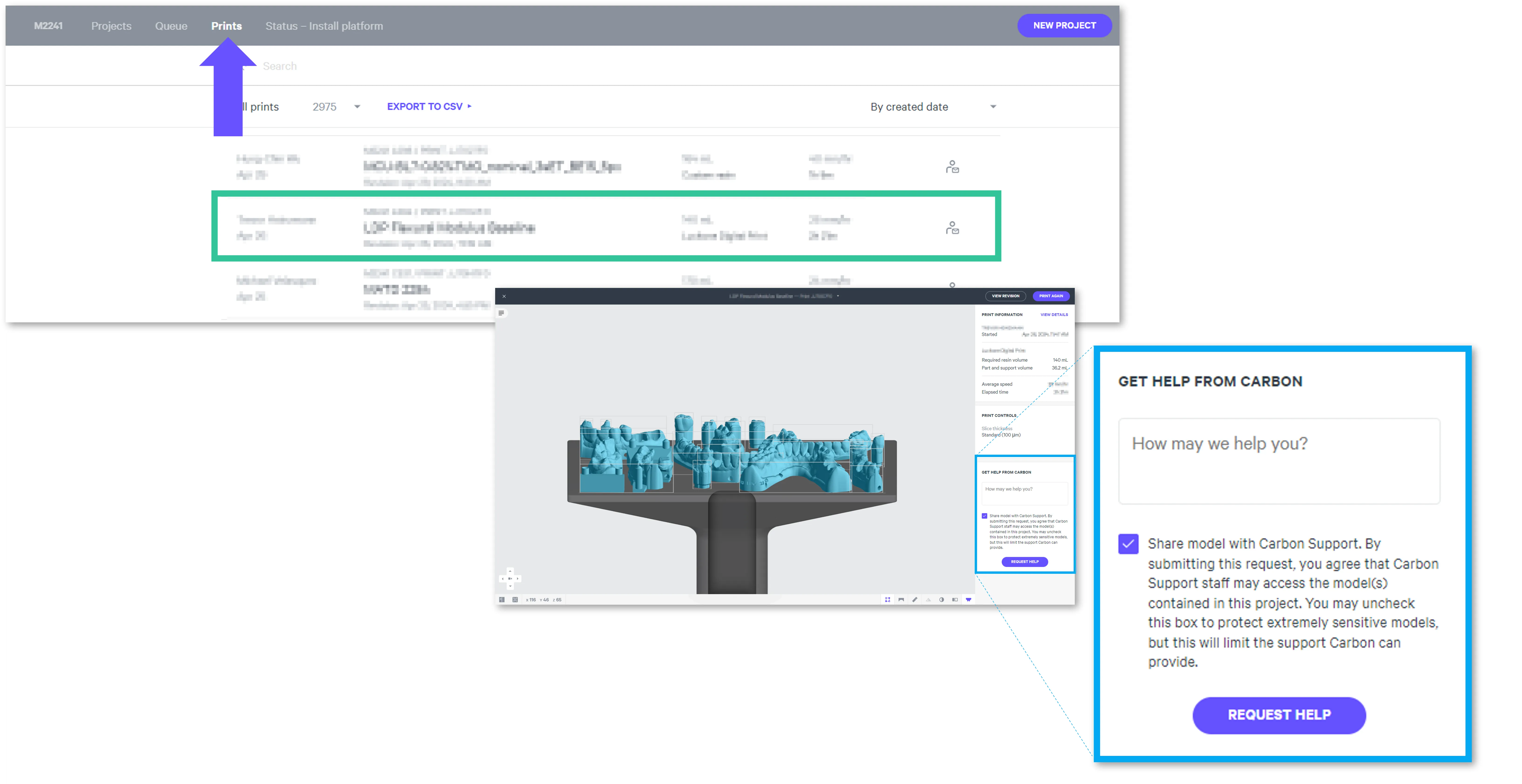
- Printer UI: On the dashboard, select the Prints tab. Select one of the printed projects. Click Request Help in the lower right corner.