Tears
Tears
Part feature prints properly and breaks at a later point.
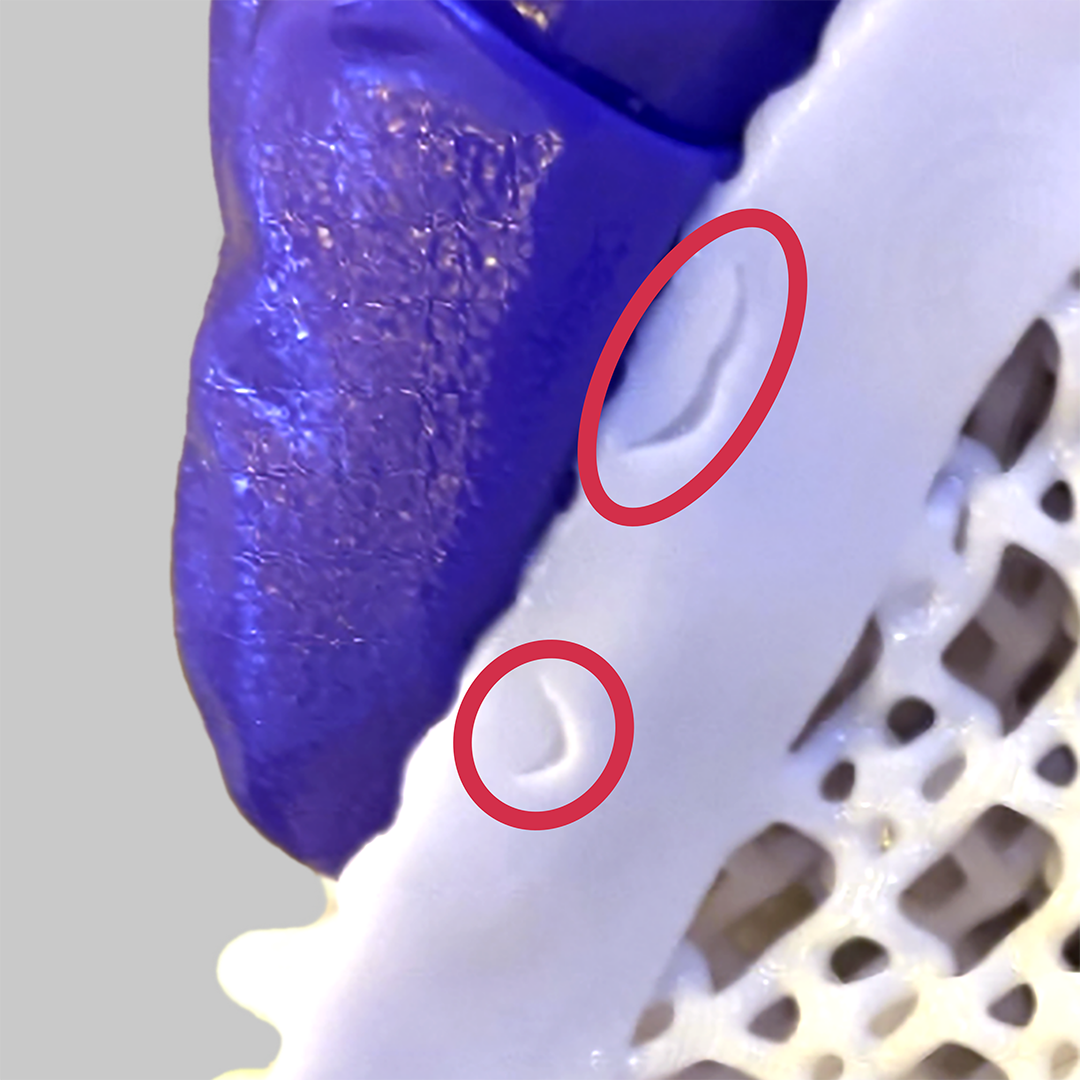
How to Identify
Tears can be diagnosed as follows:
- Areas of breakage will fit together like puzzle pieces.
- Features will not be missing printed material when the broken area is held back together.
- Occurs on elastomeric parts.

Broken Struts and Tears are defects that arise from the same issue but one appears on lattices and the other on surfaces, respectively.
Rigid parts experience Chipping instead of Broken Struts or Tears.
Cause - Printing Forces From a Layering defect tearing under forces
Solution - Print Preparation or Part Design.
Cause - Inconclusive
Cause - Post-Processing
Troubleshooting
Try the following actions in order.
- Process Checks
- Print Preparation or Part Design Adjustments
It is recommended that you review all the possible solutions before taking action to ensure you are pursuing the best course of action.
Process Checks
Most tears occur during post-processing. Review the scenarios below and verify if any apply to operating procedures.
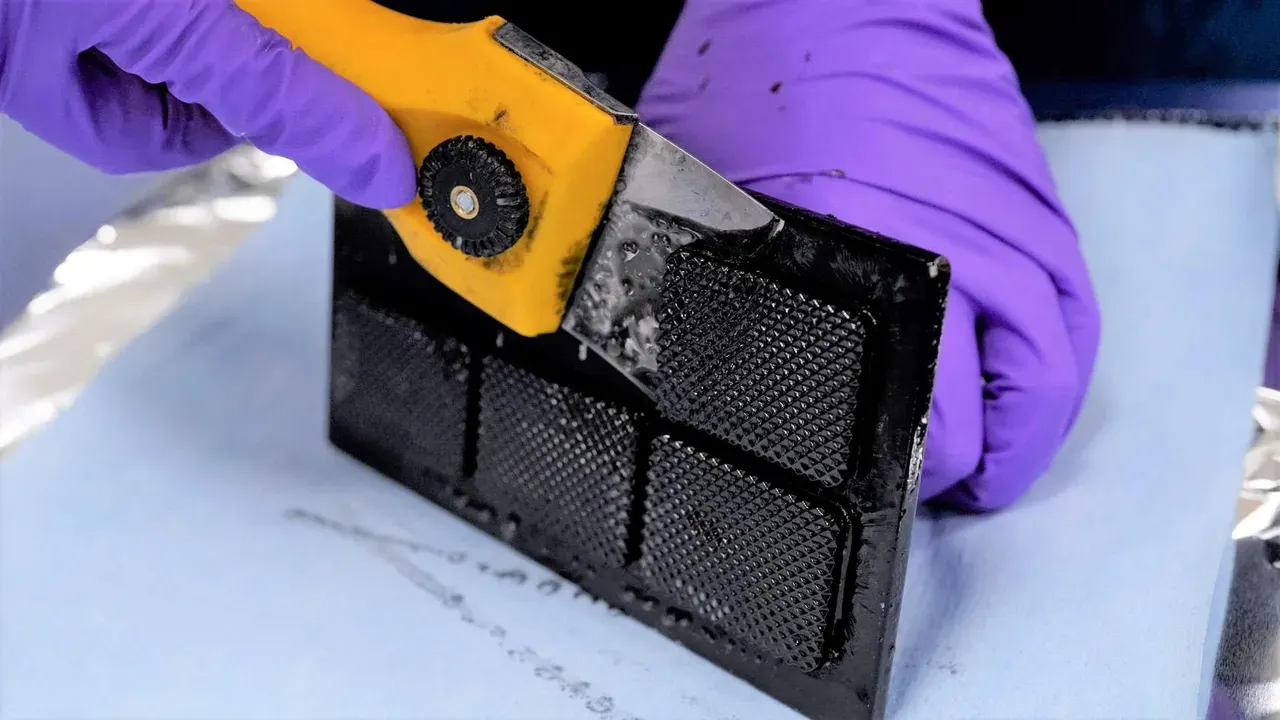
Print Preparation or Part Design Adjustments
It is less common for tears to occur during printing but can occasionally happen due to print forces. The following solutions will address print or part-related causes of the defects. Choose among the suggested actions below and select the best approach for your application. Usually, only one type of adjustment is needed.
If problems persist, please reach out to Carbon Support.
Explanation & Causes
Explanation
Tears can occur in elastomeric parts when they are stretched and pulled to the point of breakage. This can occur during post-processing or printing, with the former being the common scenario.
Causes
Post-Processing
How the part is handled in post-processing is causing the defect.
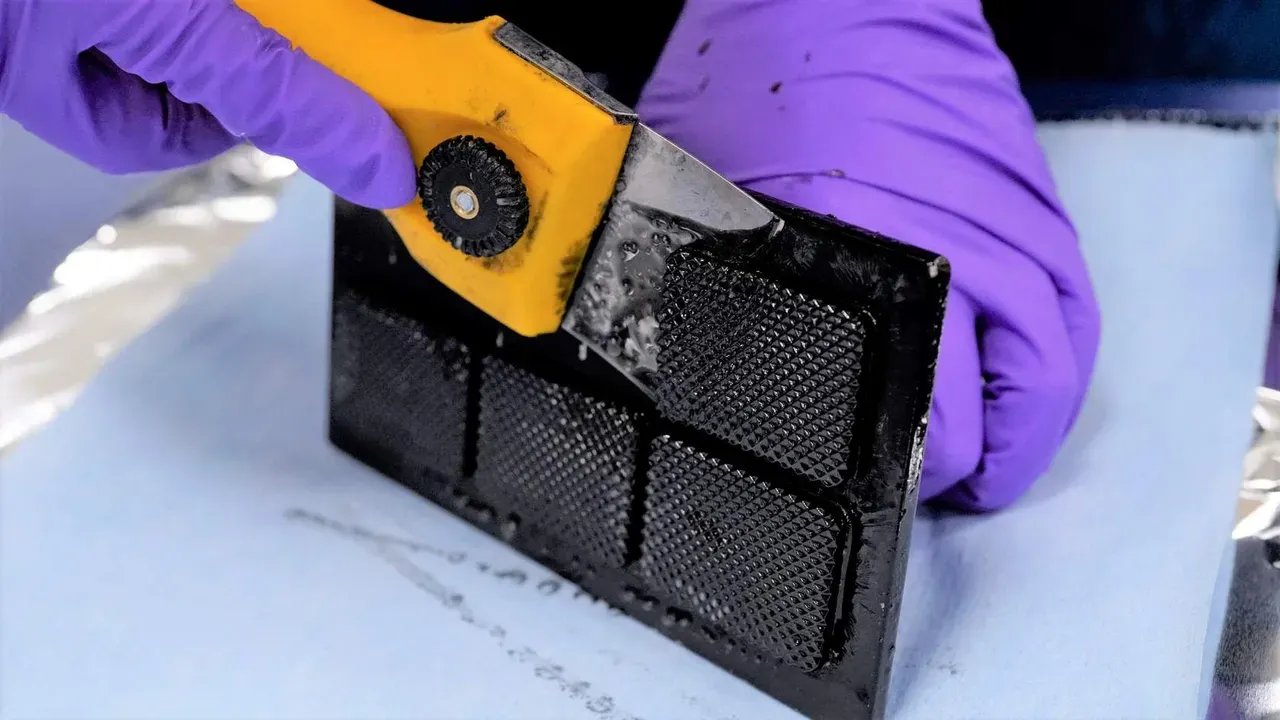
Root Issue | Problem | Why Defect Presents |
|---|---|---|
Platform Removal | Aggressive | Elastomeric resins are delicate in the green state and require gentle handling. |
Print Plan Adjustments
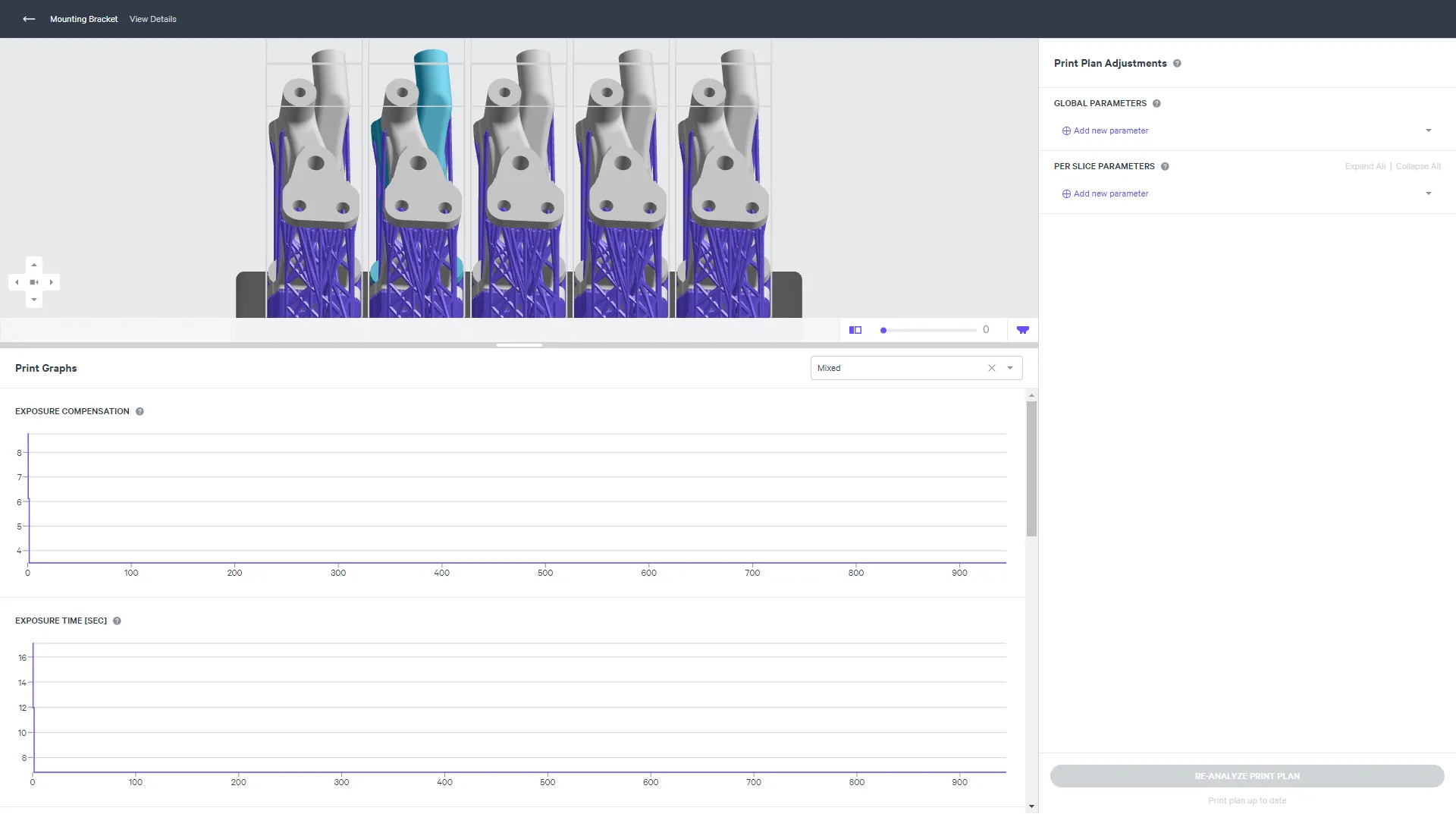
Print Plan Adjustments adjust the print plan to optimize mid to high volume production and/or address part defects.
In doing so, adjustment may both prevent or cause defects. Below are adjustments that can cause this defect.
Printing Stage | Parameter Type | Type of Adjustment | Why Defect Presents |
|---|---|---|---|
1 Pump Up | Platform Speed | Increase | Increased Motor Up Speed increases suction forces which can be especially problematic if a large cross section occurs later in the print after delicate struts. |