Cracking - Bulk
Bulk Cracking
Cracks/fissures form during the thermal curing process at high stress points.
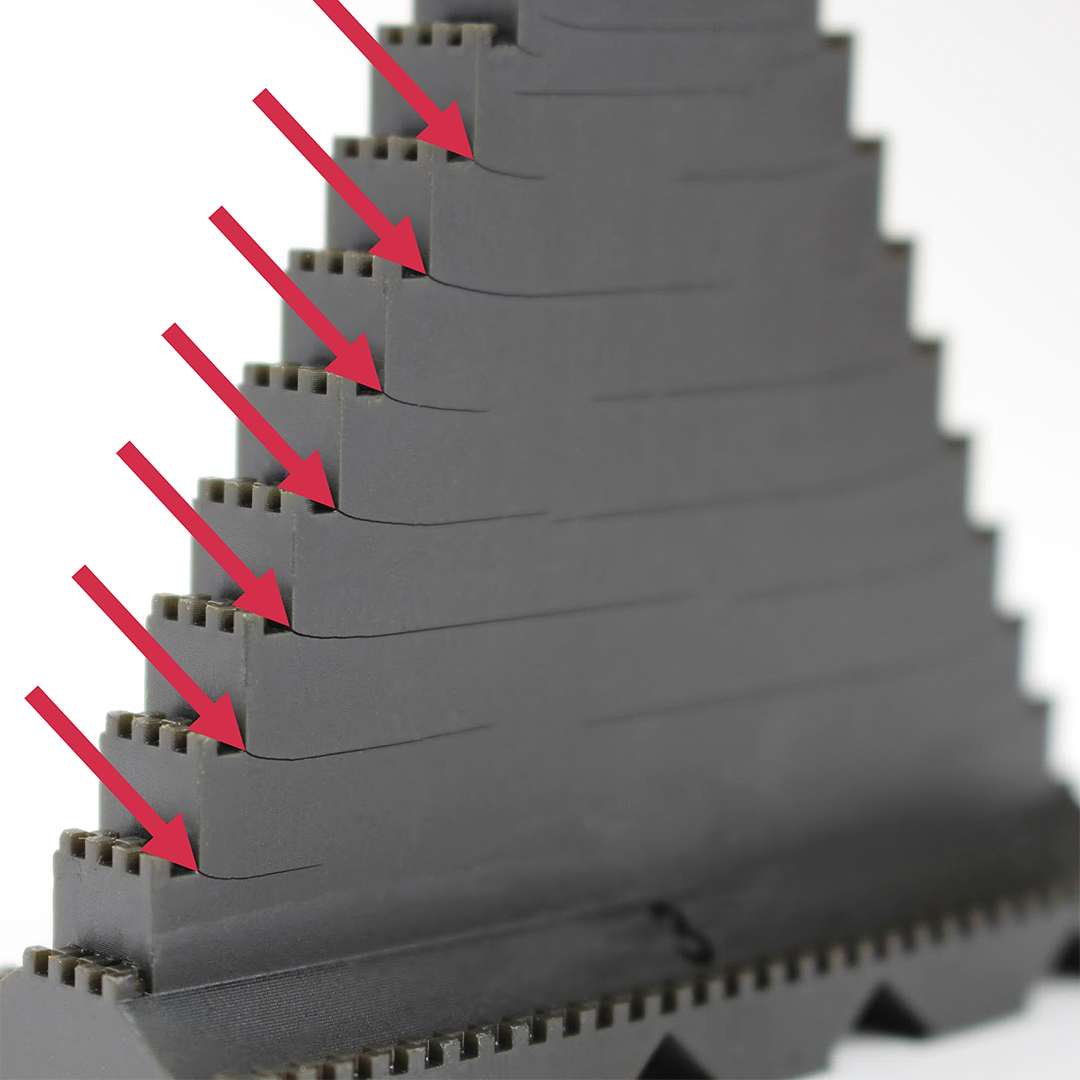
How to Identify
Bulk cracking can be diagnosed as follows:
- Cracks appear as thin, dark lines in the part, occurring at stress points such as a corner
- Lines appear after baking. Parts look fine off of the printer and after washing.
Bulk cracking is differentiated by other types of cracking by where it occurs on the part. This is a geometry-based form of cracking that occurs solely at stress points.
Reference Cracking - Medial Axis and Cracking - Excessive Solvent for other types of cracking.
Cause - Inconclusive
Cause - Inconclusive
Troubleshooting
It is recommended that you review all the possible solutions before taking action to ensure you are pursuing the best course of action.
If the best course of action is not apparent, try the troubleshooting options in the order listed. Refer here for more tips.
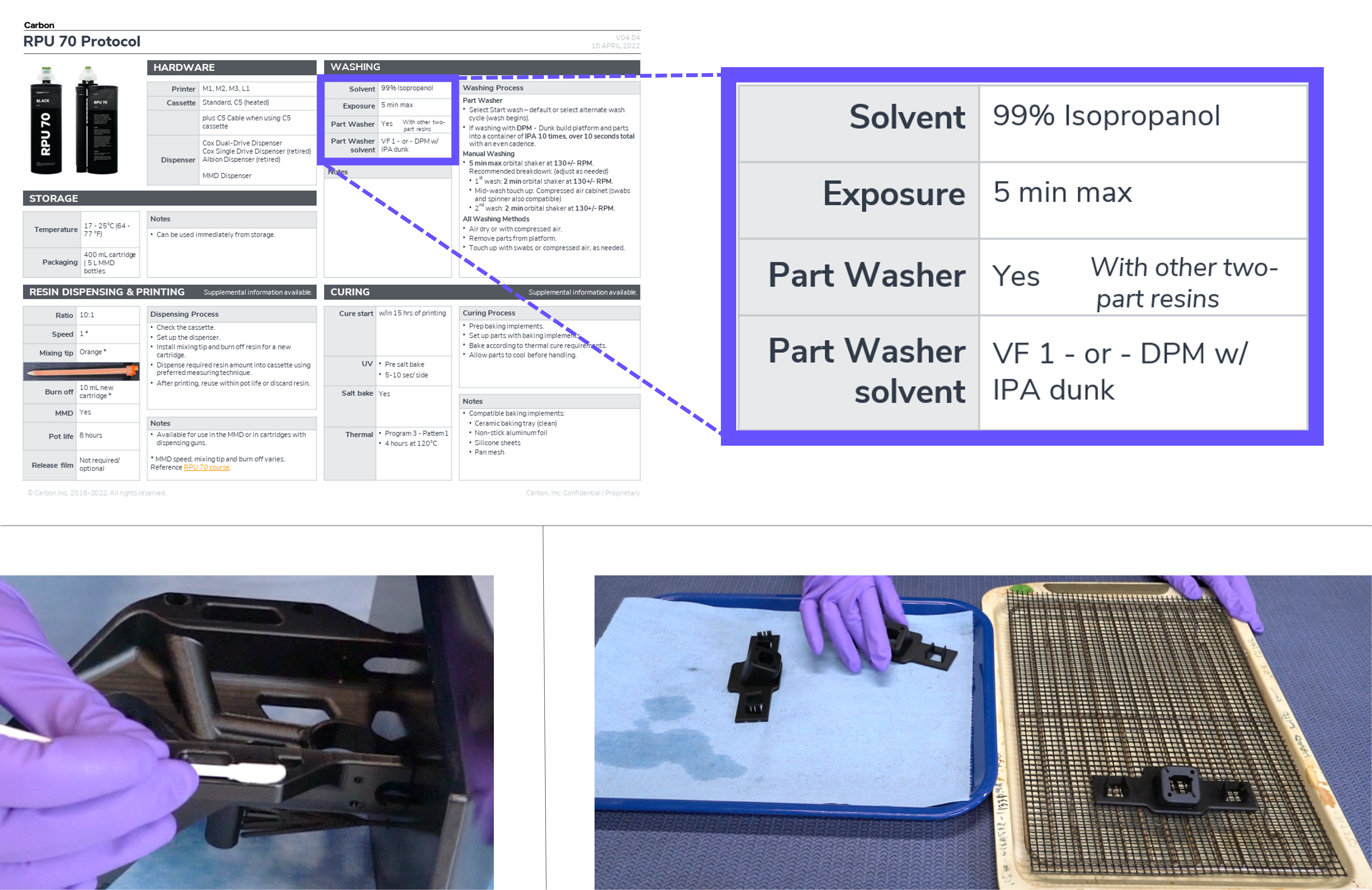
Process, Material, and Hardware Checks
If any of these conditions apply to your print, take the corrective action and reprint to see if the problem is resolved.
Print Preparation or Part Design Adjustments
The following solutions will address print or part-related causes of the defects. Choose among the suggested actions below and select the best approach for your application. Usually only one type of adjustment is needed.

If problems persist, please reach out to Carbon Support.
Explanation & Causes
Explanation
Bulk cracking occurs when stresses build up during the print and are then released in the bake. The most susceptible conditions of bulk cracking are:
- Sharp inside corners
- Excessive solvent exposure
- Brittle resins: EPX
Causes
Post-Processing
How the part is handled in post-processing is causing the defect.
Root Issue | Problem | Why Defect Presents |
|---|---|---|
Washing | Solvent exposure | Too much solvent exposure weakens the material, making stress points weaker. |
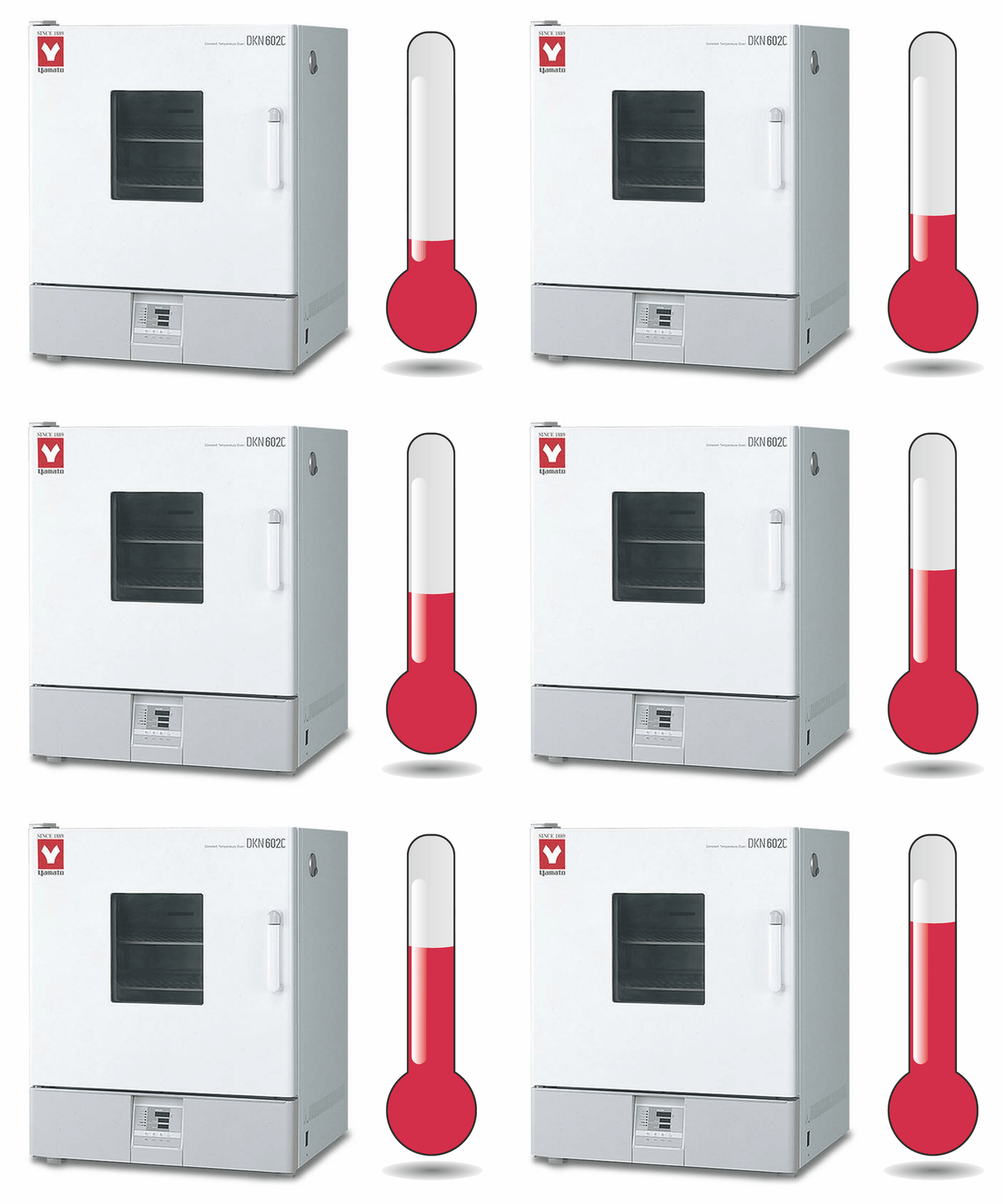
Baking | Wrong bake schedule | The most common resins for bulk cracking are the brittle resins (EPX) that use a ramping program to raise the temperature slowly and prevent thermal shock. |
Print Preparation or Part Design
How the part is oriented, supported, or designed is causing the defect.

Root Issue | Problem | Why Defect Presents |
|---|---|---|
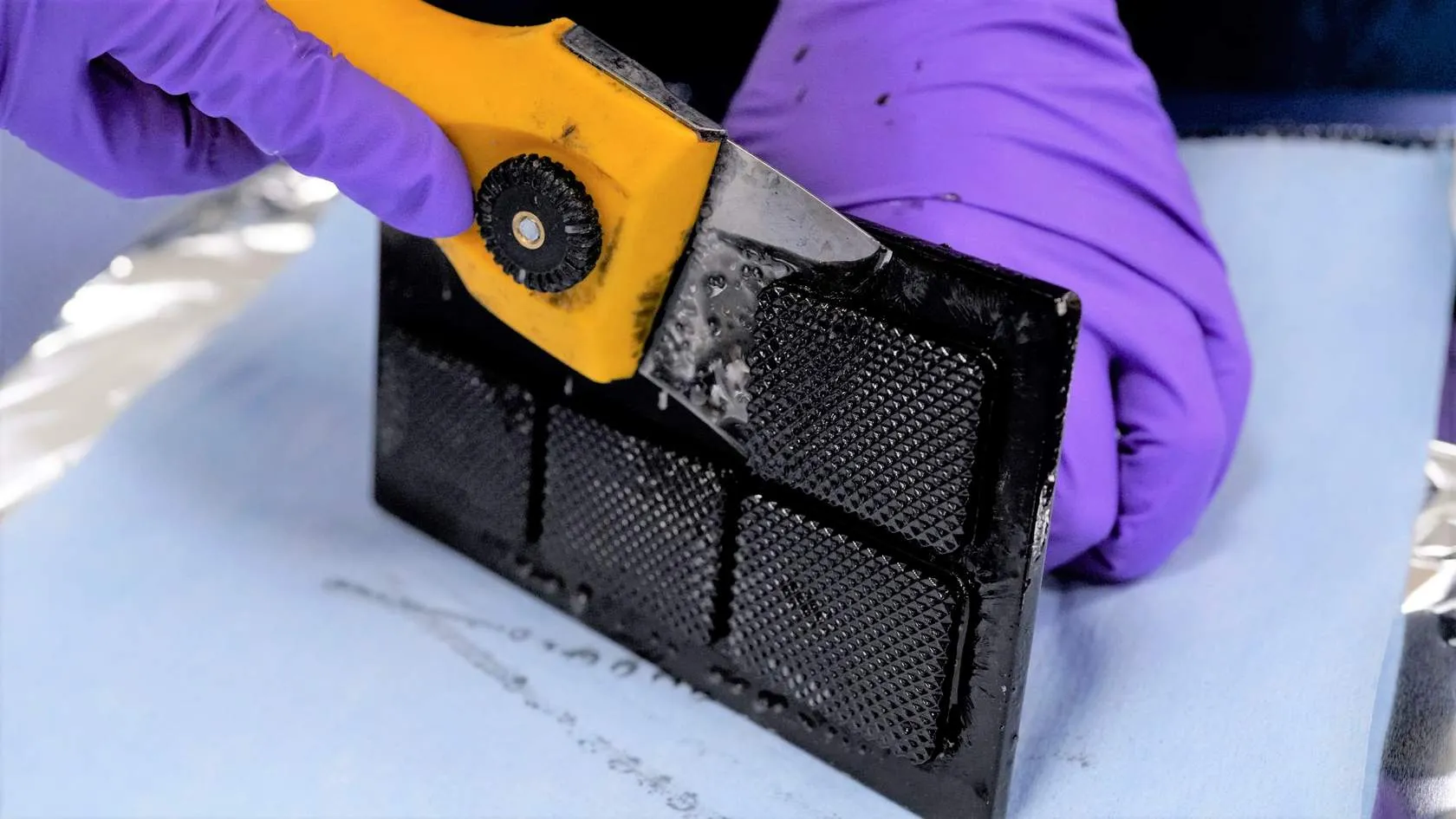
Design | Sharp inside corners | Stress points such as sharp inside corners are weaker under thermal shock. |