Symmetry
4 min
The design space will often perform better both functionally and aesthetically when symmetry is taken into account. Design Engine will allow you to choose a symmetry option that works best for the design.
Accessing Symmetry
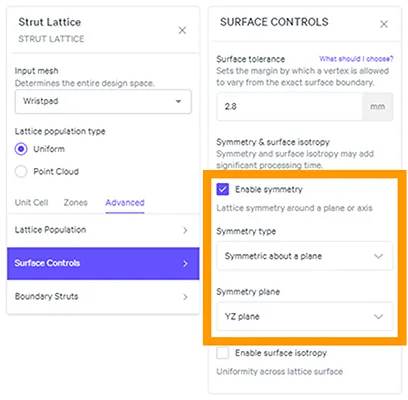
STRUT LATTICE (operation)
- Advanced (tab)
- Surface Controls (sub-menu)
- Enable symmetry
Symmetry Options
Lattice symmetry can be applied around a plane or axis.
- Plane symmetry
- YZ plane
- XZ plane
- XY plane
- Rotational symmetry
- X axis
- Y axis
- Z axis

File Prep for Symmetry
Position the design space in native CAD around the origin for best results.
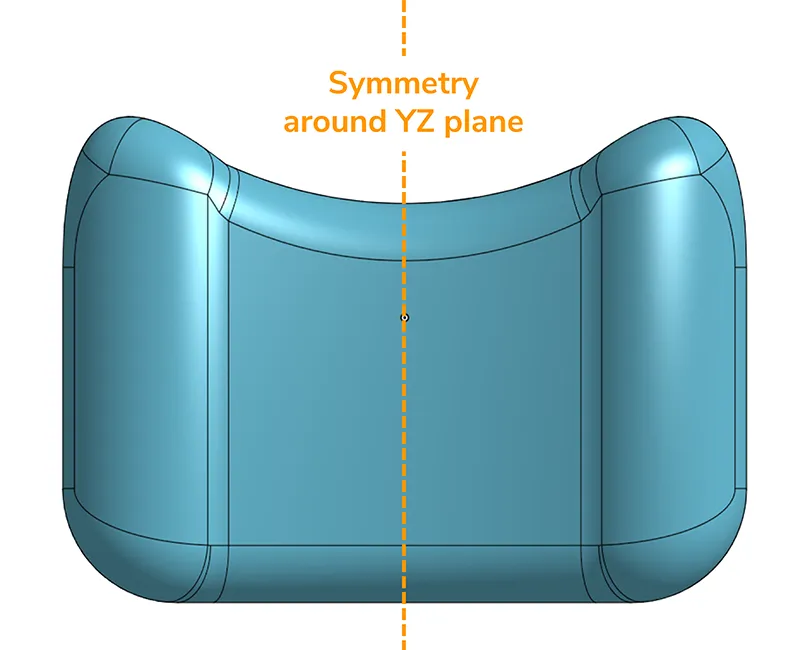
Position CAD model around the origin for optimal options
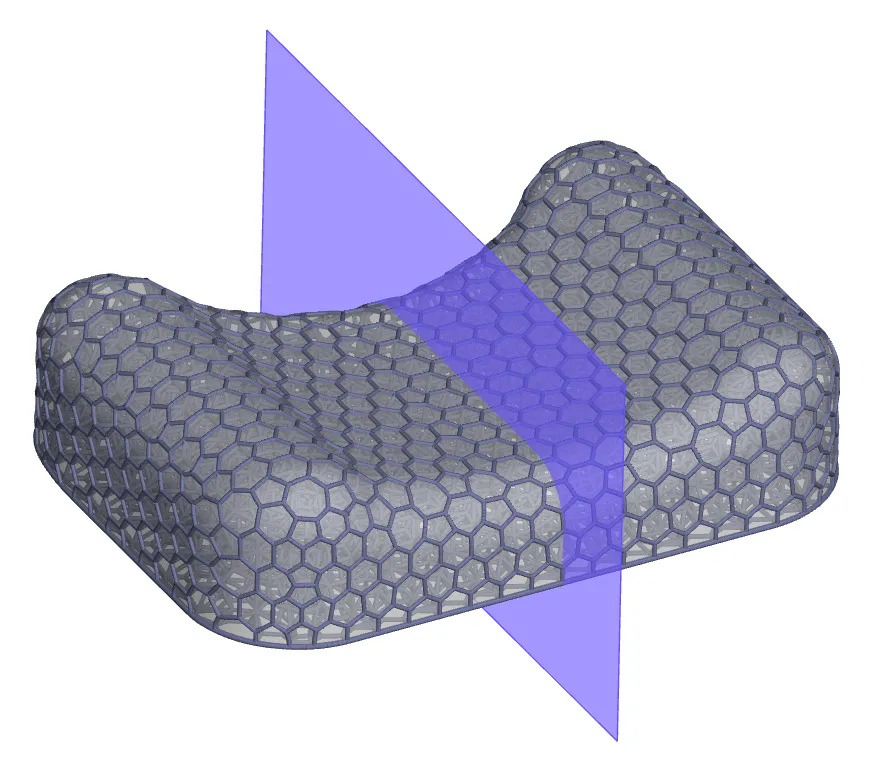
Generate lattice with symmetry (processing approximately 5 min)
Note that the design space itself must have symmetry around the specified plane or axis for the feature to work properly.