---
title: Decimate
slug: software/decimate
description: Decimate large meshes in Carbon Design Engine to improve performance by simplifying part geometry by reducing the number of vertices and triangles.
docTags:
createdAt: 2024-05-02T18:21:17.565Z
---
Large, complex mesh models can be challenging to work with due to long processing times. Decimating large meshes can improve performance by simplifying part geometry by reducing the number of vertices and triangles. This process may also be referred to as reducing a mesh.
Jump to section:
- [Recommended Use Cases](docId\:v_ZZJZ5HeJ2YC-La4dPk9)
- [Considerations](docId\:v_ZZJZ5HeJ2YC-La4dPk9)
- [Decimate Workflow](docId\:v_ZZJZ5HeJ2YC-La4dPk9)
# Recommended Use Cases
::::VerticalSplit{layout="middle"}
:::VerticalSplitItem
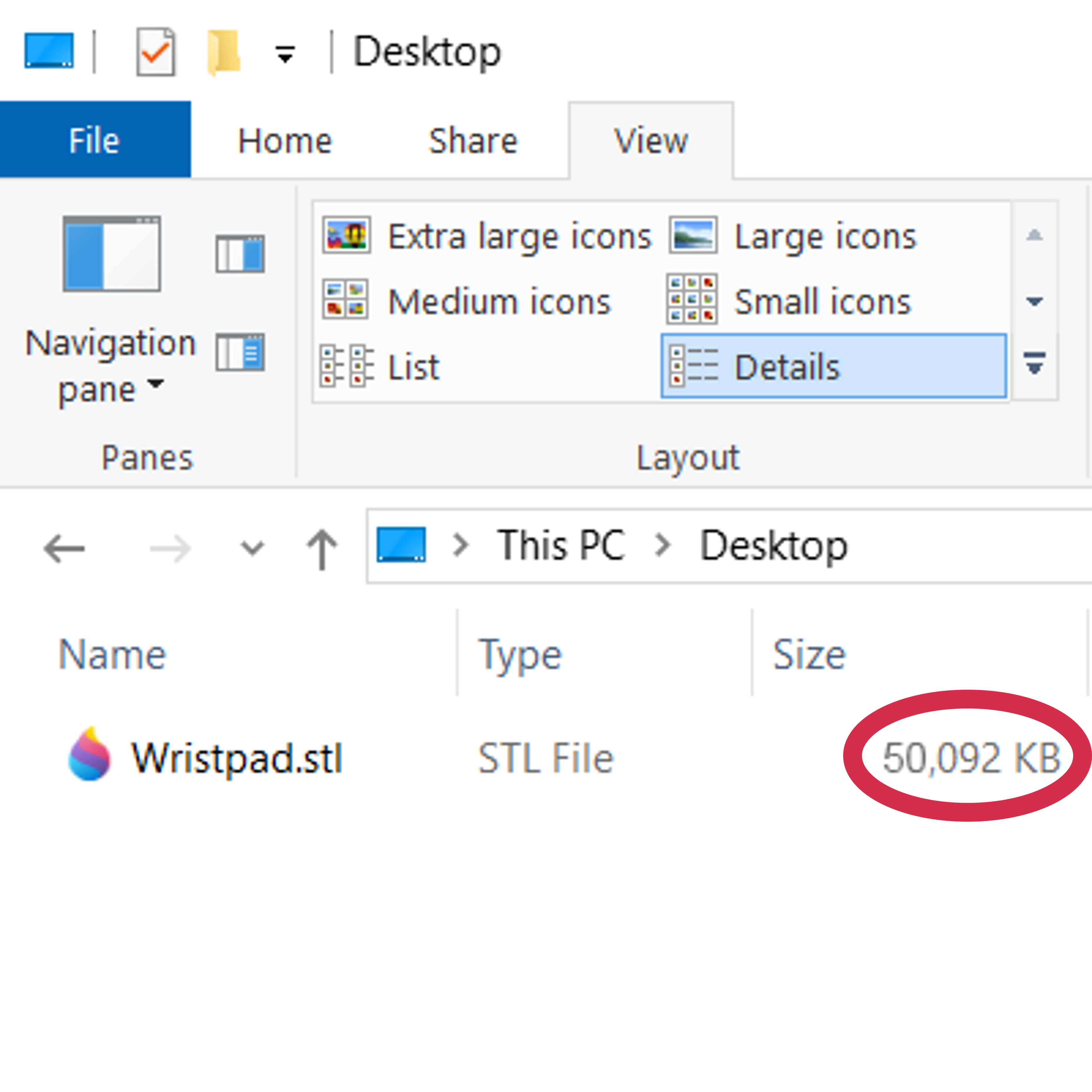
### Mesh Model is >50MB
:::
:::VerticalSplitItem
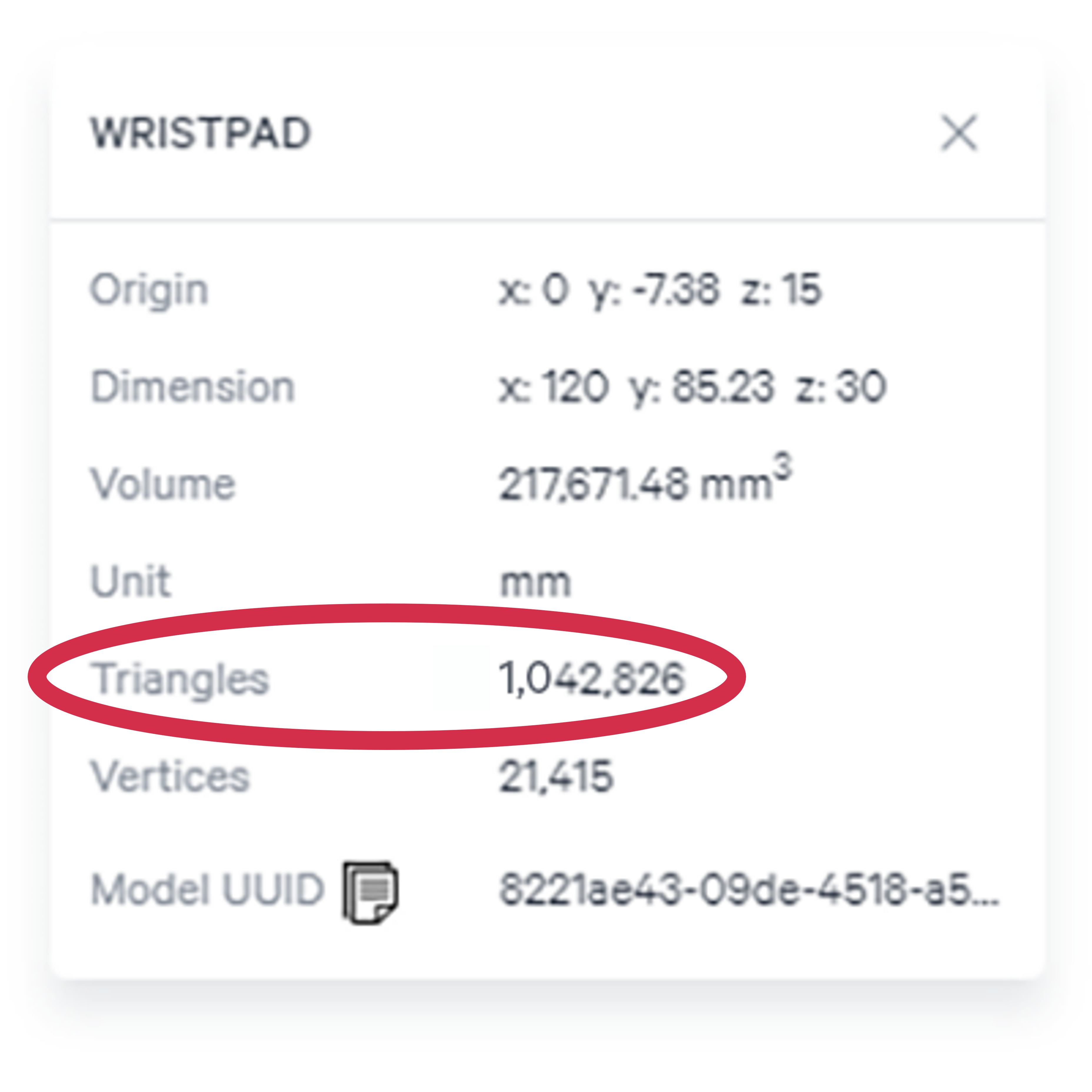
### Triangles >1 million
:::
::::
::::VerticalSplit{layout="middle"}
:::VerticalSplitItem
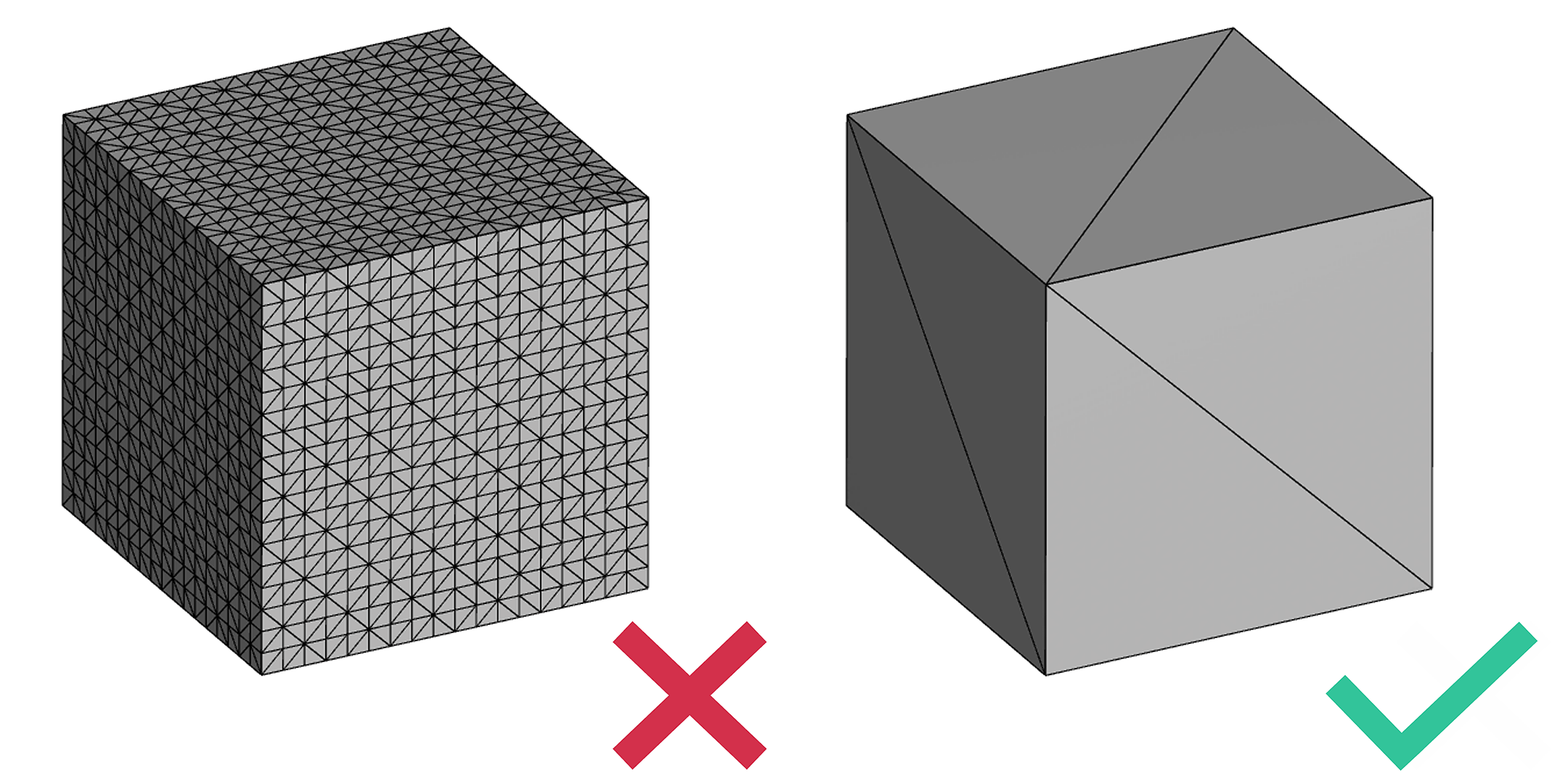
### More Triangles than Necessary
:::
:::VerticalSplitItem
### Processing is Slow
:::
::::
:::hint{type="info"}
Decimate is intended for input models only; not recommended for generated models.
:::
# Considerations
::::VerticalSplit{layout="right"}
:::VerticalSplitItem
:::
:::VerticalSplitItem
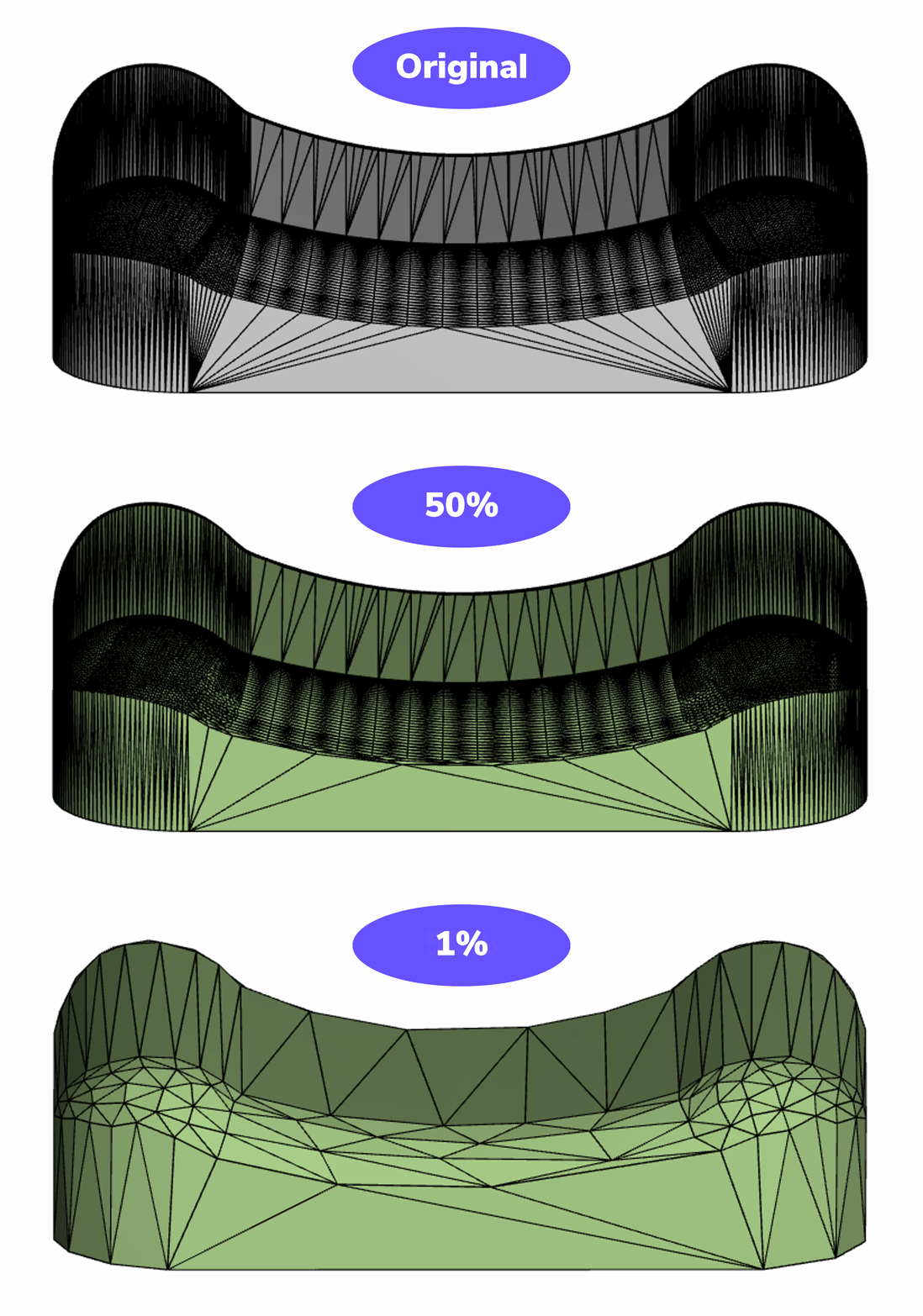
### Detail Loss
Decimation can cause your model to lose detail as curves become faceted with fewer triangles. The impact will vary based on geometry and the percentage of decimation selected.
Decimation is adjustable; iterate with different percentages to get the desired outcome. Generate the operation to view the effect of decimation.
:::
::::
:::hint{type="info"}
The percentage selected will retain that percentage of triangles in the mesh.
:::
::::VerticalSplit{layout="right"}
:::VerticalSplitItem
### File Downloads
Both the original mesh and the decimated mesh may be downloaded.
The percentage of decimation will yield approximately the same amount in file size reduction.
*For files of the same type; ie if an STL file is uploaded, the downloaded decimated STL will be reduced to the specified percentage.*
:::
:::VerticalSplitItem

:::
::::
# Decimate Workflow
::embed[]{url=""}
:::ExpandableHeading
Video Text
1. Switch to Triangle view
2. Select Decimate
3. Select Input Mesh
4. Select percentage of triangles to retain - 50% default
5. Generate
:::