Analysis
Analysis is one of Design Engine's tools to provide guidance on Cell Size Adaptivity for your lattice design by analyzing a generated strut lattice.
Which Cell Size Adaptivity Guidance Tool to Use
Analysis and Thickness with Adaptivity are tools to review your lattice or your geometry to provide feedback and advise on cell size adaptivity. Each option looks at the design differently, so it is often advantageous to look at both options, as one may work better for your geometry. There are two workflow options:
- Strut Lattice >> Analysis
- Thickness >> Adaptivity
To apply the guideance results to your design, refer to the Cell Size Adaptivity feature.
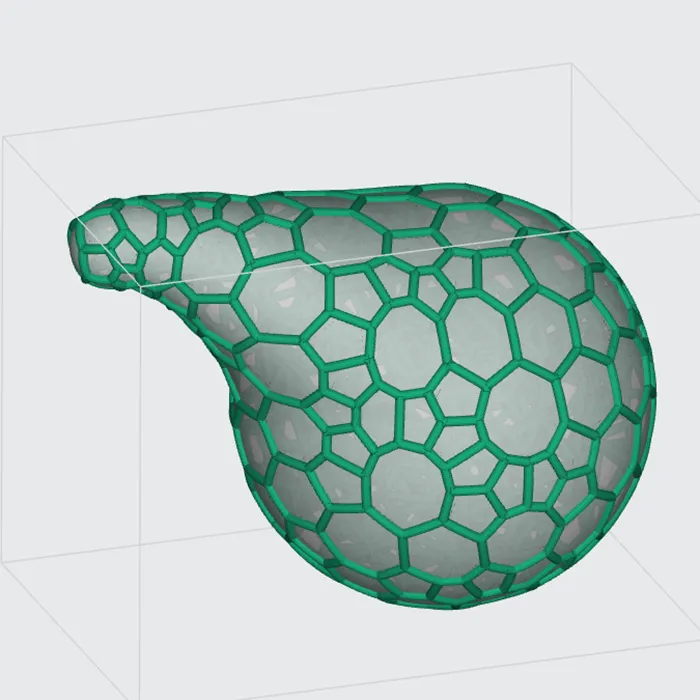
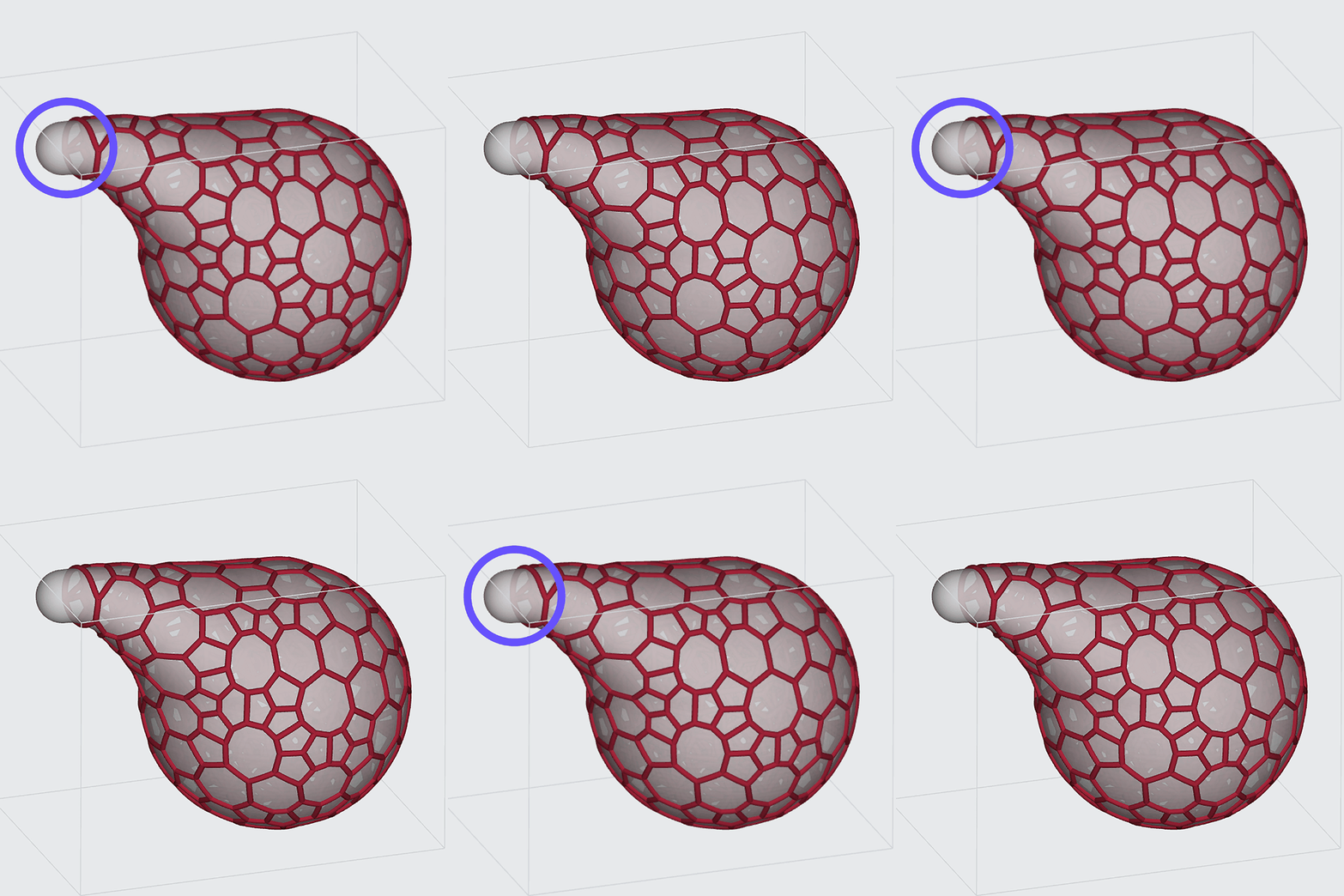
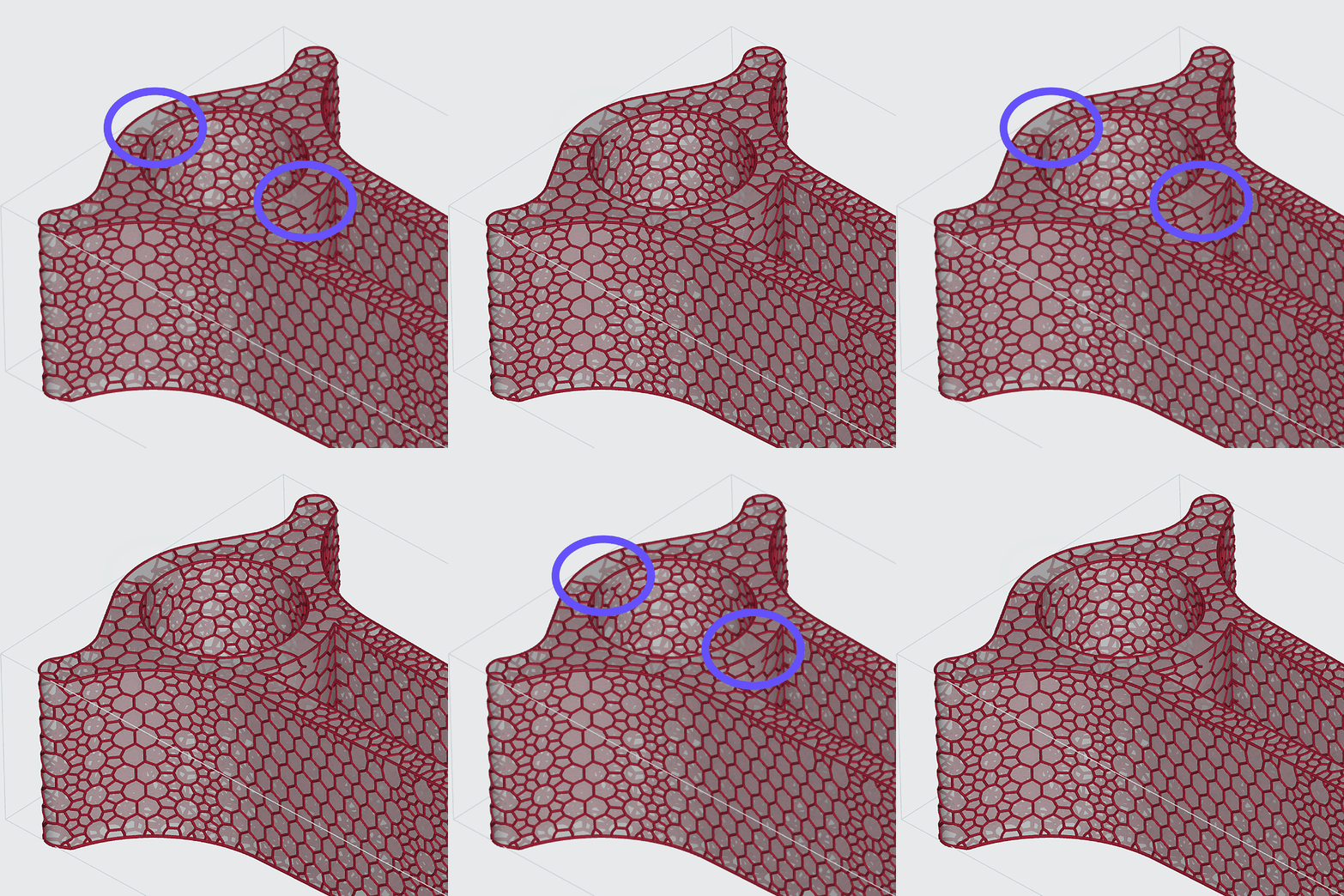
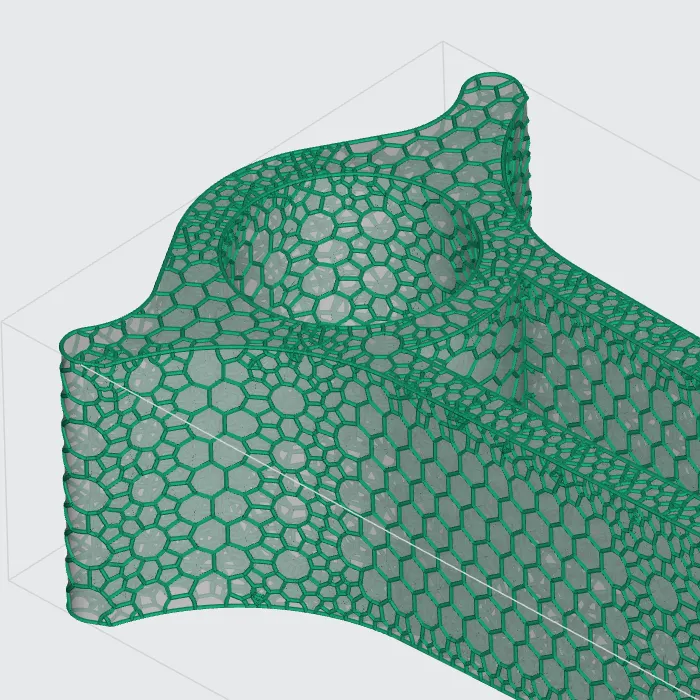
As a general guideline, the Analysis option tends to work well for more organic shapes, while Thickness & Adaptivity tends to work well for more orthogonal shapes with parallel surfaces.
Organic Shape
Analysis
Thickness & Adaptivity
Orthogonal Shape with Parallel Surfaces
Analysis
Thickness & Adaptivity
Analysis
The Analysis tool provides an adaptivity analysis of a strut lattice to provide feedback on the cell size(s) used. Hovering over the analysis points quickly provides suggested cell sizes.
Analysis Workflow
How Analysis Works
How Analysis Works
Analysis looks at the tetrahedral mesh (the base structure for the lattice) and compares it to the surface of the design space (input mesh/STL file).
Areas that may not conform well with the current cell size will be flagged.
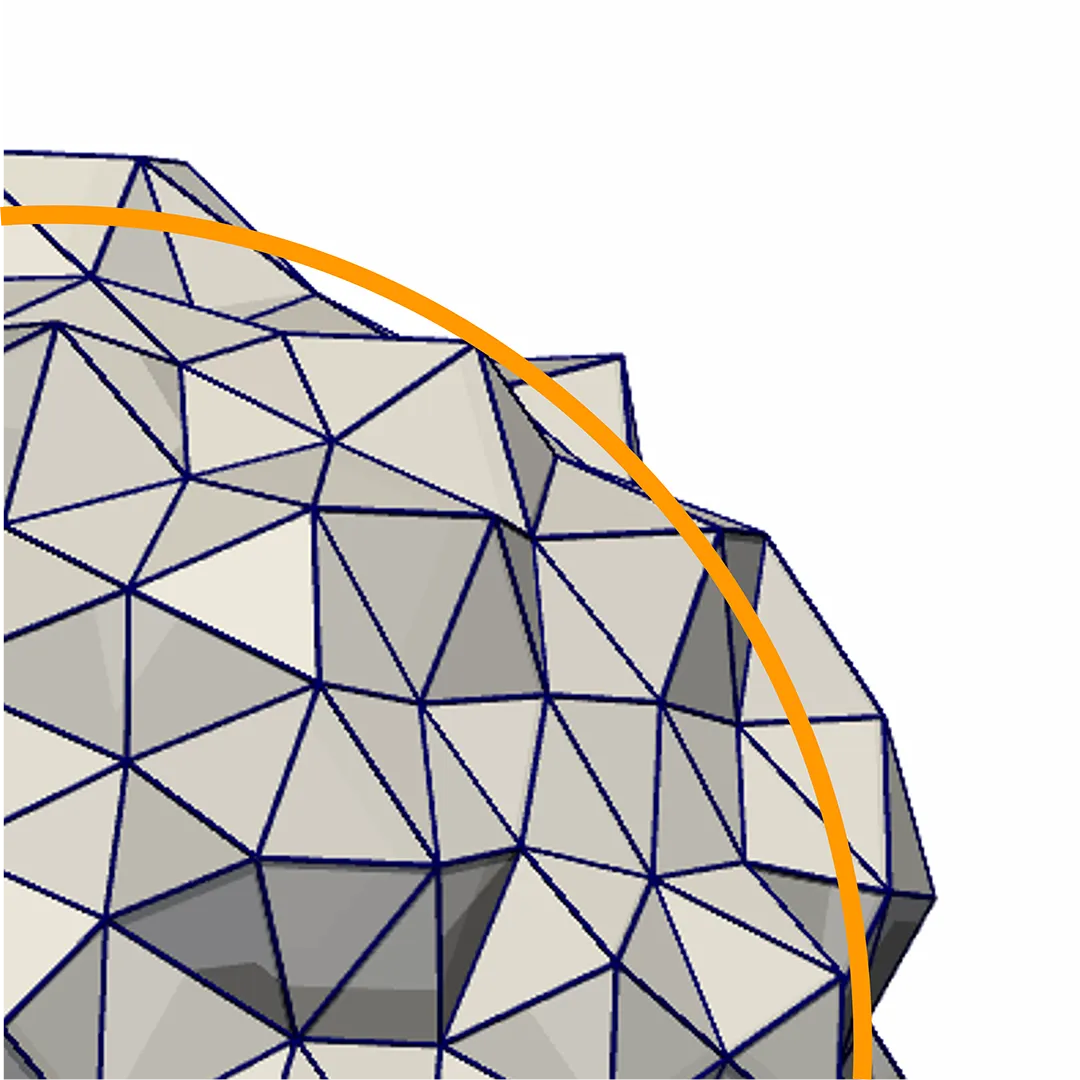
What Analysis Results Show
The analysis provides points across problematic areas of the part, ranging in color from light to dark blue.
Each point suggests a cell size that is appropriate for the area.
Light blue indicates smaller cell sizes, ranging to dark blue for larger recommended cell sizes.

If no points are revealed in the analysis result, then no problematic areas were found and therefore no suggestions are provided.