Site Selection and Layout
Site Selection
M1 and M2 Printers
Please consider your final equipment site(s) carefully. Once Carbon installs your M1 or M2 printer, you cannot independently move it to a new location. A Carbon Field Service Engineer must reinstall your Carbon printer after any move from its initial installation site.
Reinstallation is an add-on service and is not covered by your subscription agreement.
M3 and M3 Max Printers
Your M3 / M3 Max printer may be moved to a new location and reinstalled (including re-leveling) by your facilities team without requiring a Carbon Field Service Engineer to come onsite.
Space Requirements
User preferences, building codes, and equipment configuration will help you determine the total floor area that your printer will need.
NOTE: Carbon suggests that you locate your post-processing equipment in the same room as your printer for optimal workflow efficiency.
Allocate space for the following equipment and required accessories:
| M1/M2 Printer | M3/M3 Max Printer |
|---|---|---|
Dimensions | W: 543 mm (21.4") D: 655 mm (25.8") H: 1733 mm (68.2") | W: 760 mm (30") D: 696 mm (27.5") H: 1762 mm (69.5") |
Minimum Spacing | Side: 480 mm (18.9") Front: 480 mm (18.9") Back: 380 mm (15.0") | Side: 240 mm (9.4")* Front: 561 mm (22.1")* Back: 380 mm (15")* * All facilities connections must have at least 1 m (36") of slack |
Recommended Spacing | - | S: 240 mm (9.4") F: 561 mm (22.1") B: 610 mm (24") |
Area | Accessories & Considerations |
|---|---|
Printer(s) | Site Selection:
NOTE: If using a fume extractor, make sure one of the flexible hoses can be positioned near the M Series printer to remove printer fumes. |
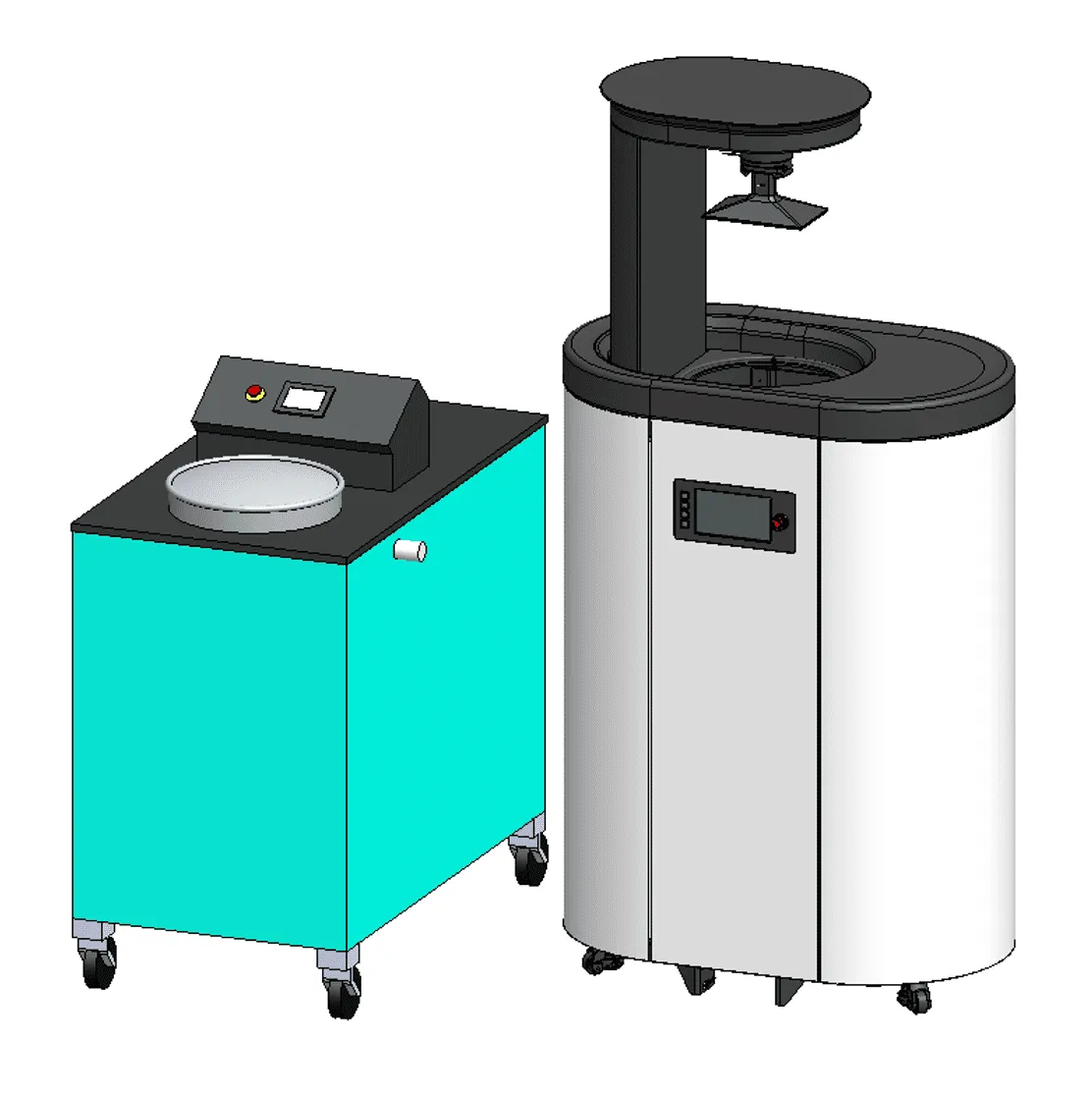
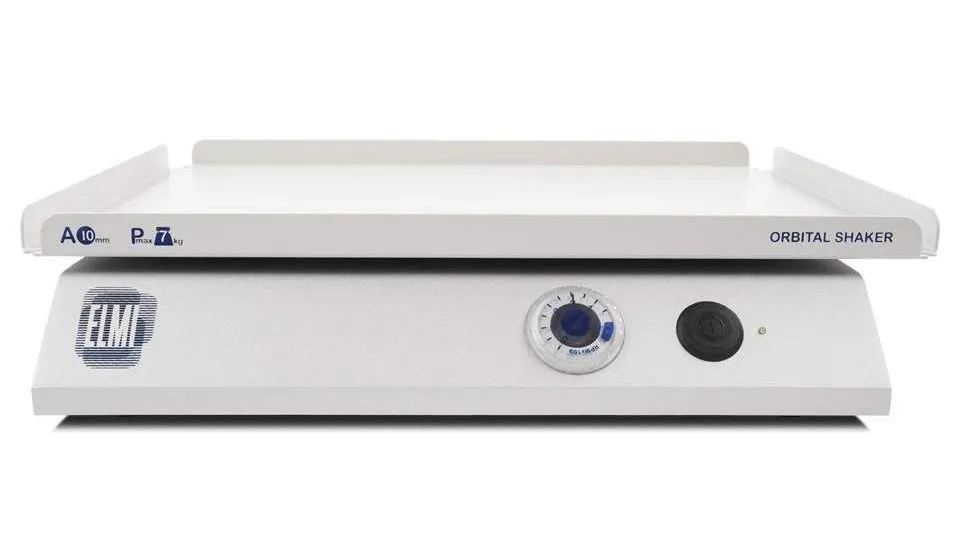
Post-processing Area | Accessories & Peripheral Equipment
|
UV Curing Unit(s) |
|
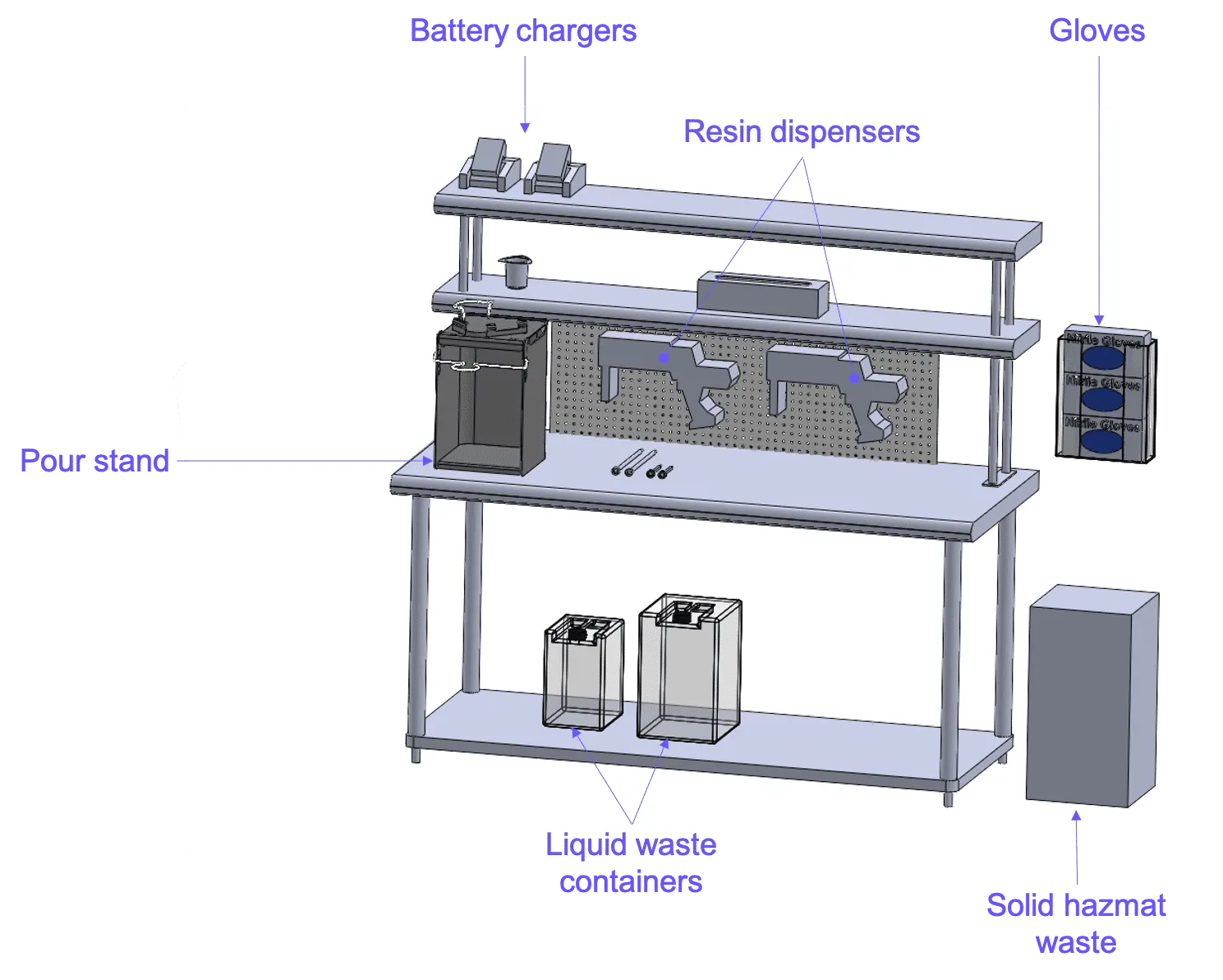
Resin Dispensing Area |
* Note: The M Series pour stand (released 2023) is compatible with all M series printer cassettes. It is also larger than the legacy pour stand. Please click the link above for more information about the M Series pour stand.
|
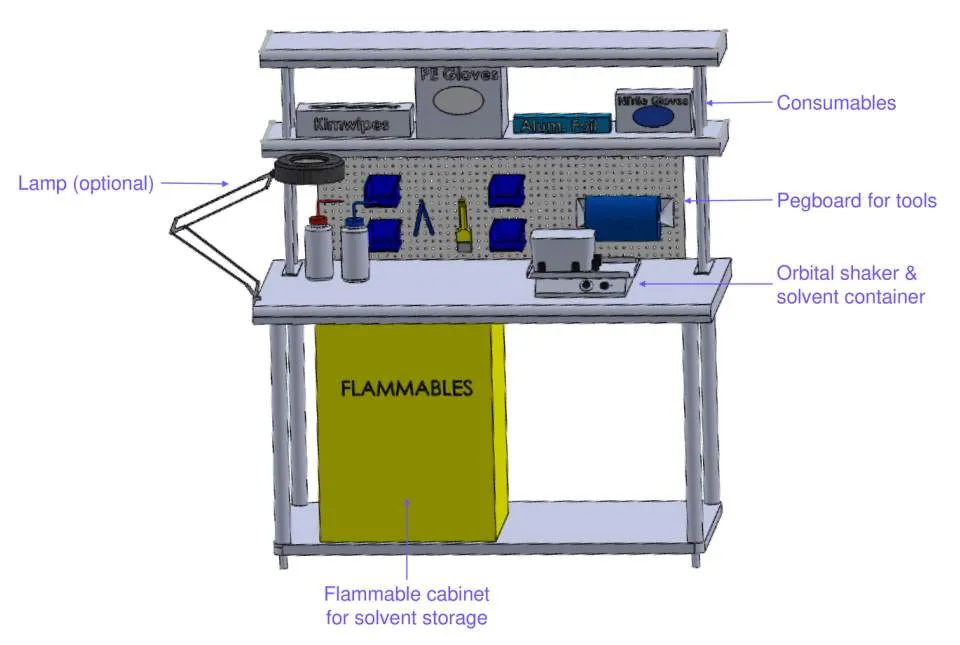
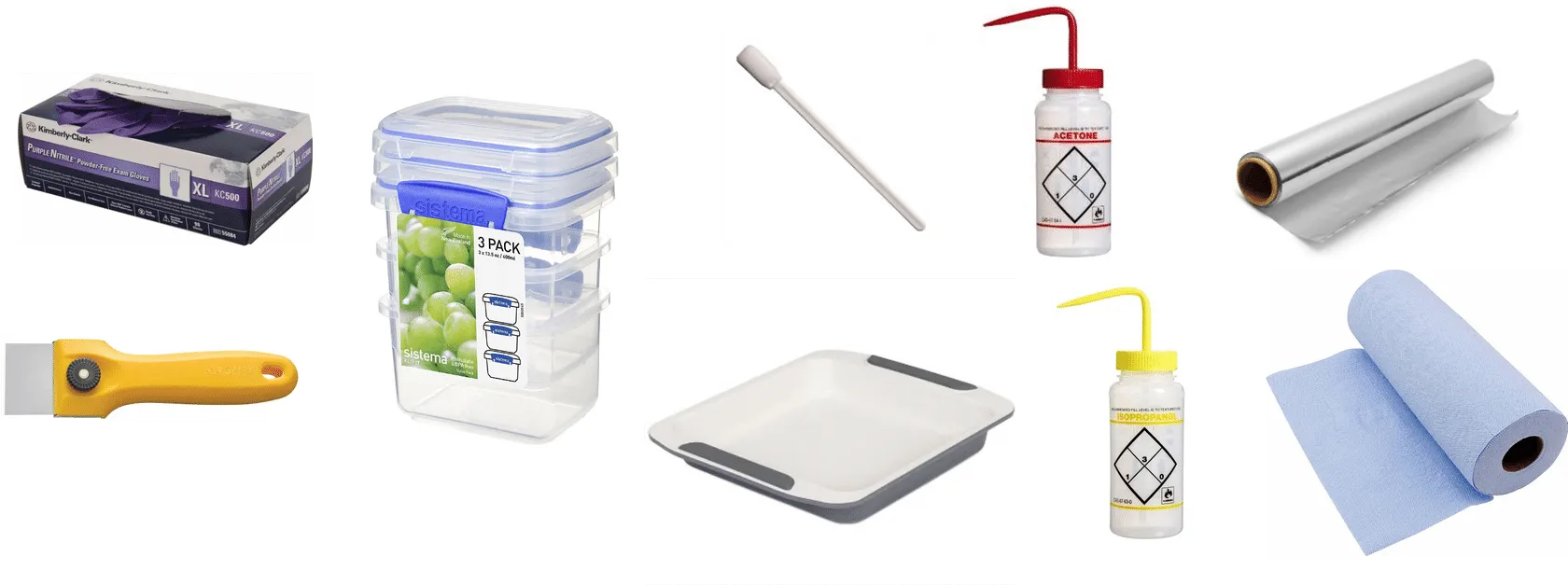
Solvents |
|
Hazardous Waste Containers |
Consult with local waste management service for more information. |
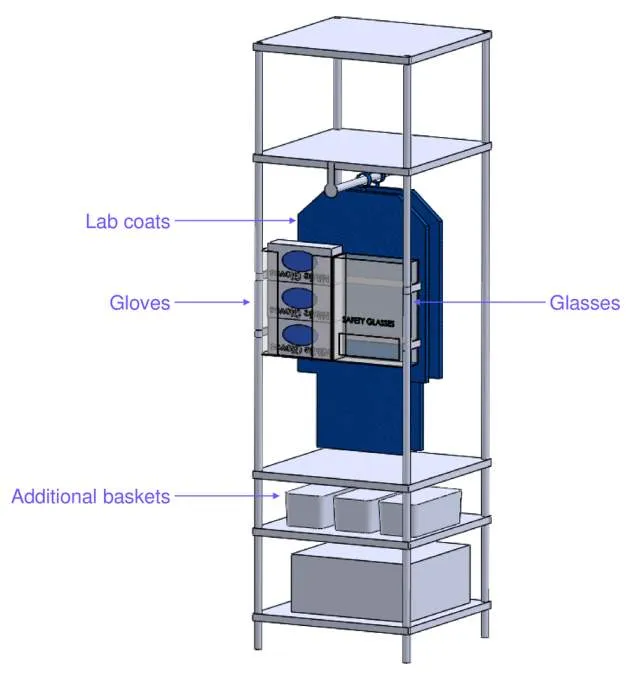
Required PPE |
|
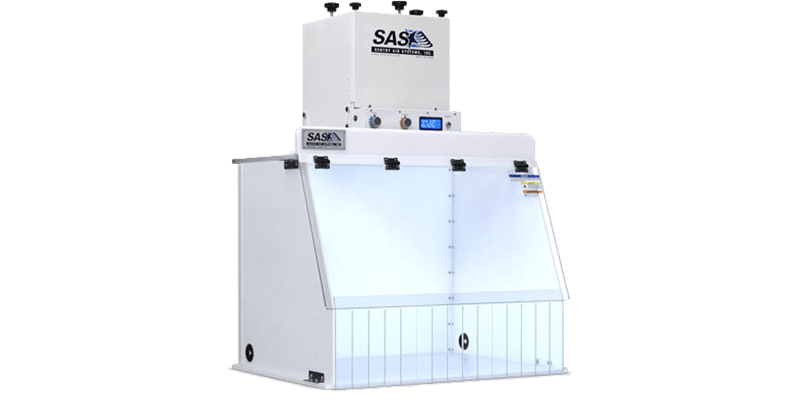
Suggested Additional Safety Equipment |
|
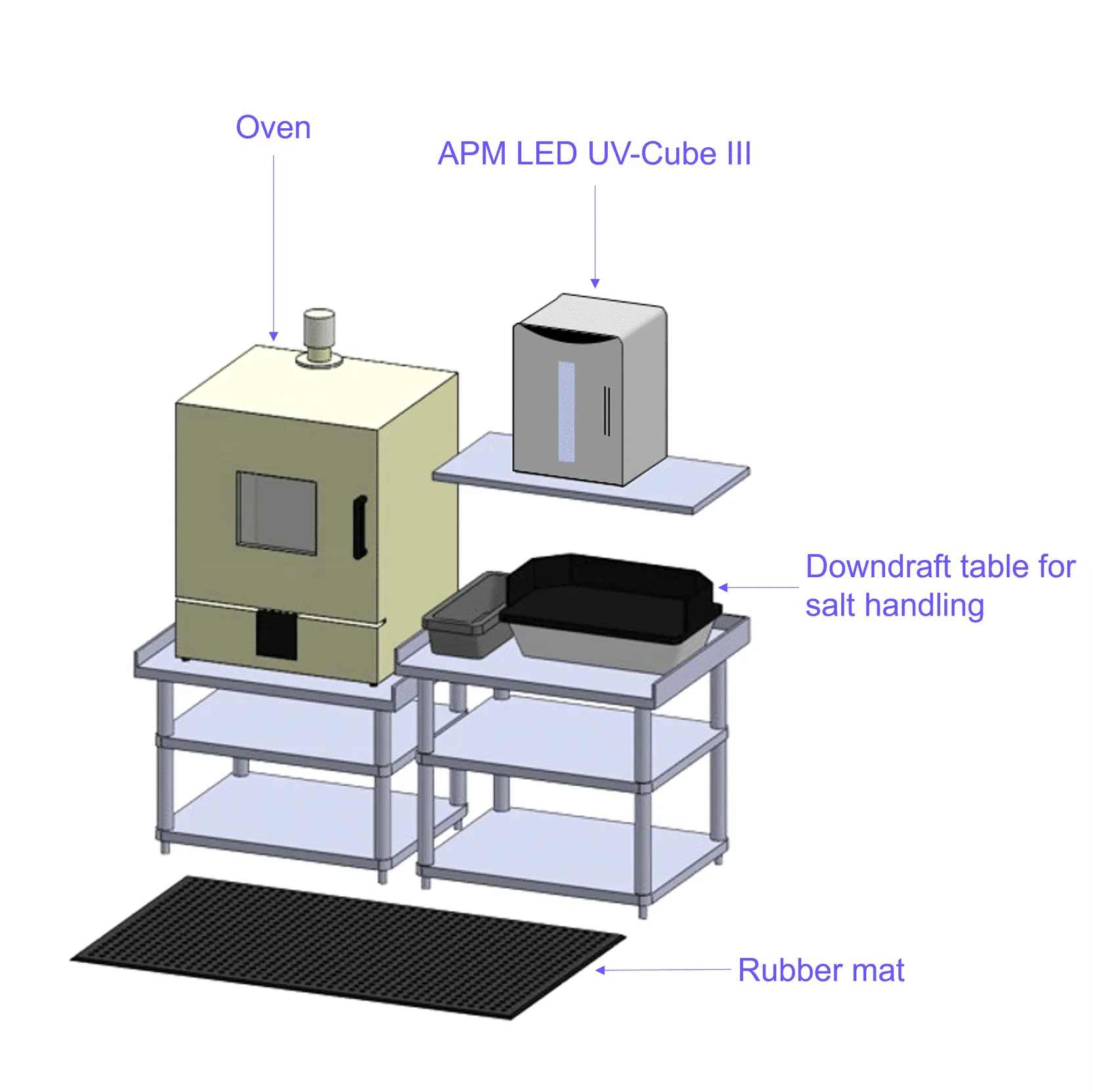
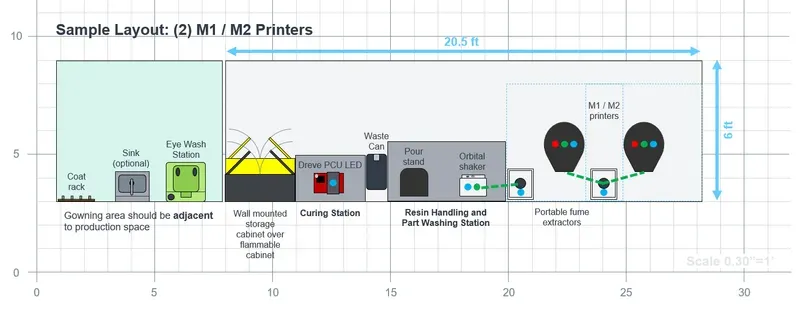
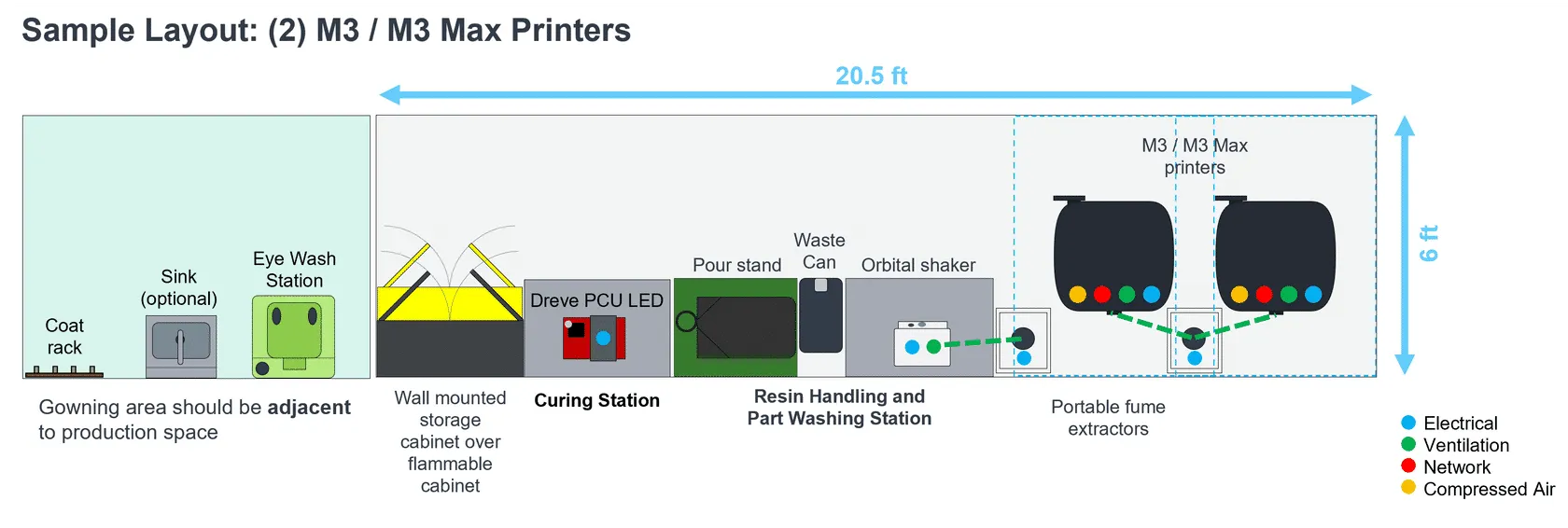
Example Site Layouts
See below for layout examples. If you have questions or need assistance in arranging your lab layout, please contact Carbon’s Onboarding Team.
M1/M2 Printers
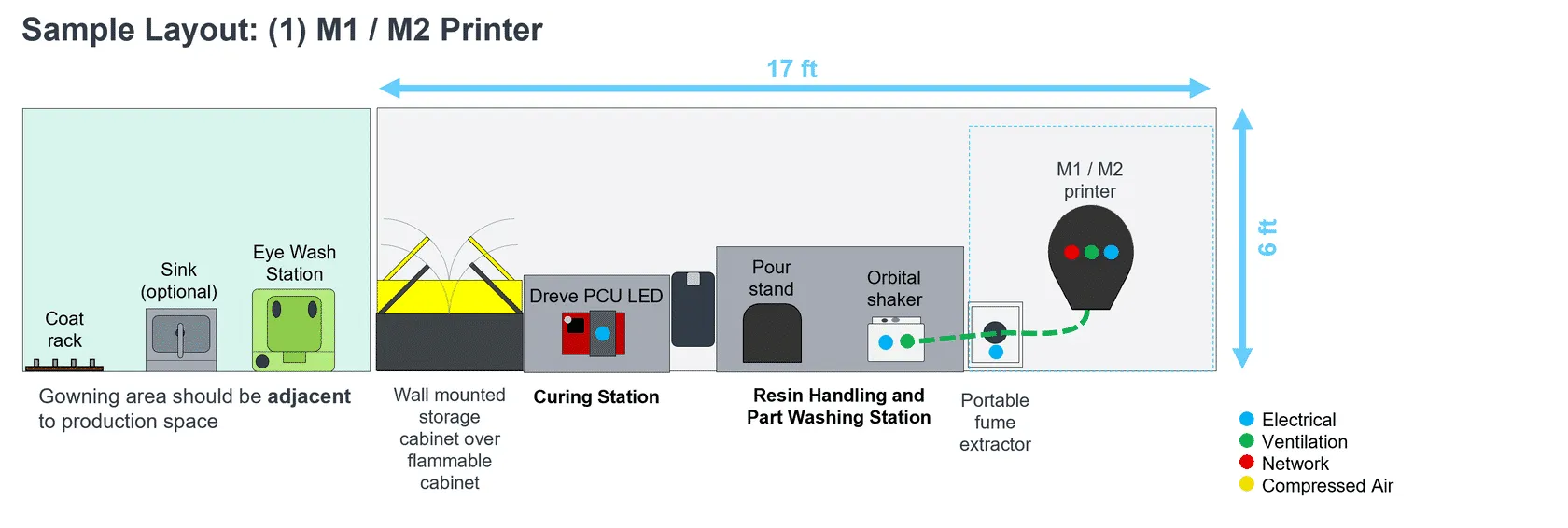
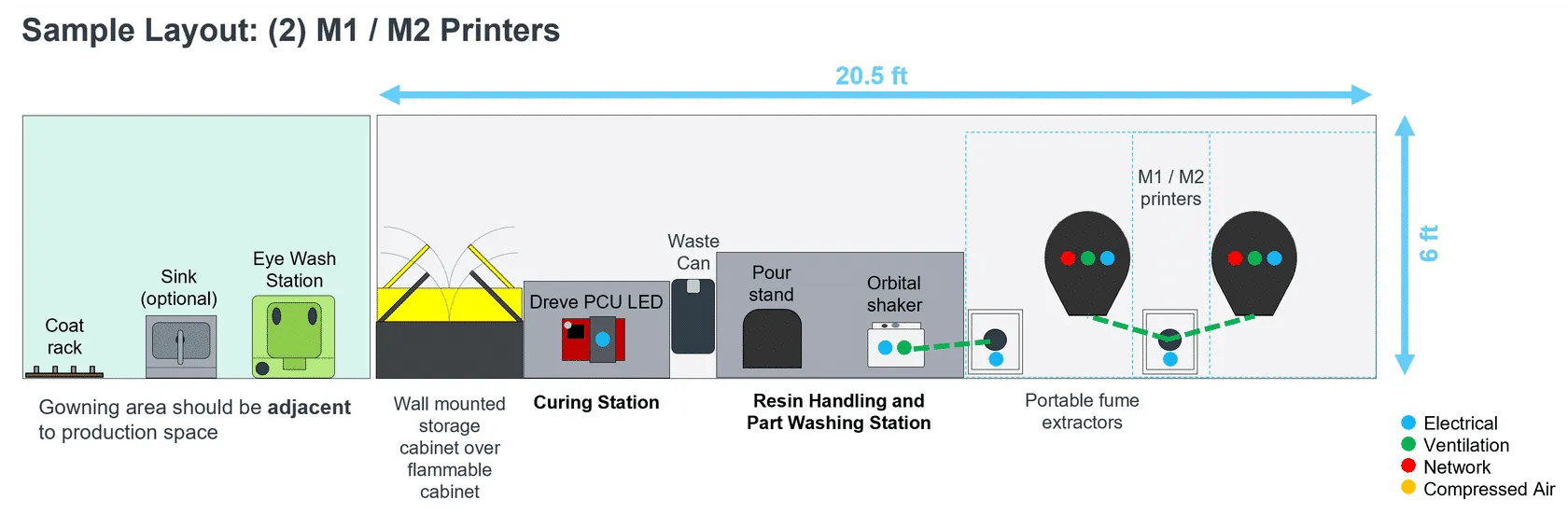
M3/M3 Max Printers
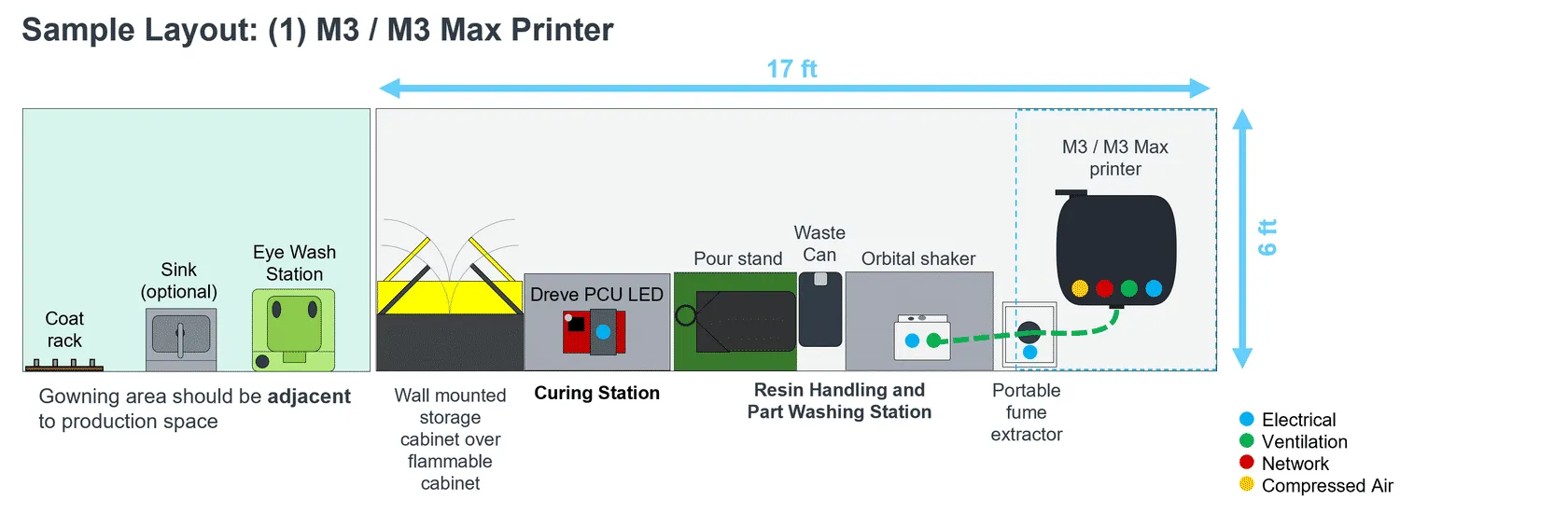
Lab Setup Video
FAQ
Equipment