Release Film
Overview
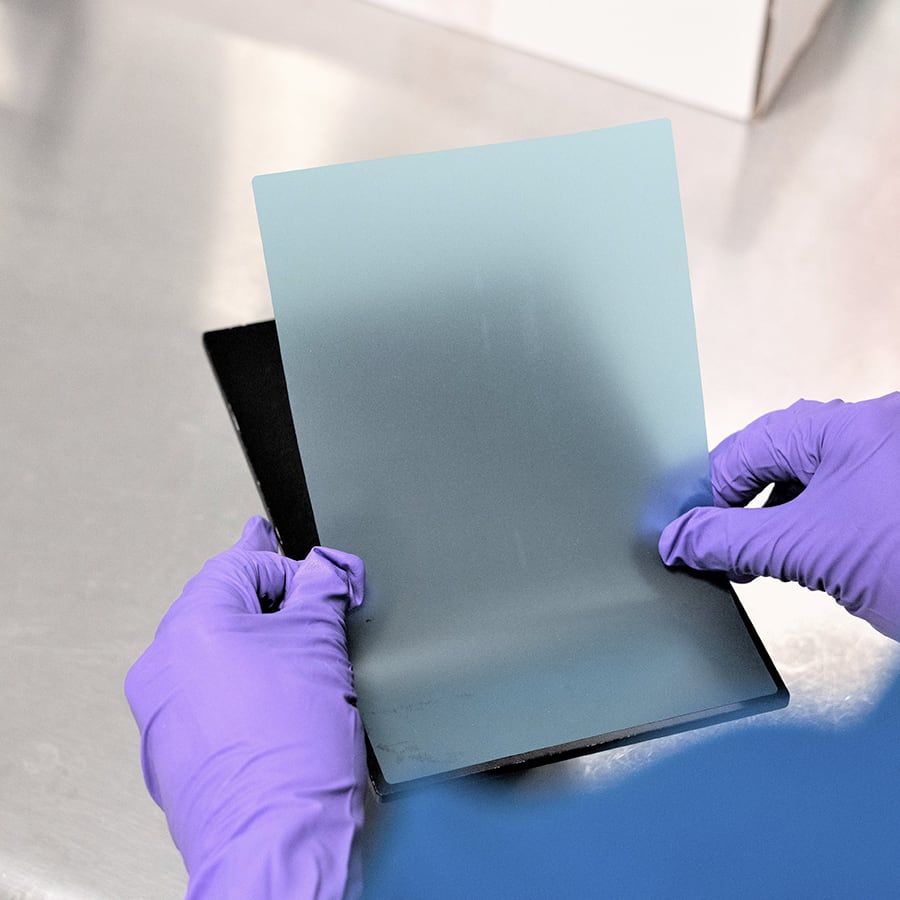
Release film is a thin, disposable sheet of plastic that sits between the platform and part. A sticky back ensures the film stays on the platform during printing and washing.
Product Options
Release film is available for all printers.
M-Series release films are translucent blue with a slightly matte surface and can be purchased from the Carbon Shop (login required).
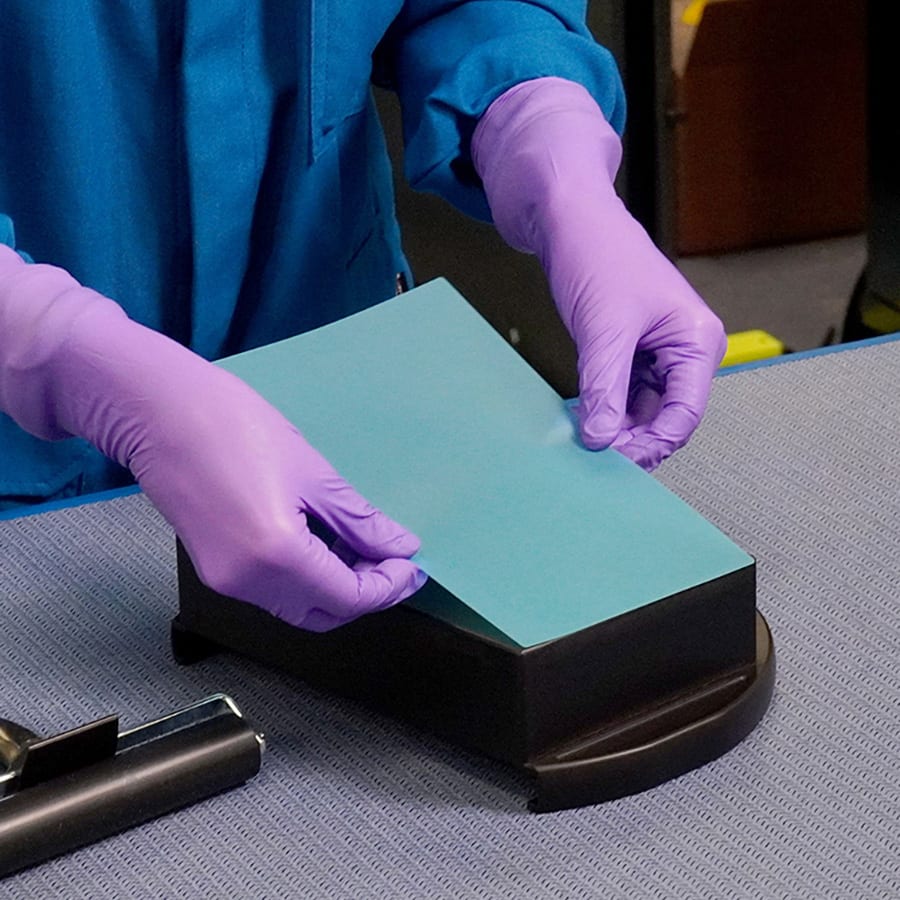
The L1 release film is shiny and clear with a white backing paper and may be ordered through Carbon .
Use Cases
Use of release film is dependent on the resin and the part geometry.
Part adhesion to release film is lower than adhesion directly to the platform, so use of release film is recommended when lower adhesion is beneficial.
- For resins with exceptionally strong part adhesion (example: EPX 82)
- For resins that are delicate in their green state and have a higher risk of damage during removal from the platform (example: SIL 30)
- For part geometries with a large cross section on the platform
Reference the specific material protocol for release film recommendation.
Benefits
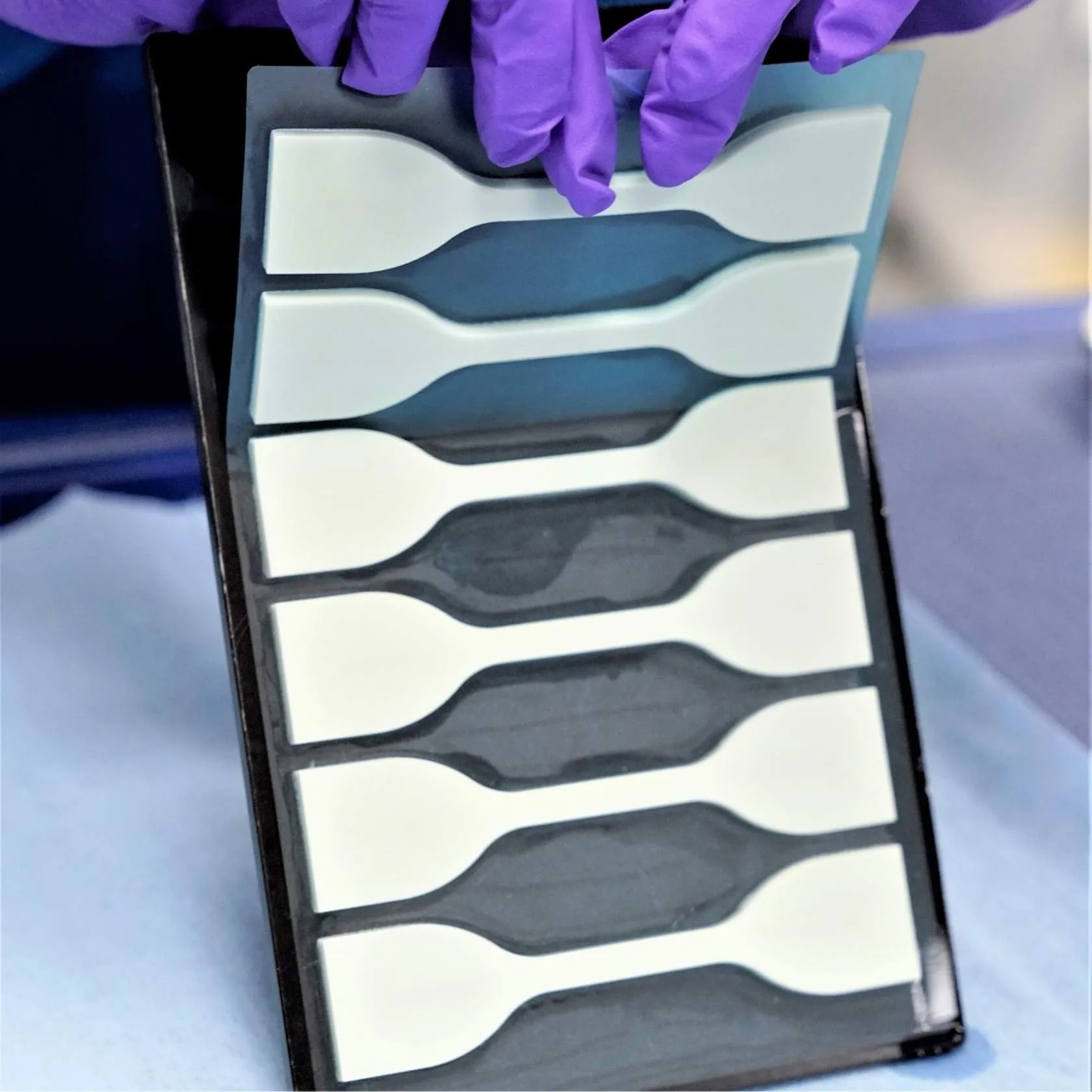
Release film provides benefits to both the parts and the production process.
- The process is easier and faster to release parts from the platform without damage.
- The film preserves the surface finish of the platform and parts printed on it.
- Delicate geometries can be printed on the platform without damaging them during removal.
- Many small parts can be removed at once, improving overall production time.
Features
M1 and M2 Release Film
Dimensions (X x Y)
- M1 141 x 81 mm (5.5 x 3.2 in)
- M2 198.5 x 127 mm (7.8 x 5 in)
Thickness: ~100 µm
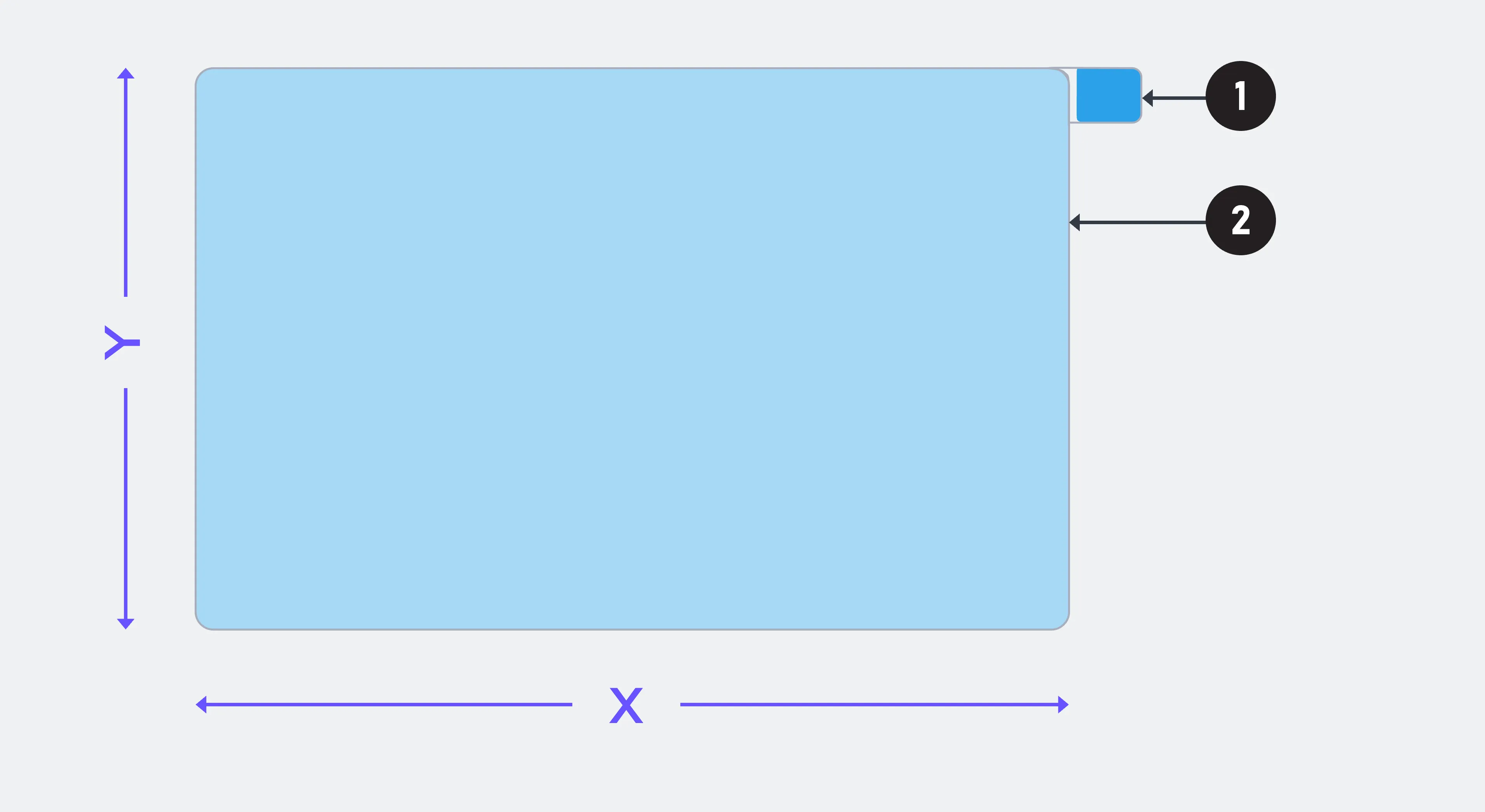
- Release film liner with tab
- Prevents the sticky film back from adhering to surfaces before actual application.
- Release film
- A thin sticky back film that adheres to the build platform surface.
M3 and M3 Max Release Film
Dimensions (X x Y)
- M3 195.0 x 123.0 mm (7.68 x 4.84 in)
- M3 Max 310.75 x 166.5 mm (12.23 x 6.54 in)
Thickness: ~100 µm
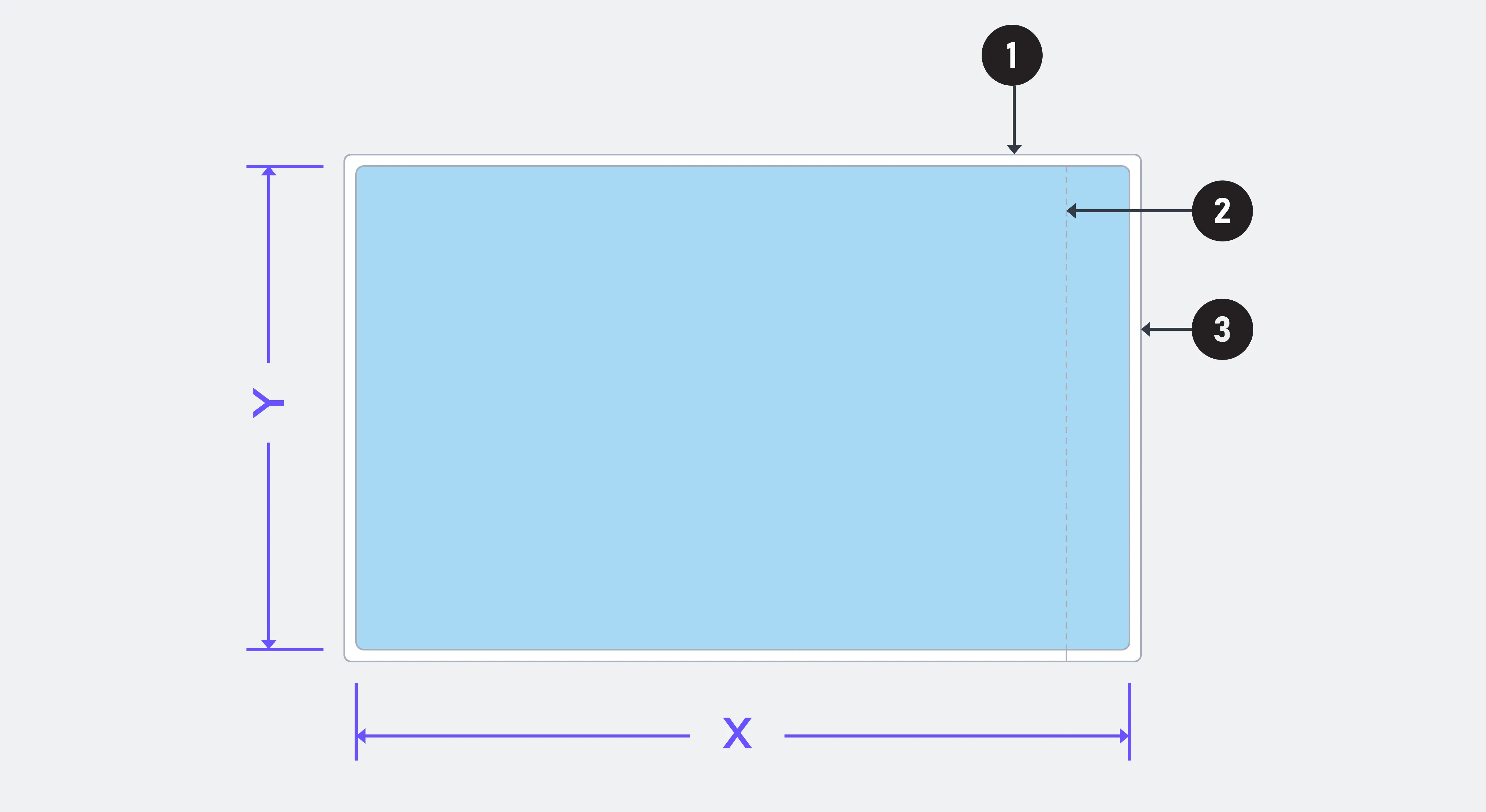
- Release film liner
- Prevents the sticky film back from adhering to surfaces before actual application.
- Release film liner strip
- A strip of the liner is removed first to enable easy positioning of the film before removing the entire backing.
- Release film
- A thin sticky back film that adheres to the build platform surface.
L1 Release Film
Dimensions (X x Y)
- 402 x 258 mm (15.82 x 10.16 in)
Thickness: ~70 µm
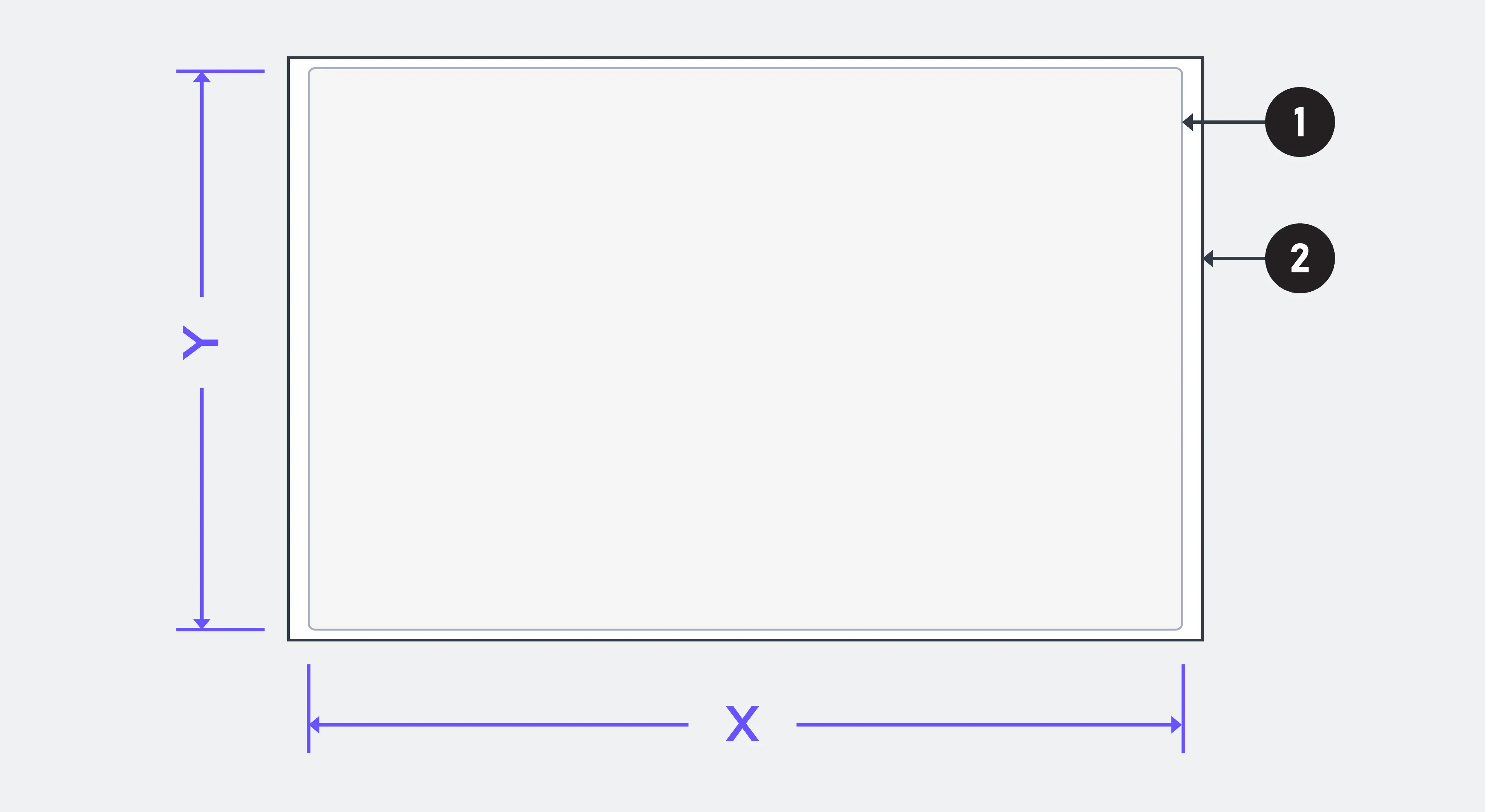
Release film
A thin sticky back film that adheres to the build platform surface.
Release film liner (matte)
Prevents the sticky film back from adhering to surfaces before actual application.
Accessories
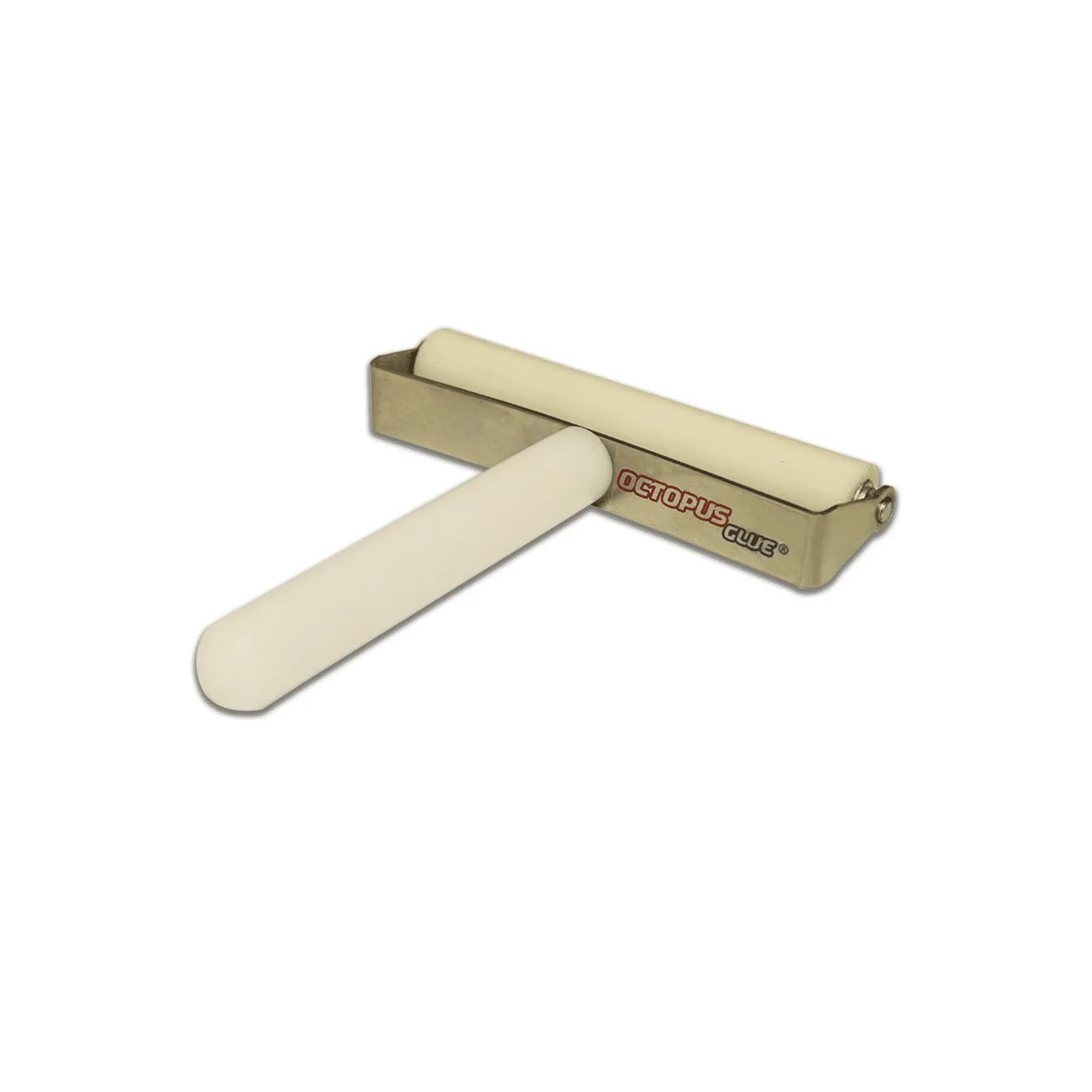
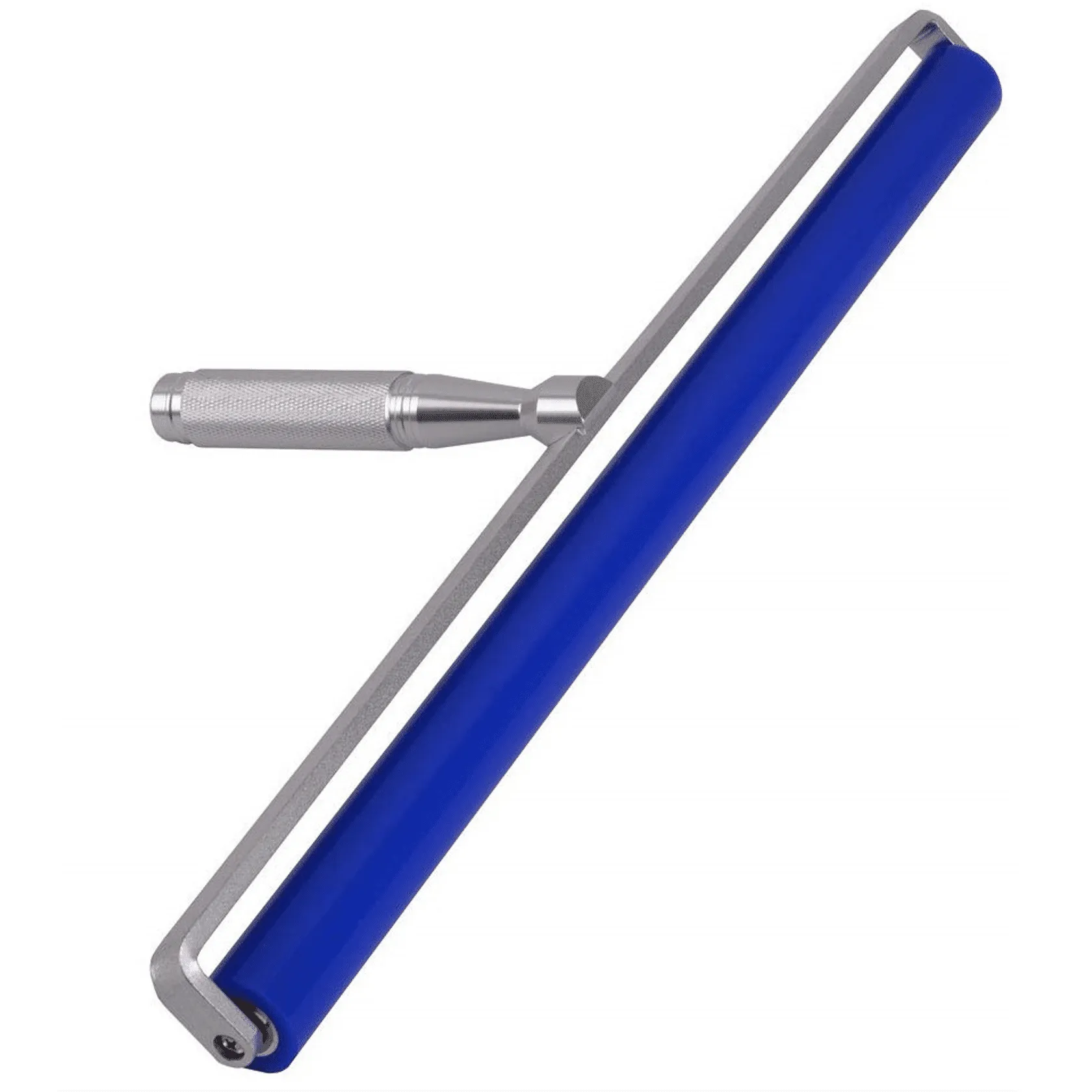
Film Roller
Reference Accessories & Supplies for a suggested purchasing source, unless otherwise noted.
In addition to standard lab supplies used for PPE (personal protective equipment) and cleaning platforms, you will also require a film roller to assist in applying release film to the platform.
Application
M Series Printers
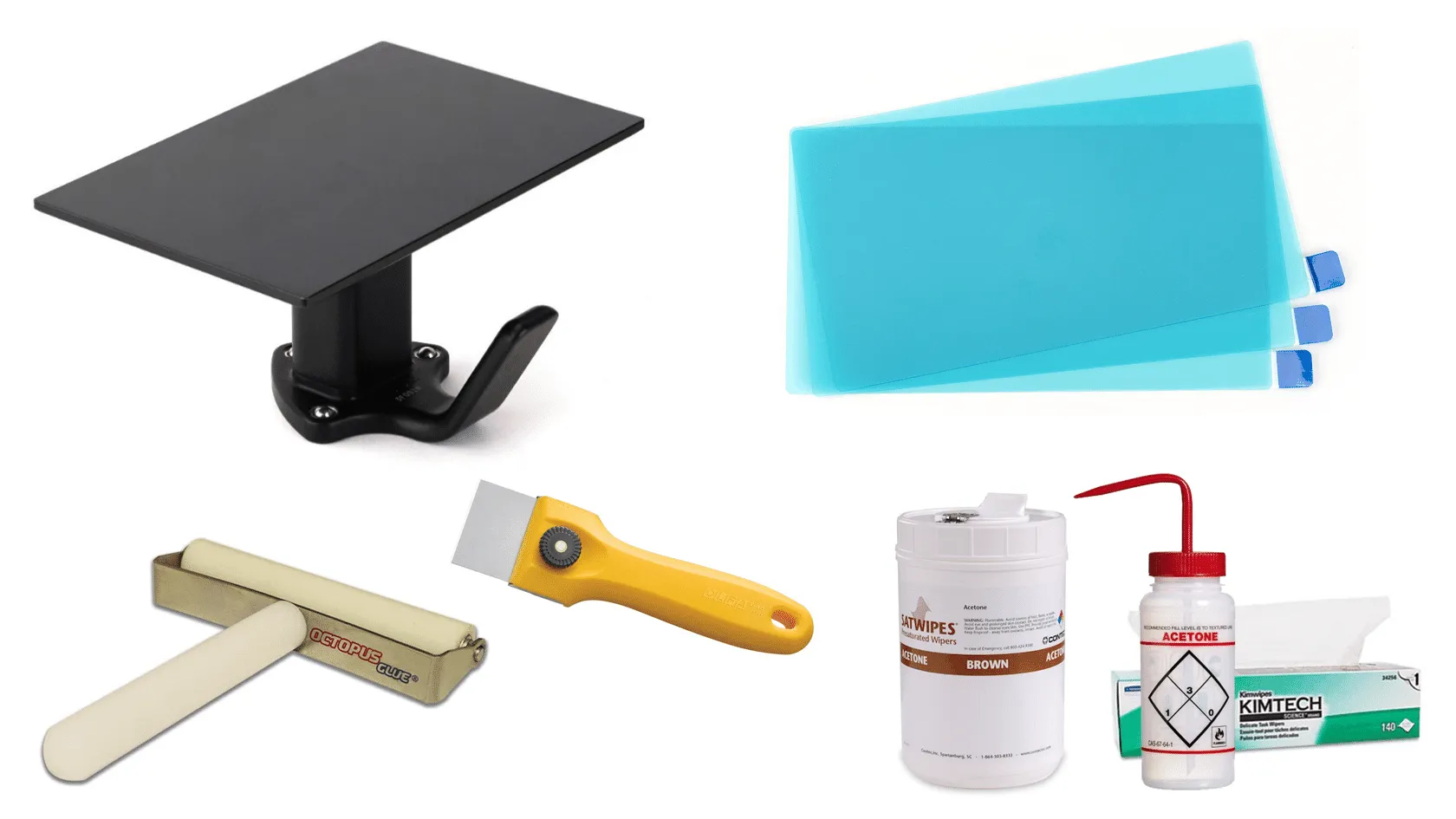
Materials and Equipment
- Build Platform
- Release Film
- Film Roller
- Scraper
- Acetone
- Pre-soaked wipes
- Or squirt bottle + lab wipes
Prepare the Platform
Platform must be clean and free of dust, resin or debris from previous prints.
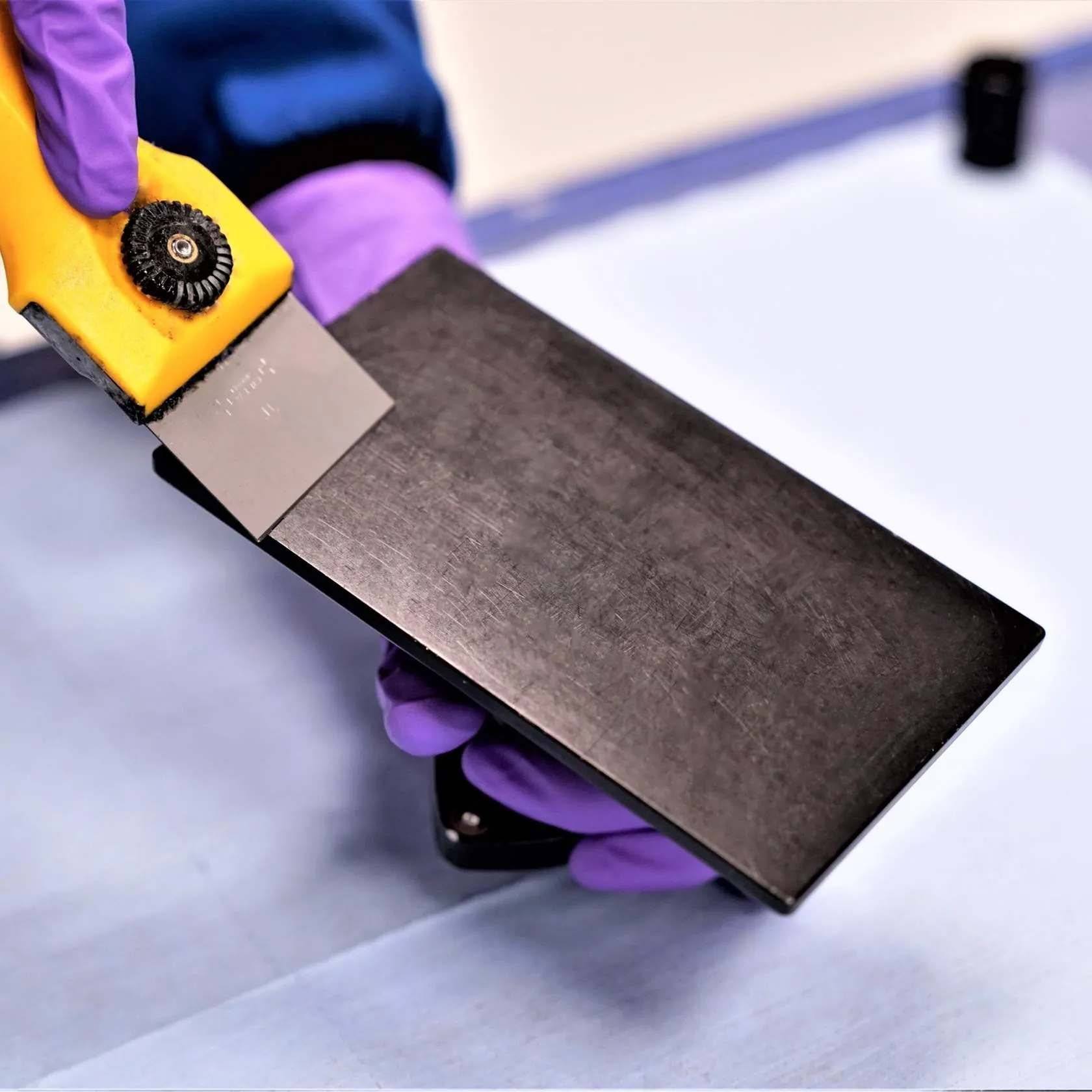
- Use the scraper to remove any debris from previous print.
Ensure you have on clean gloves before proceeding.
Apply M1, M2, M3 Release Film
The following steps will show you how to apply the M Series Release Film B. These steps apply to M1, M2 and M3 printers.
Apply M3 Max Release Film
These steps apply only to the M3 and M3 Max printers.
Ready to Print
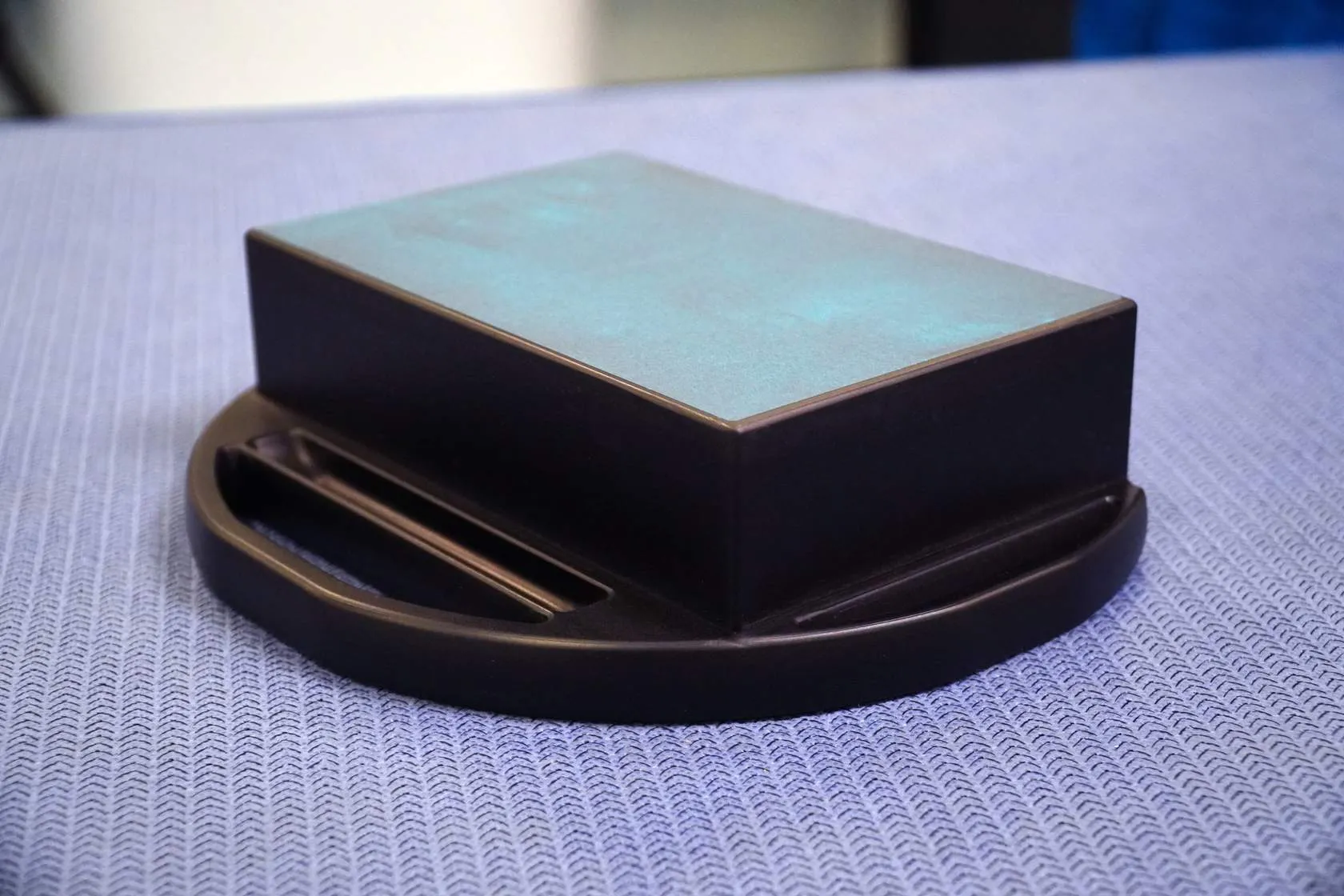
Finished platform with release film meets the following criteria.
- No bubbles
- 1 mm minimum gap to platform edge on all sides
- Platform imperfections covered and smooth to touch
If the film does not match this criteria, peel off and reapply (being careful to keep adhesive side of film free from dust and debris).
L1 Printers
Two Options Available
L1 Release Film has two options for release film application.
- Use the Release Film Applicator in production environments.
- Or use the manual application method outlined below
Materials and Equipment
- Build Platform
- Release Film
- Film Roller
- 14" Taping Knife
- Acetone
- Pre-soaked wipes
- Or squirt bottle + lab wipes
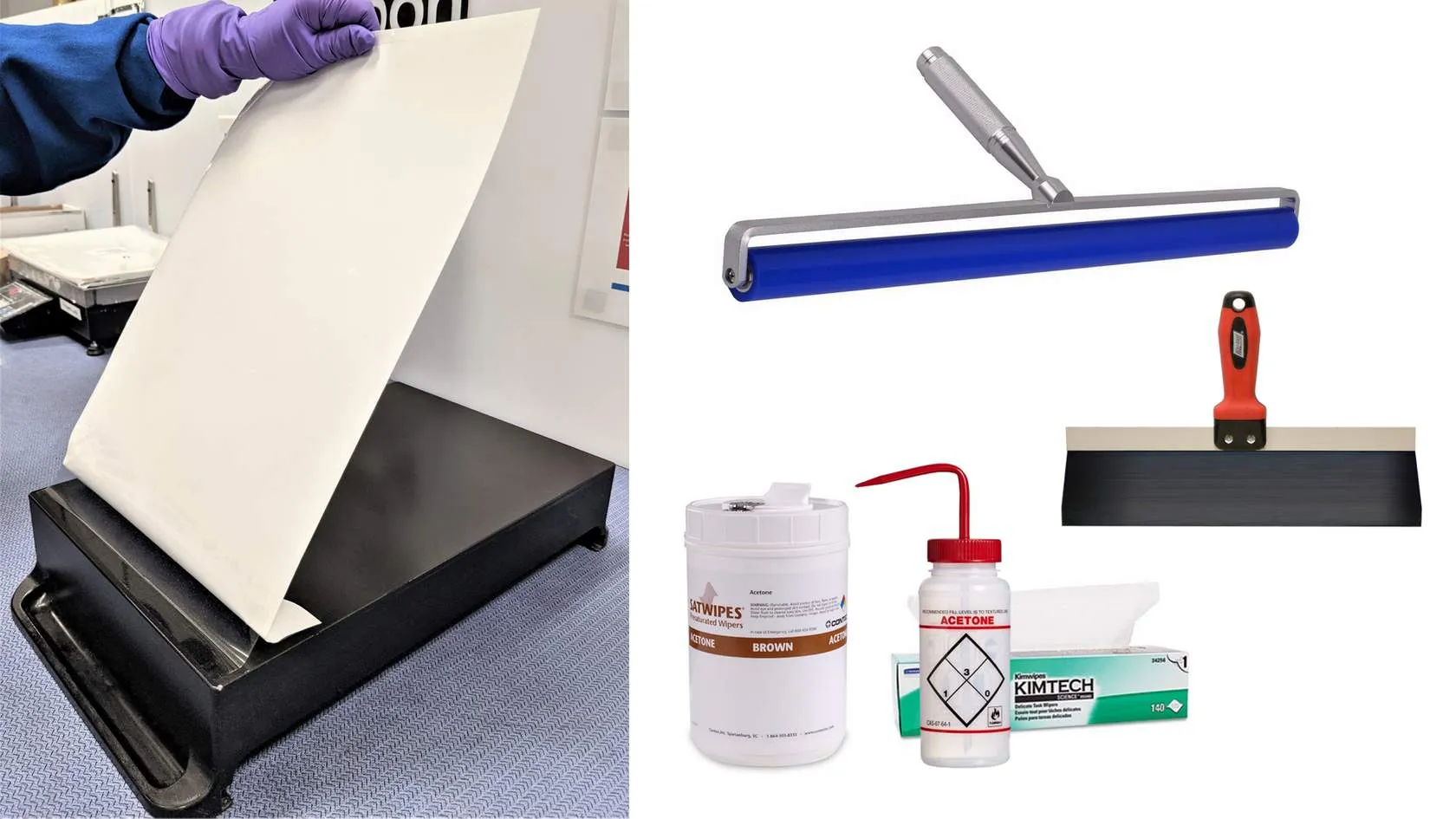
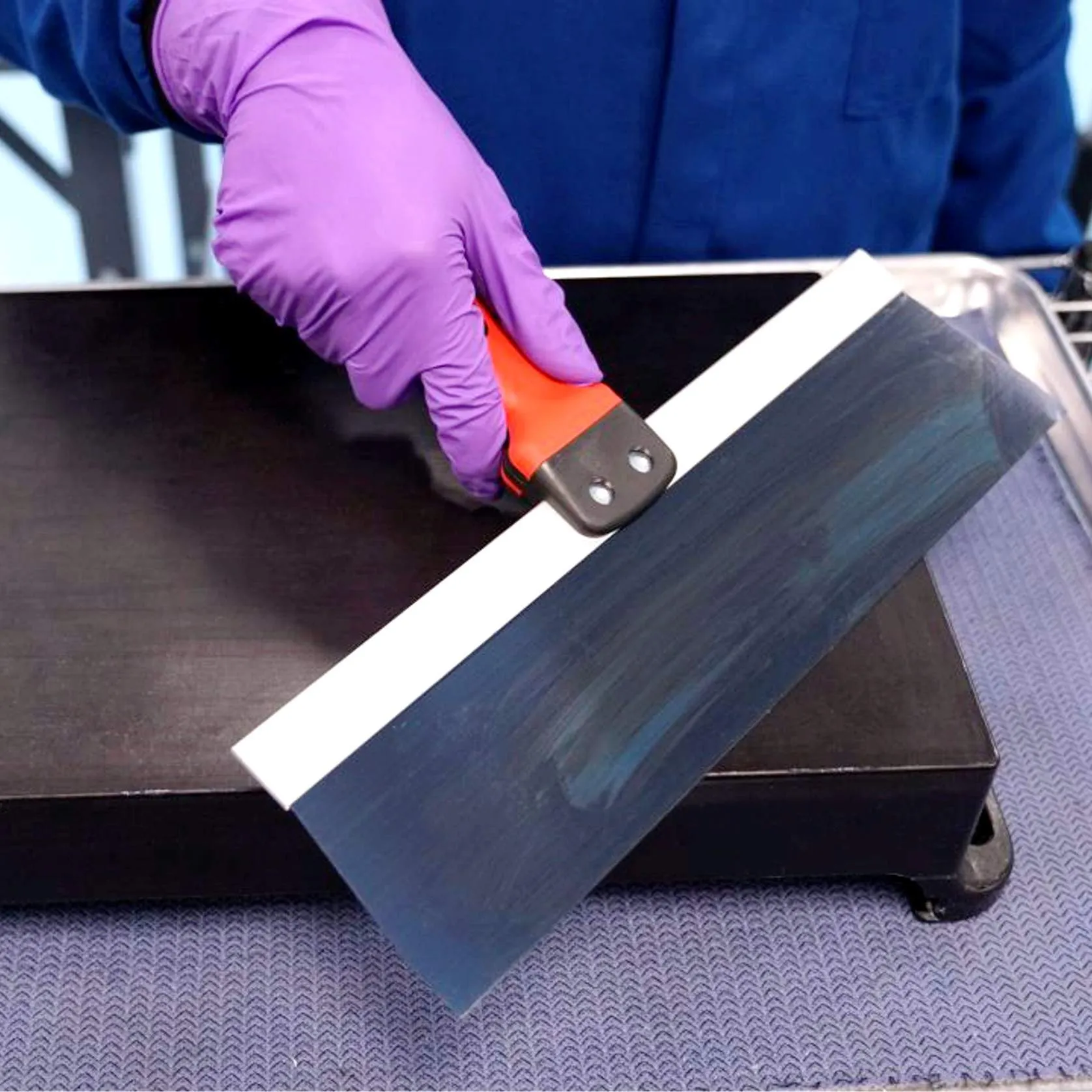
Prepare the Platform
Platform must be clean and free of dust, resin or debris from previous prints.
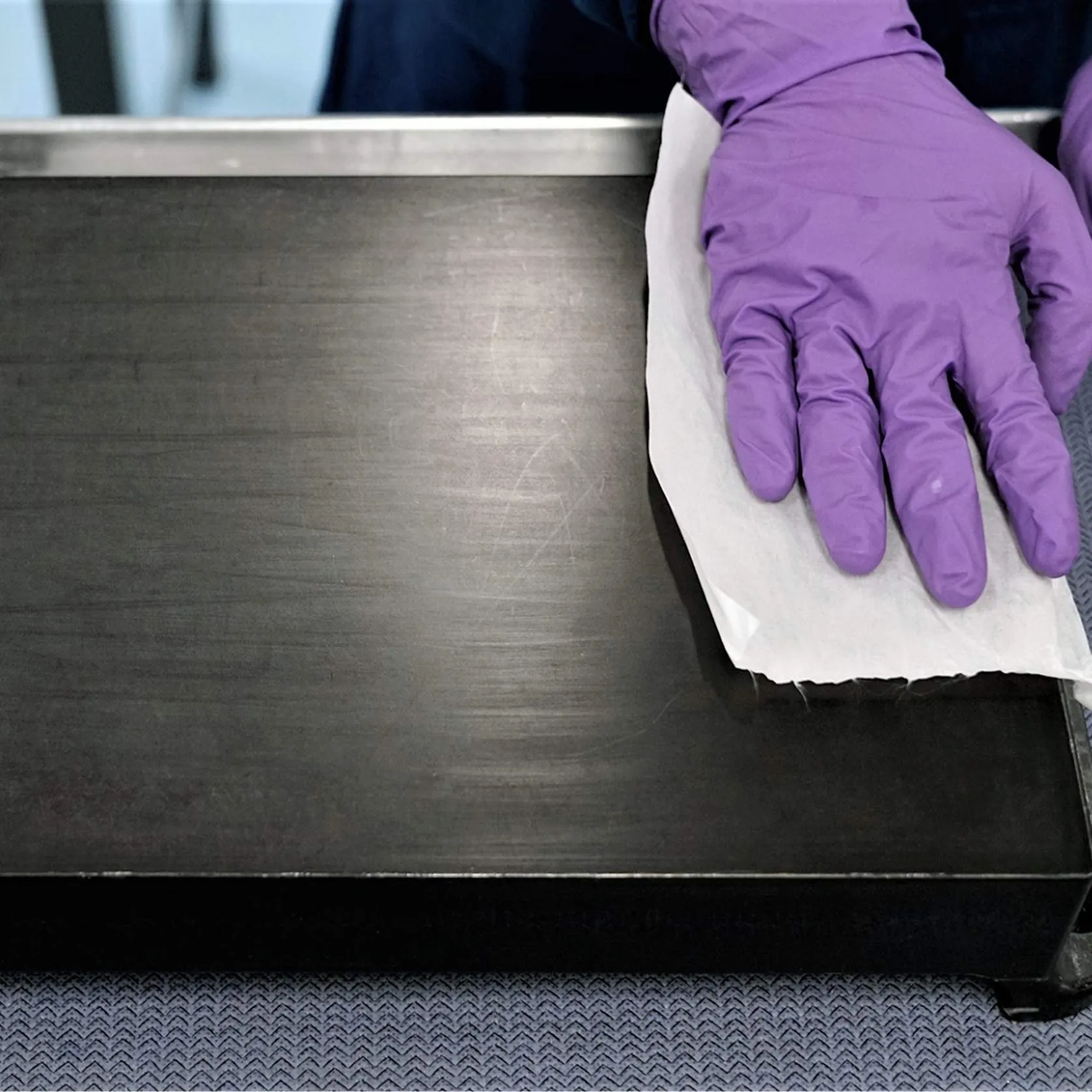
Ensure you have on clean gloves before proceeding.
Apply L1 Release Film
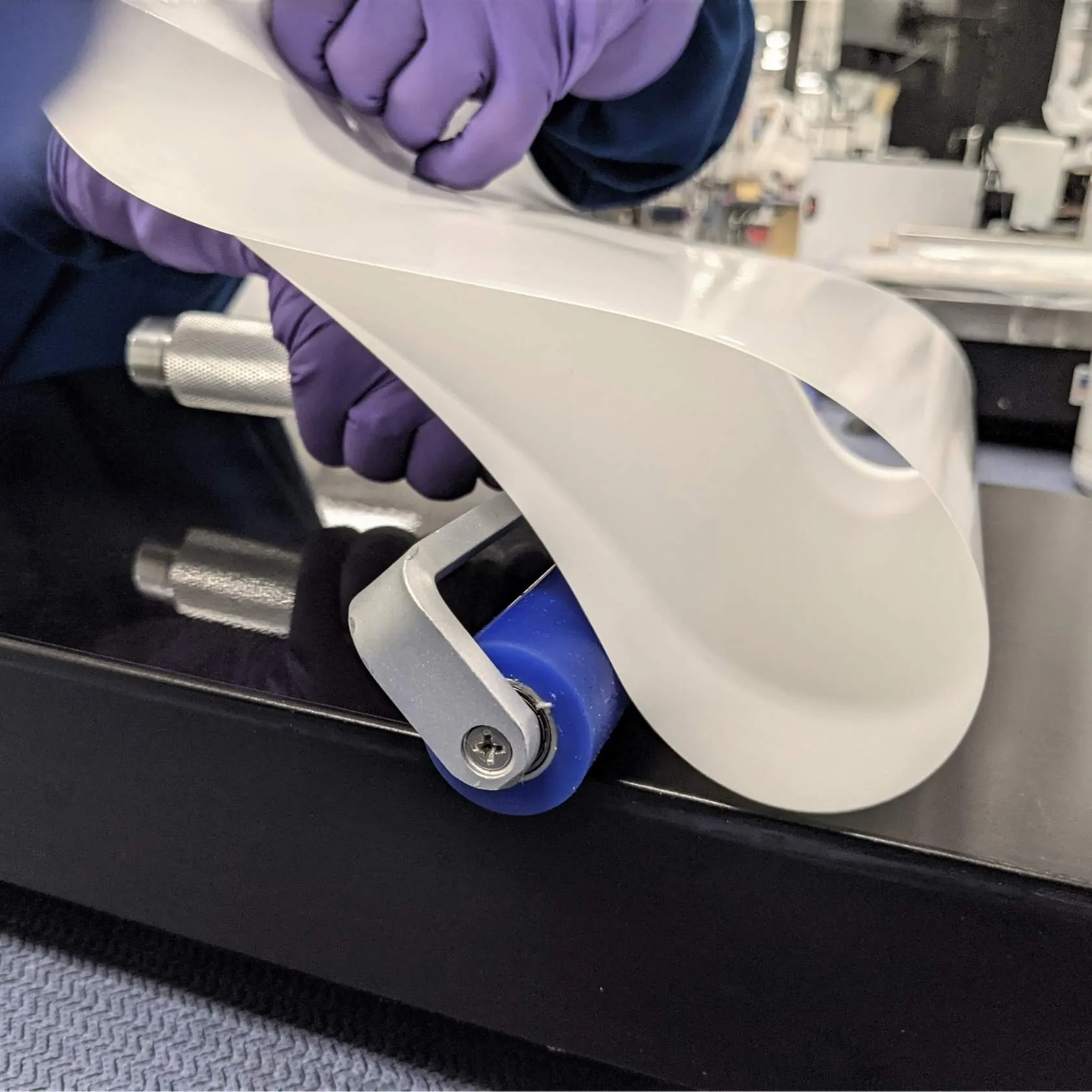
The following steps will show you how to apply the L1 Release Film.
- Platform must be clean and free of dust, resin or debris from previous prints.
- Peel back and fold 25 mm (1 in) of liner.
- Align film with platform edge leaving ~2 mm gap and press down the first 12-25 mm (1/2 - 1 in).
- Check alignment along edges.
- Notice that film is inset from the outer edge of the liner and should remain within platform boundary.
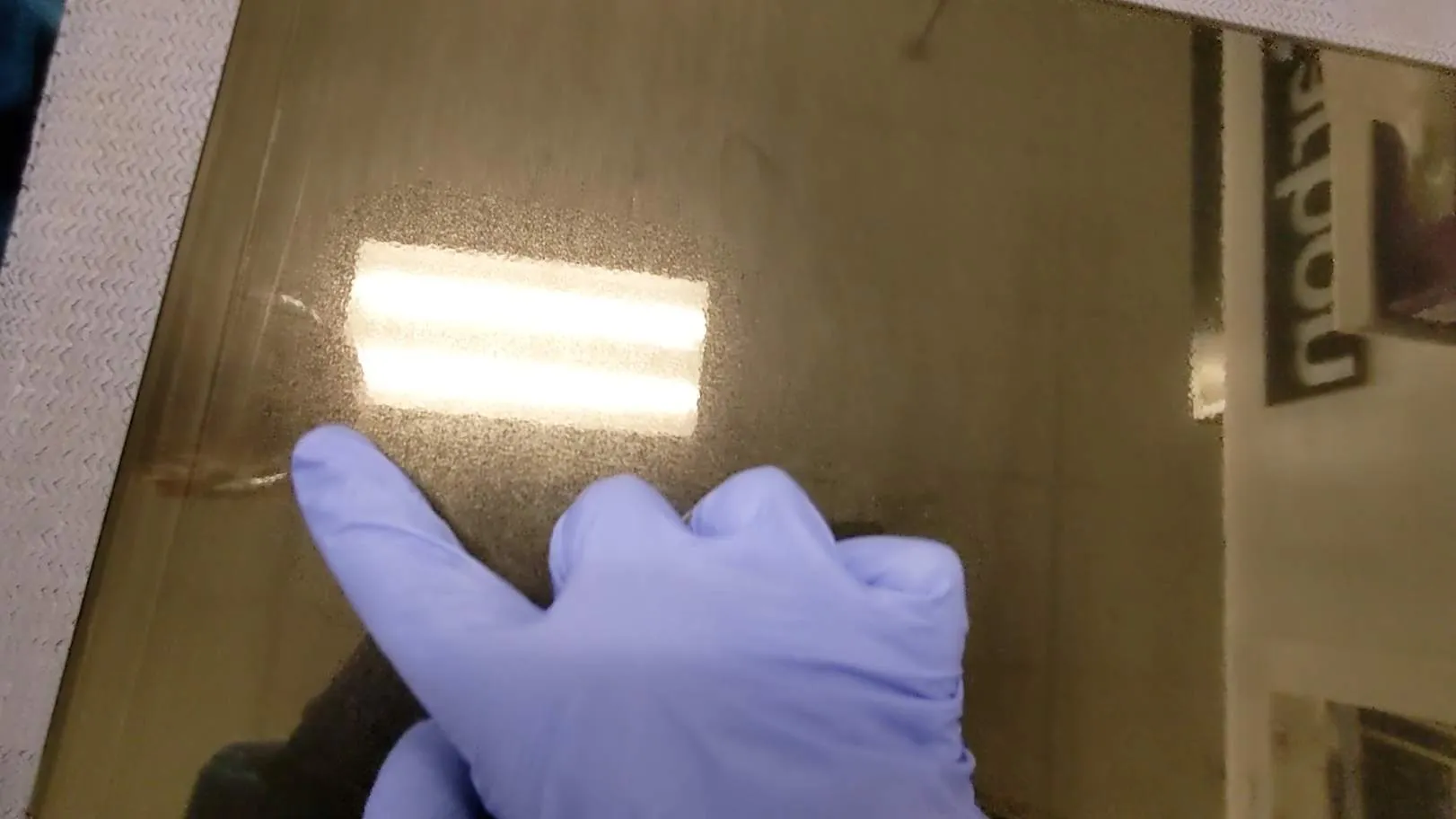
- Keep tension on film while pulling back liner and moving roller forward. Inspect film for bubbles or creases.
Check the film for bubbles or creases by running a finger along its surface.
- Bubbles can be pushed out to the edge with your finger (clean and gloved).
- Creases generally are not able to be removed. Remove film and apply a new one.
Process Video
Compensate for Thickness
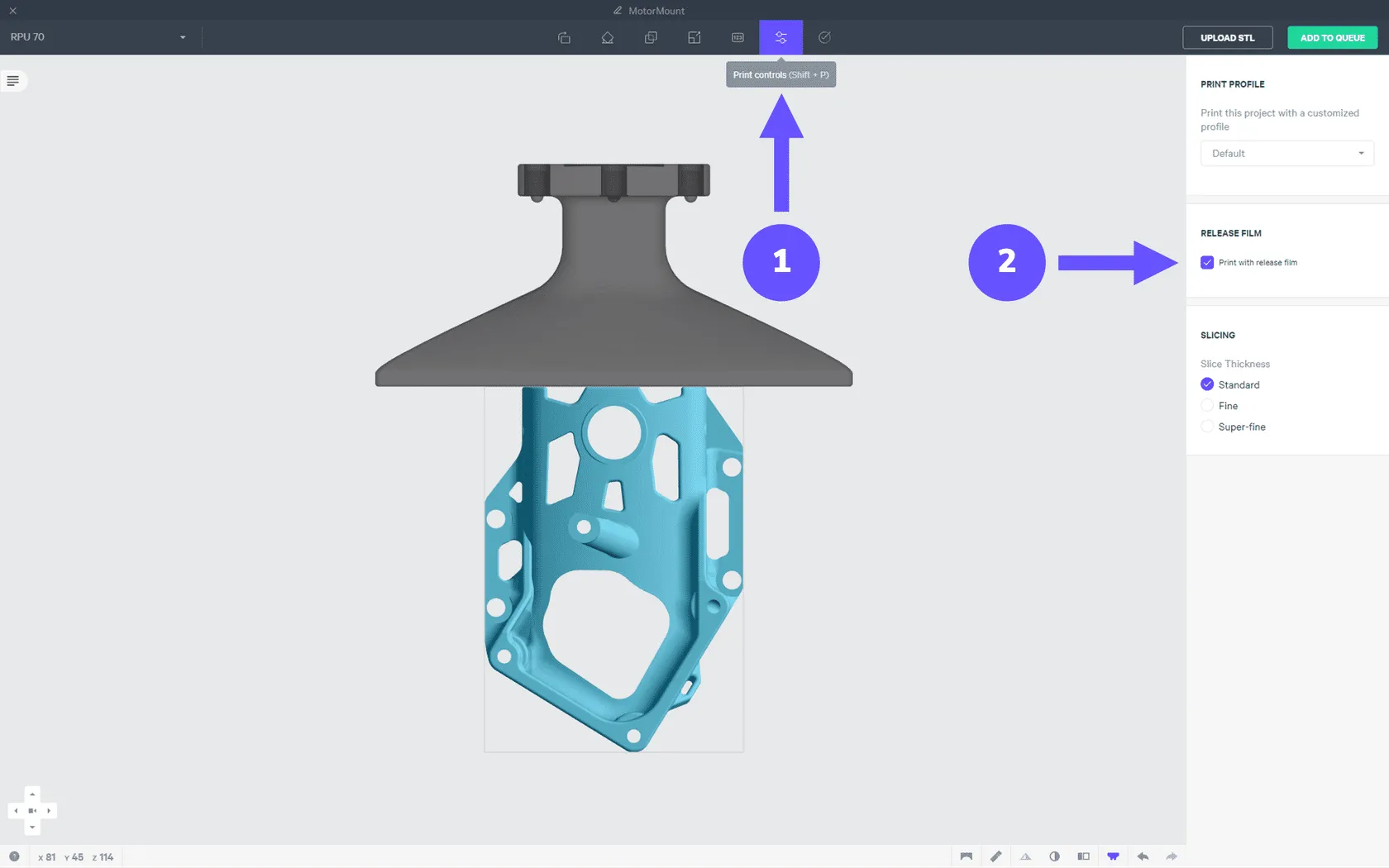
To compensate for the thickness of the release film for part accuracy:
- Go to the Print Controls tab
- Click checkbox to Print with release film
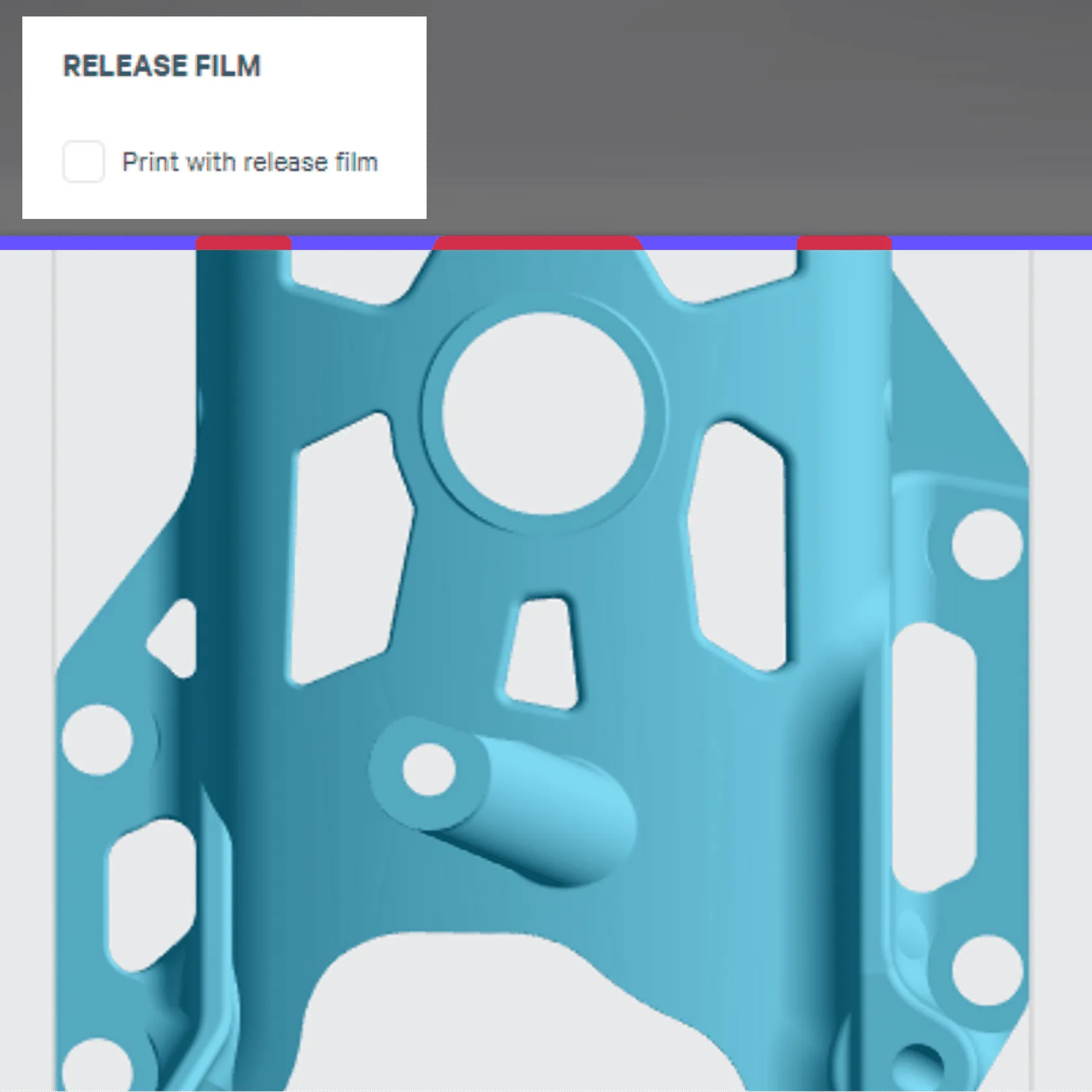
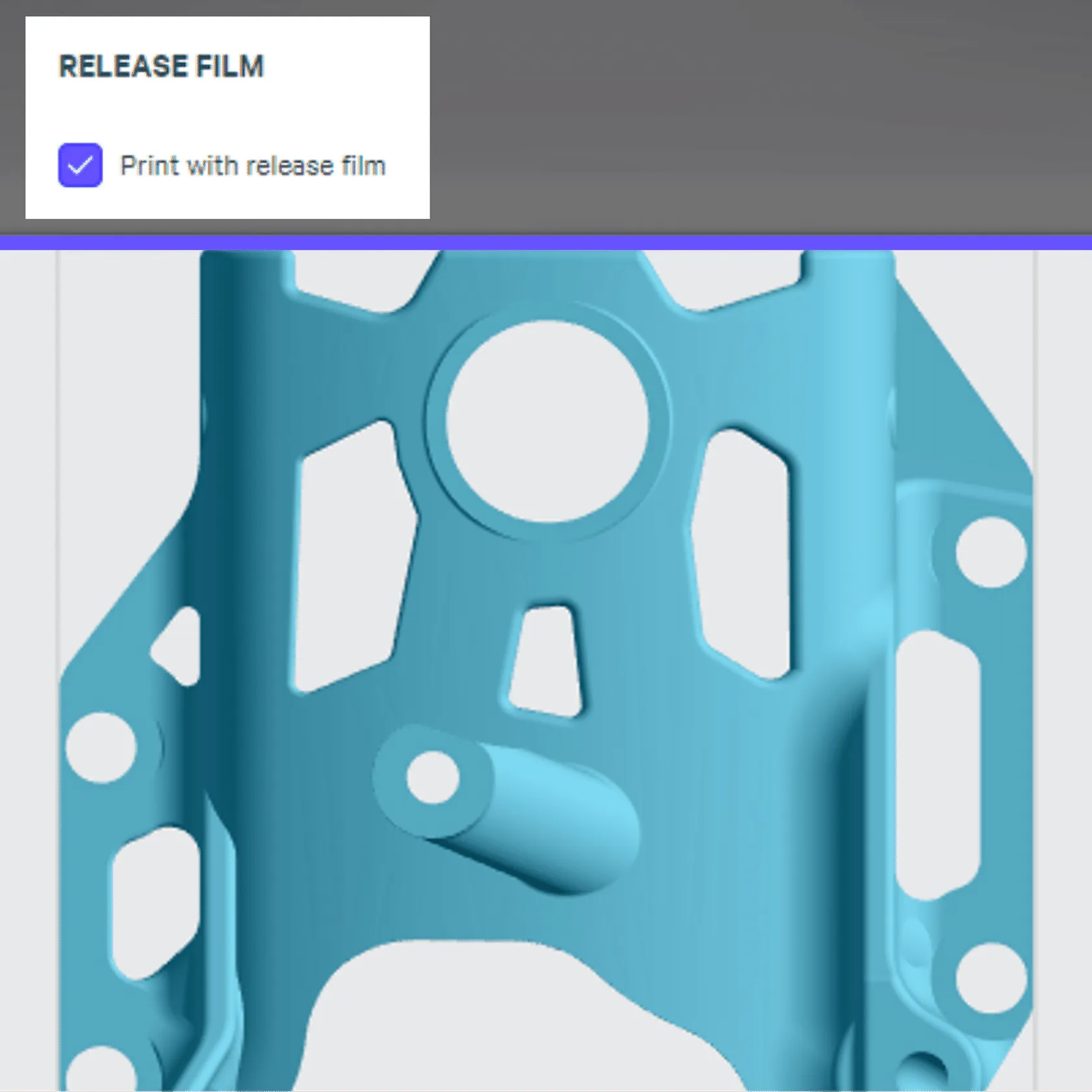
CAUTION! If you do not remember to apply the release film to the platform after setting the checkbox in your project, your print will not begin at the platform and will likely fail to adhere to the platform.
If the next queued print requires a release film, this will be displayed on the printer frontscreen. Software v1.45 and higher.
Improve Adhesion
Adhesion to Release Film
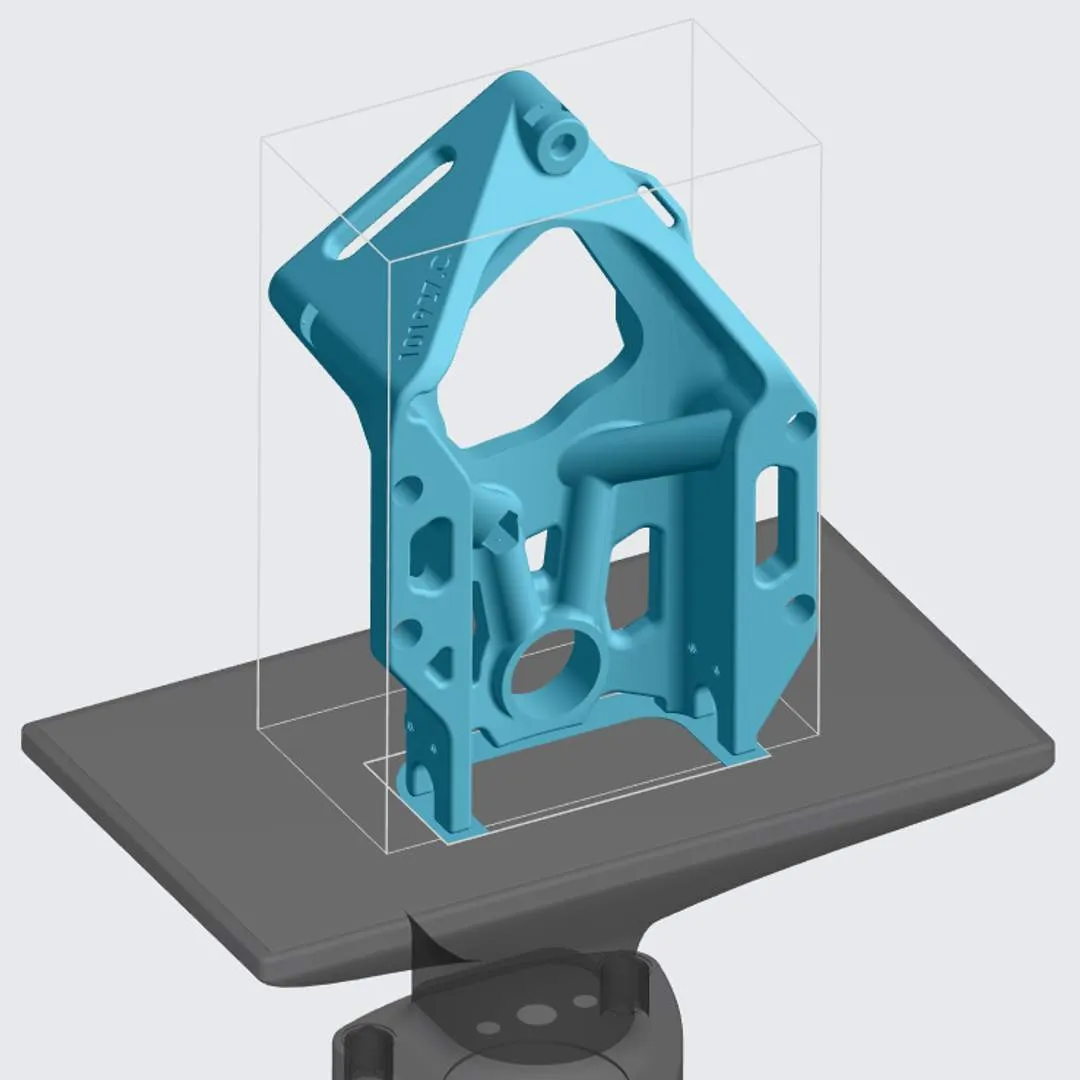
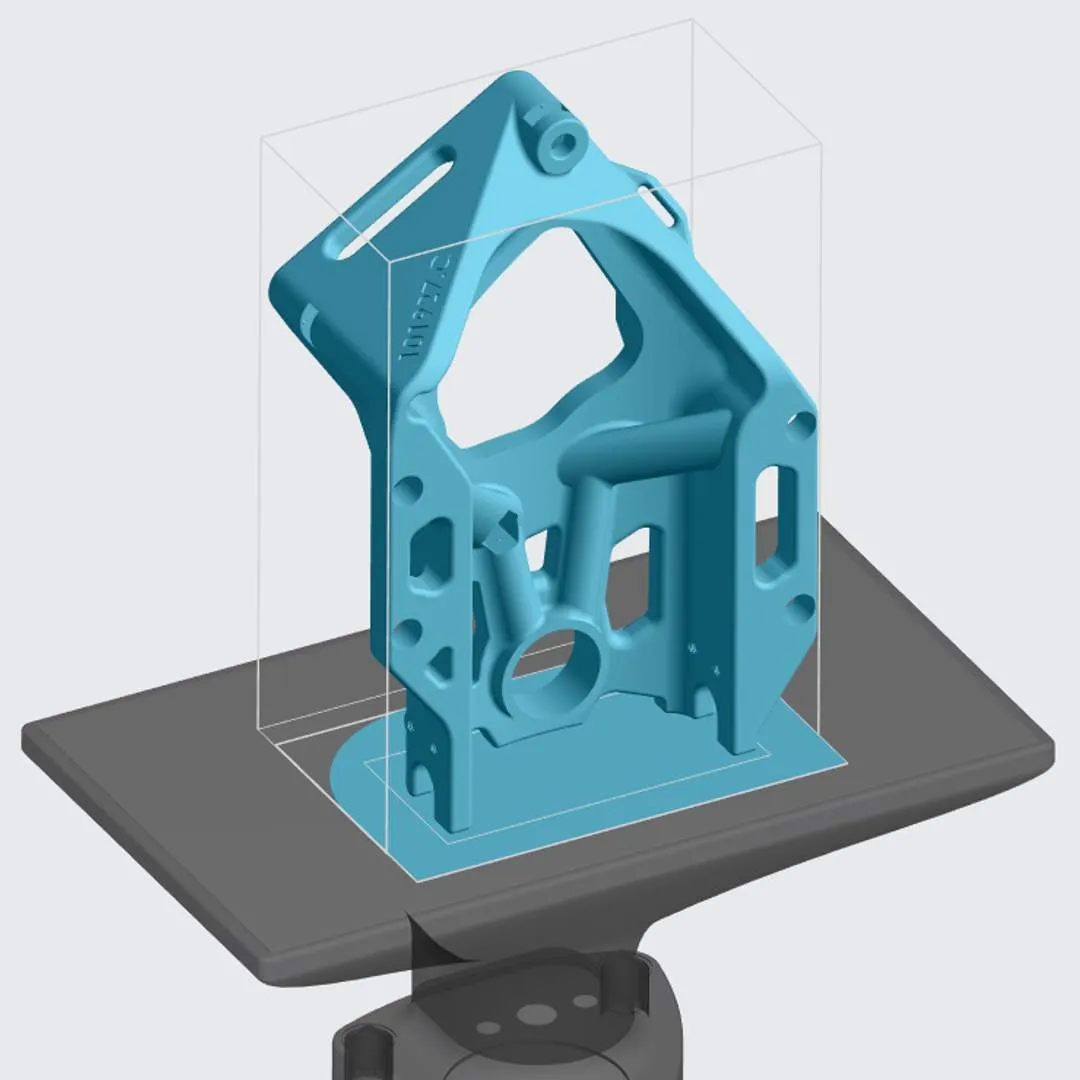
Part adhesion to release film is lower than adhesion directly to the platform. The lower adhesion is a benefit in the use cases for release film to aid in part removal, to protect delicate geometries and to speed processing of a packed build platform. There may be cases where release film's benefits are desired but the parts require additional help to stay adhered throughout printing and washing. Issue Part did not stay fully adhered to the release film during printing or washing. Solutions
- Add supports to otherwise self-supporting geometries
- Add a brim to improve adhesion (in CAD software)
- A brim is an extension of the first slice of a part, like a hat brim.
- Standard brim 1-2 mm wider than the base of the part and 100-200 µm tall
- Wider brims will add stronger adhesion
- After printing, break or trim off the brim.
- Light finishing may also be required after curing.
Issue
Parts around the perimeter of the platform are not adhering well. Solution
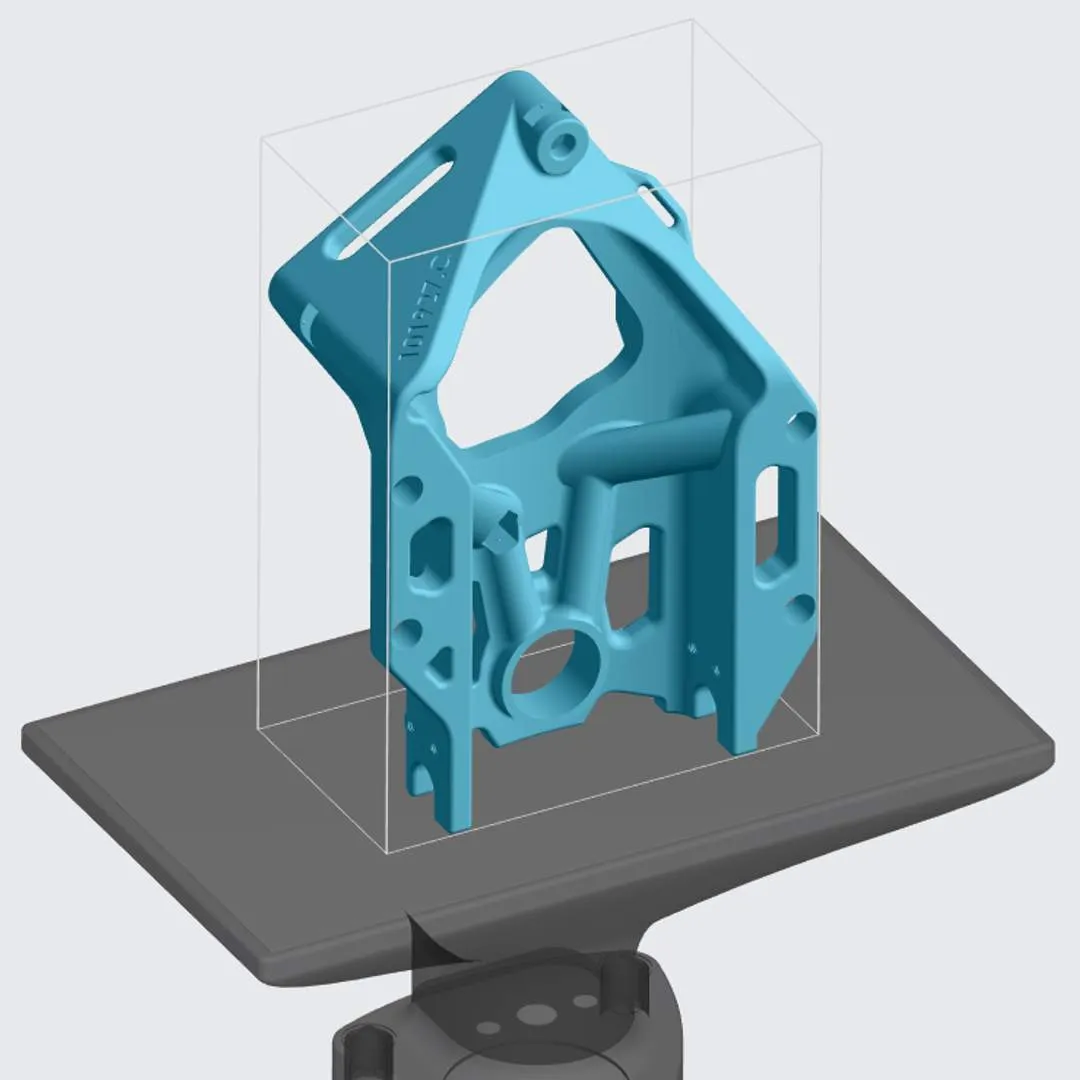
The release film is slightly smaller than the build platform. Small parts may detach near the platform edge if they sit only partially on the release film.
Place parts at least 10-15 mm from the platform edge for a safe margin when using release film.

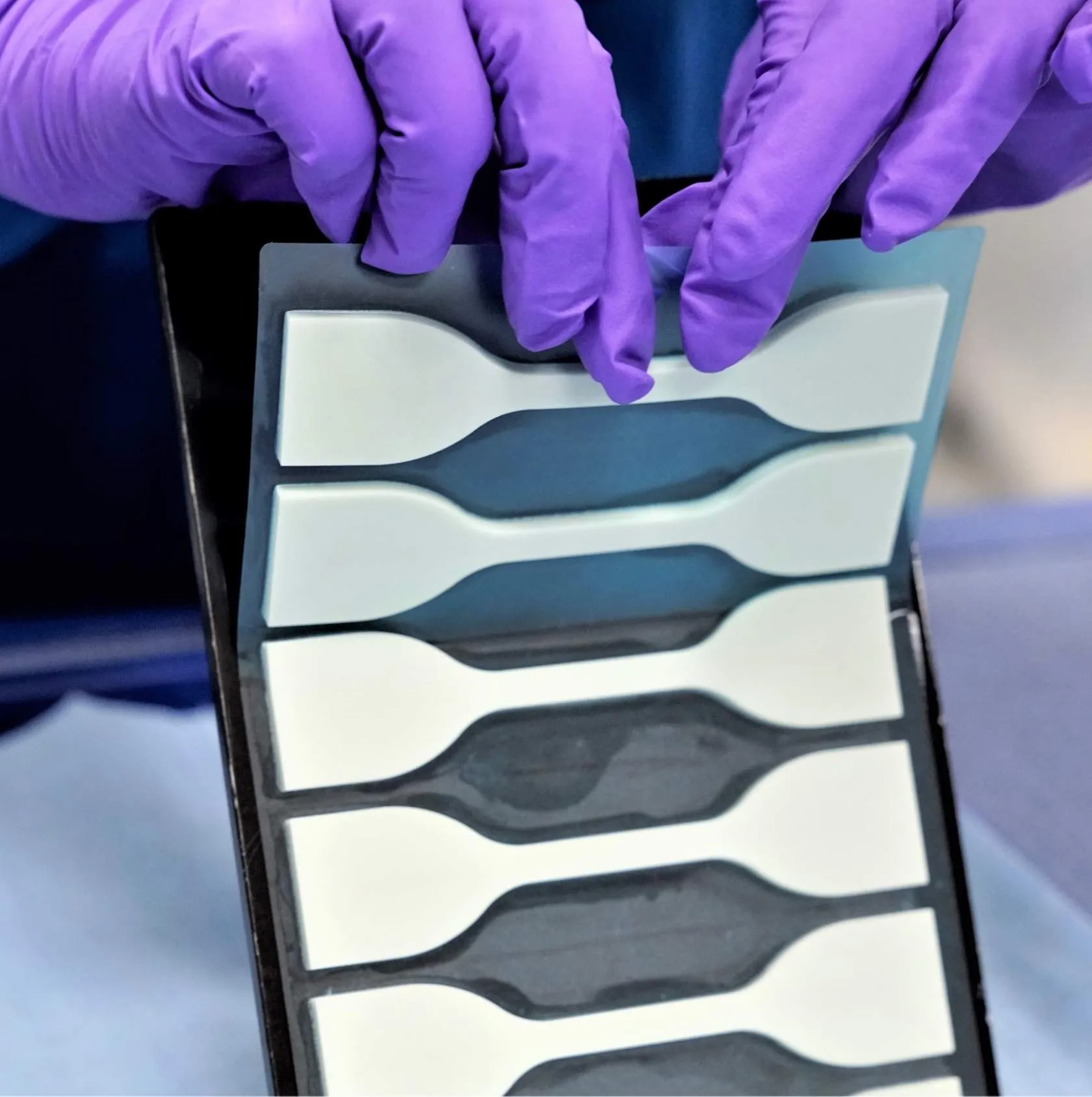
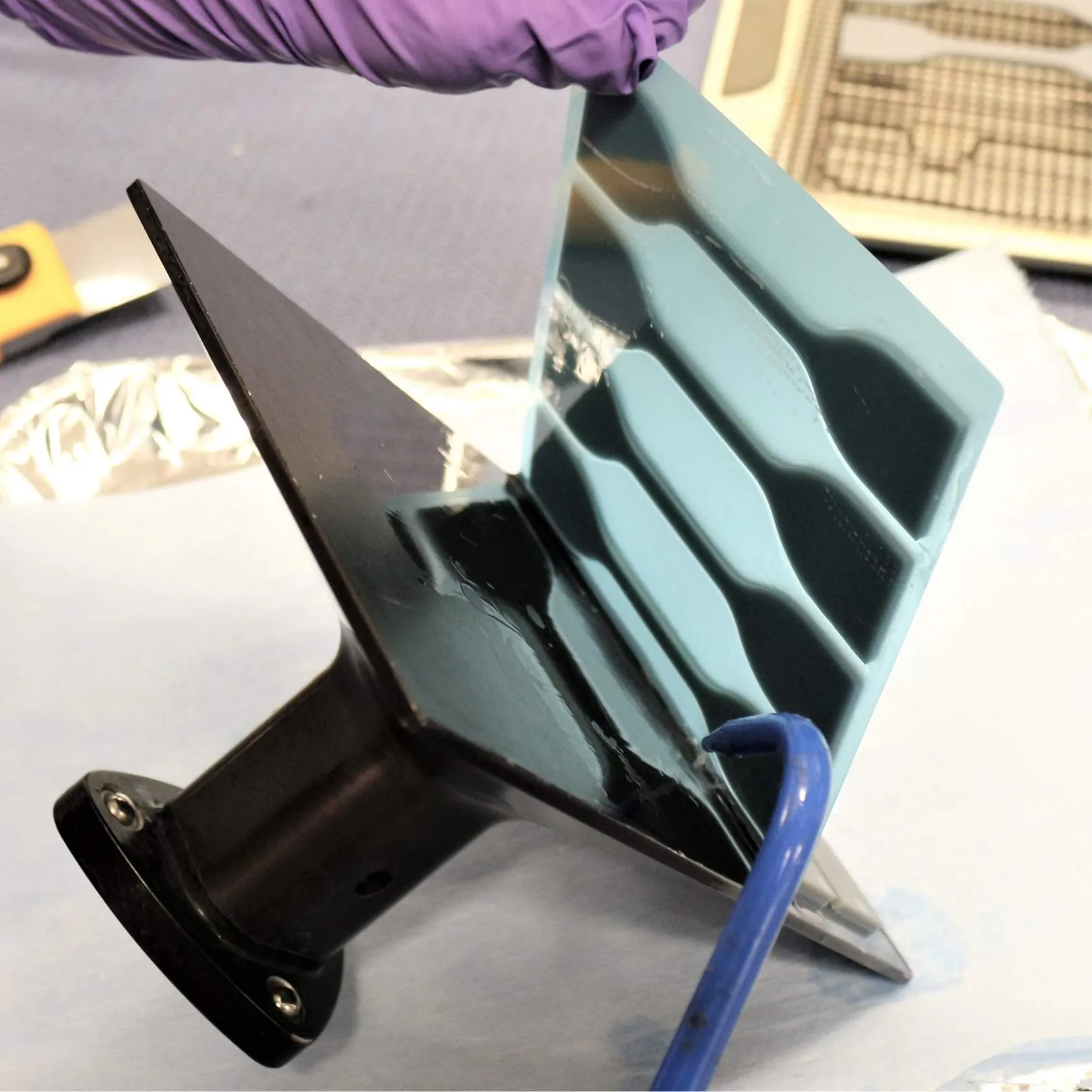
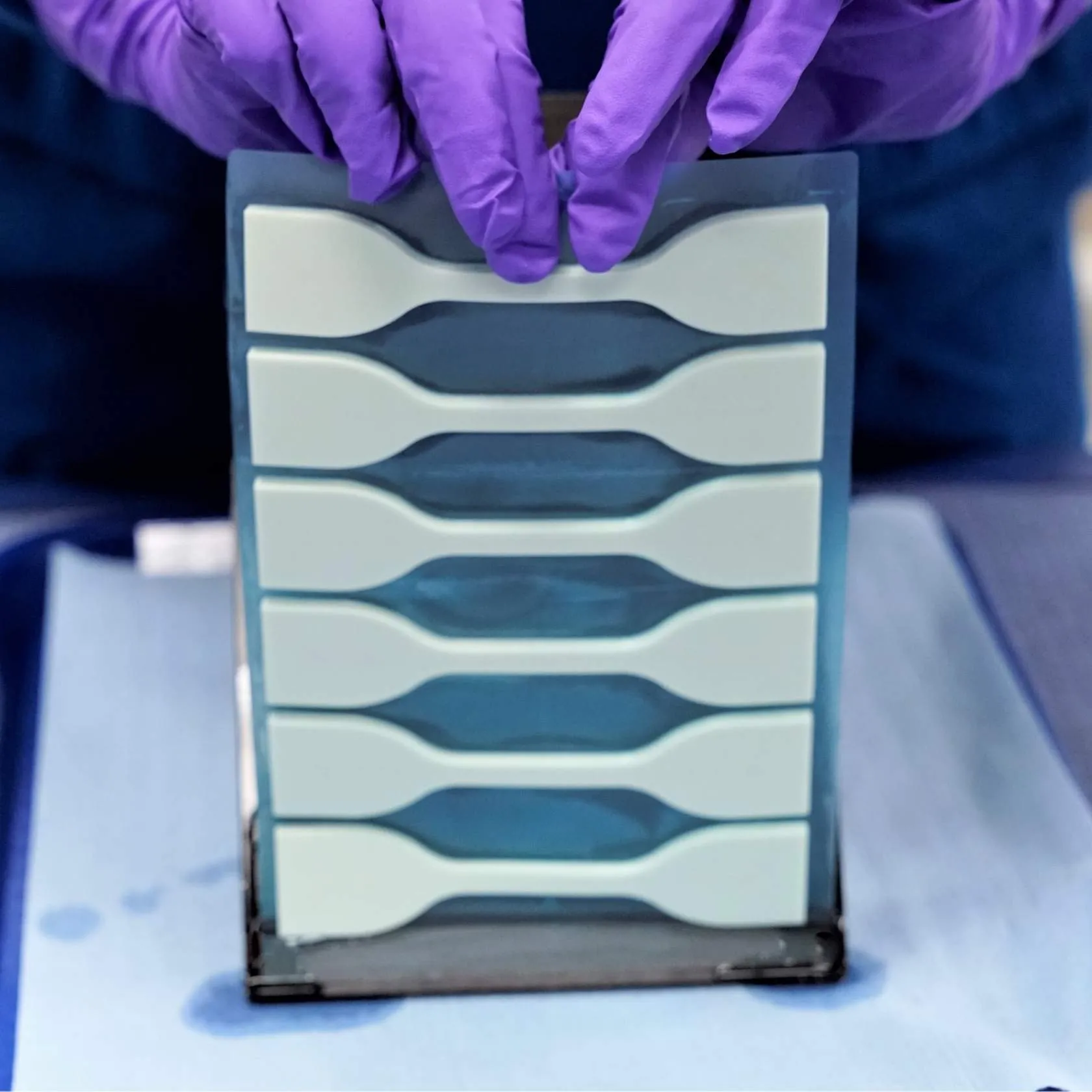
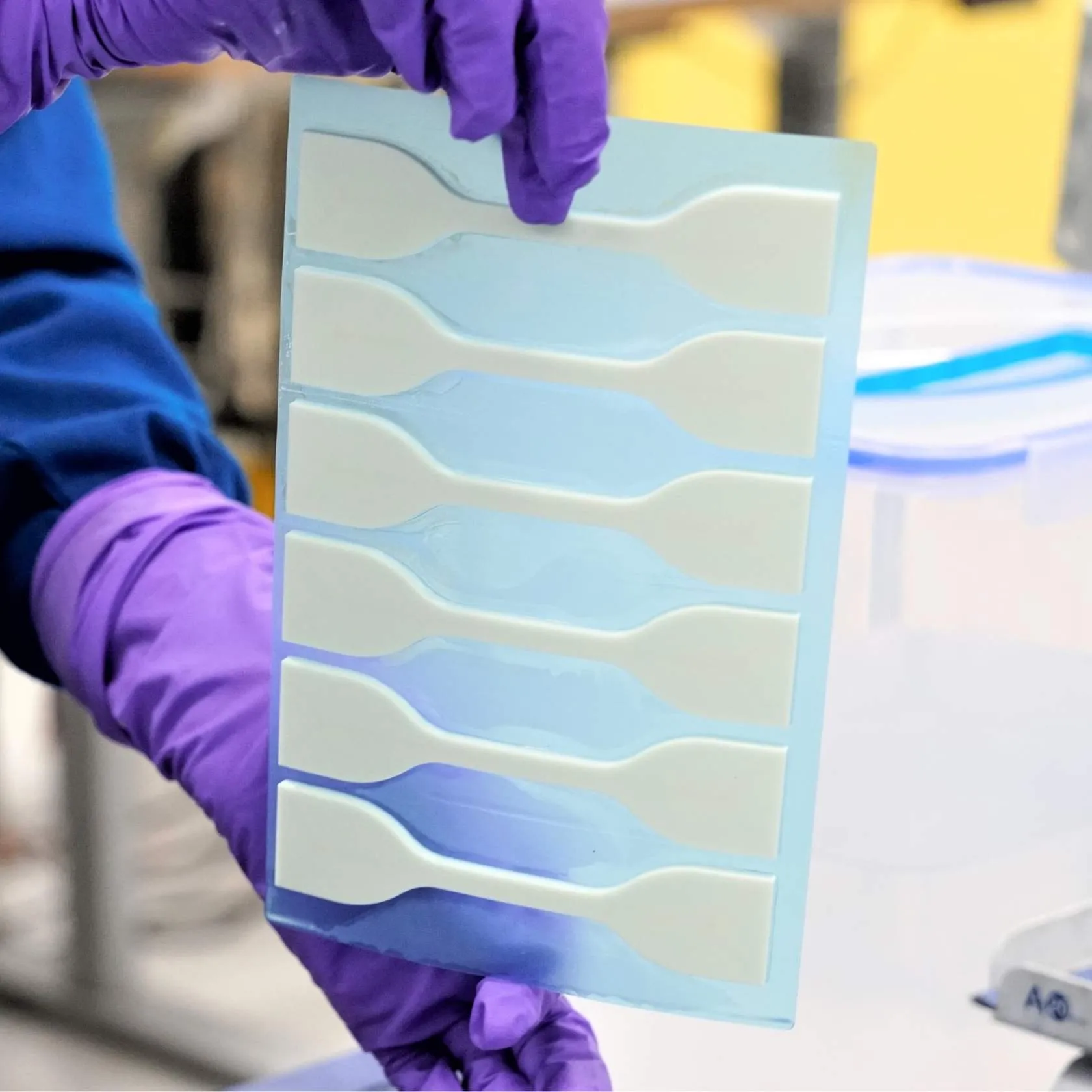
Removing Parts from Release Film
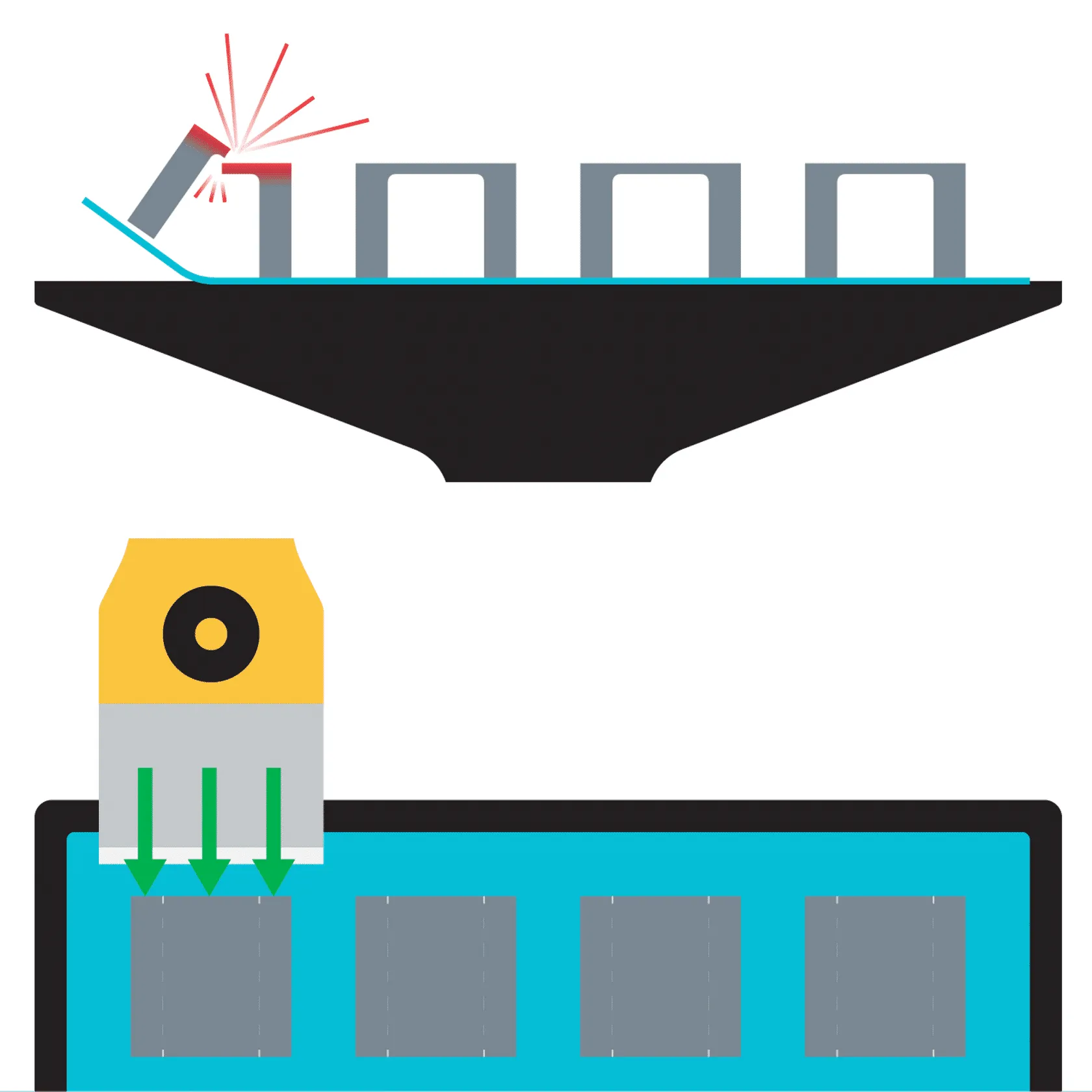
Standard Release Film Removal Method
- Hold platform steady with one hand
- Use scraper blade to lift corner of release film
- Run blade along edge of platform (short edge best)
- Continue running blade along length of film under parts
- Hold up film if needed, keeping hand away from blade
- Peel parts off film (but many parts will fall off in process)
Alternate Removal Methods
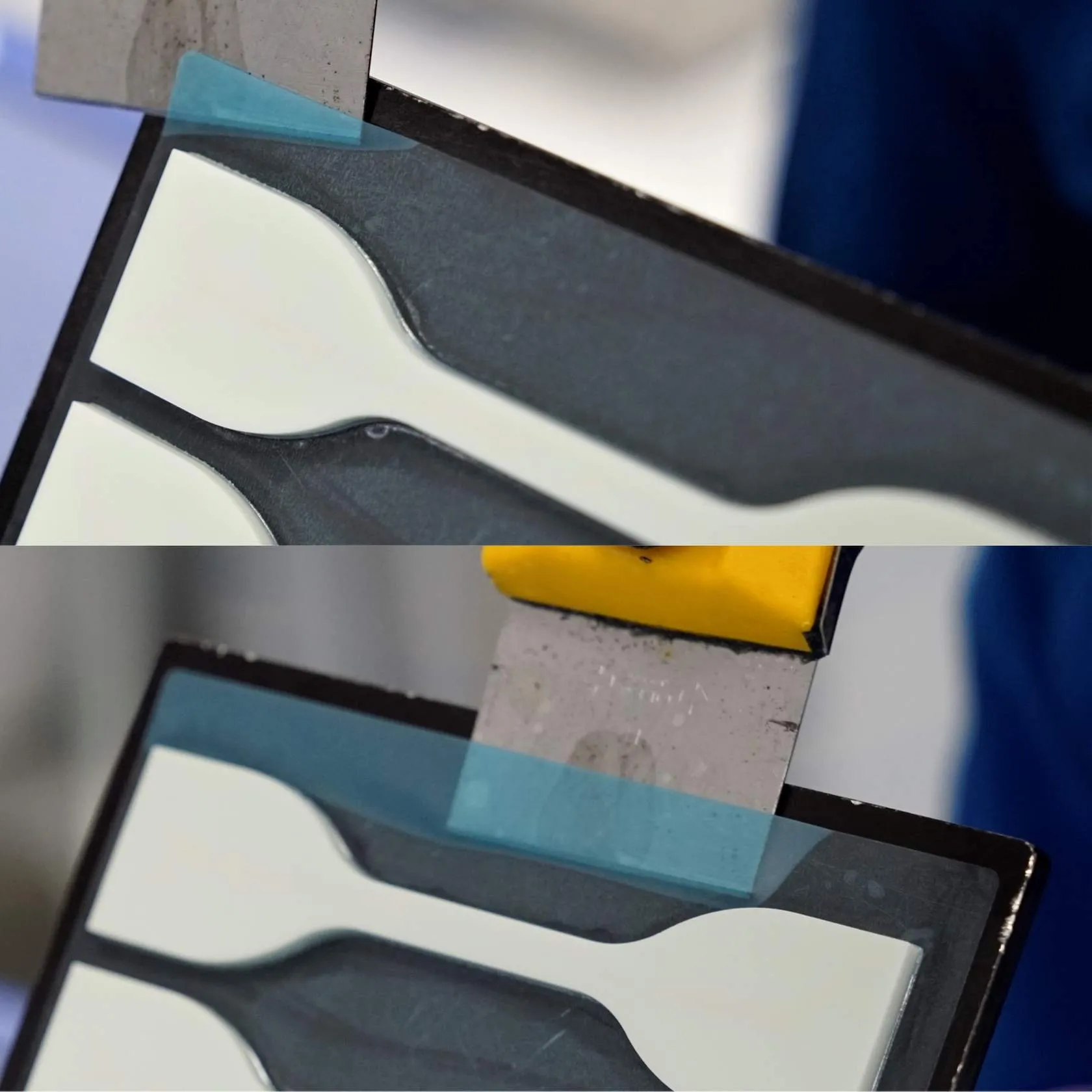
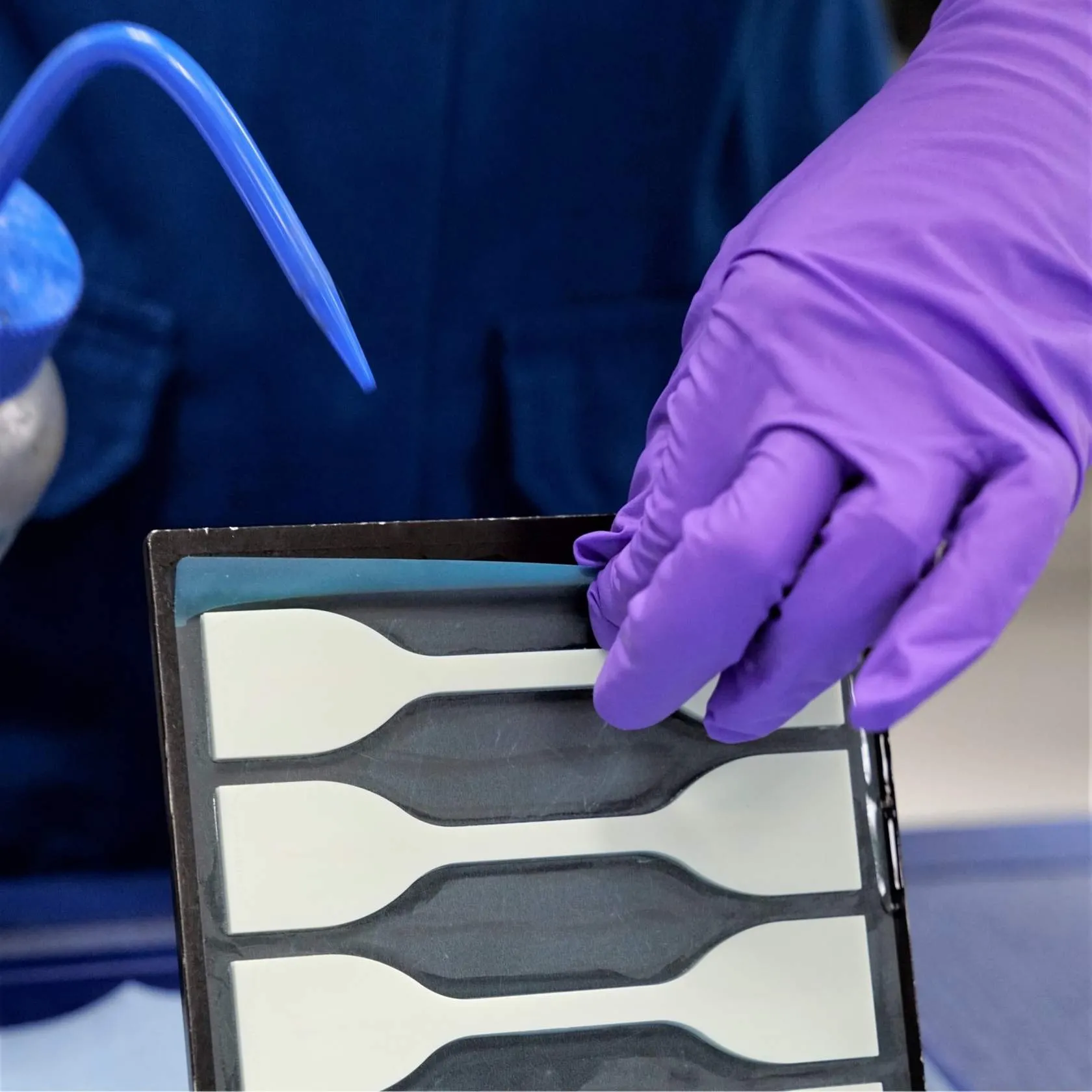
Peel Method
- Lift one corner of the release film with a scraper blade and run blade along the full edge of the film (a short edge works best).
- Squirt a small amount of IPA behind the release film where it meets the platform to loosen the attachment.
- Hold the film taught and slowly peel off the release film from the build platform.
- Reapply IPA periodically as you peel off the film to continue to loosen the film's attachment to the platform.
- Continue pulling off the film until fully removed.
Above Film Method
You can also remove parts in the standard method, placing the scraper between the part and film. Parts have lower adhesion to film, so parts will remove more easily.
Part geometry may not make it possible to remove the film by the standard method without damaging your parts.
- In this case, use the scraper to remove the part on top of the film, as if the film were not there.
- Then remove the film with the scraper after parts are removed.
Proceed to Curing
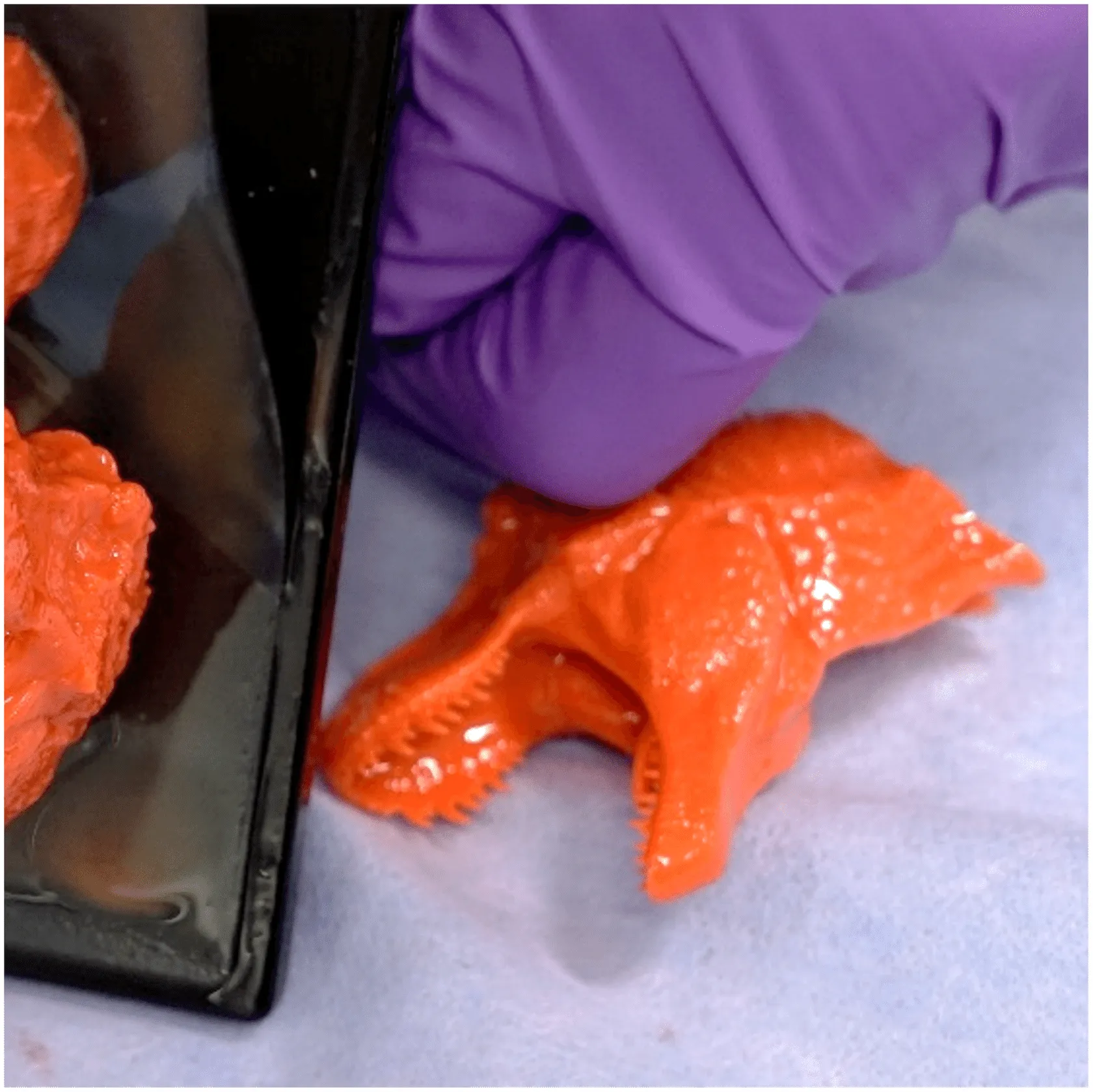
- Many parts will fall off the release film while removing from the platform.
- Proceed with touch-up and curing.
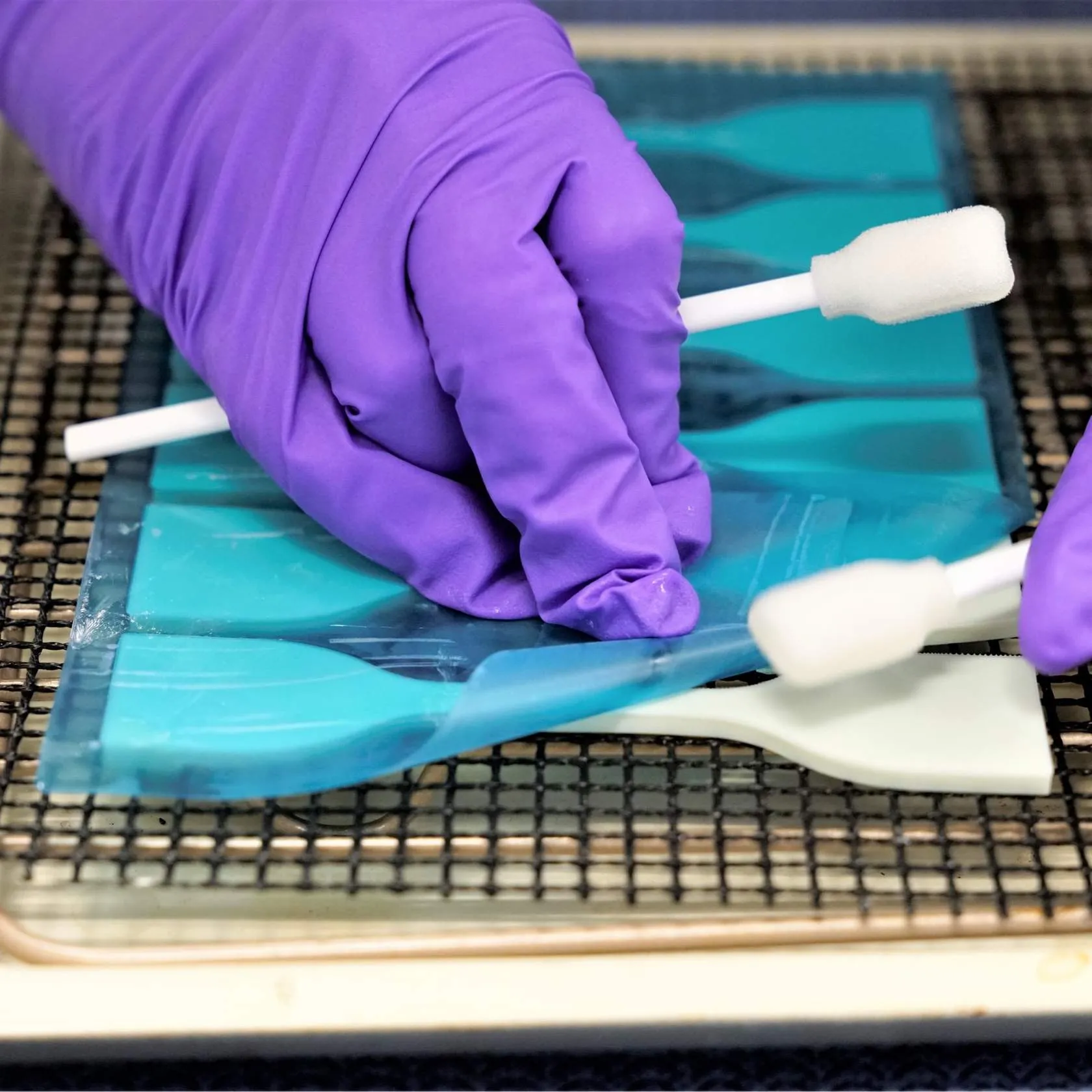
- Other parts will remain adhered to the release film.
- Gently peel the film off of the parts
- Use clean, gloved hands
- Or swabs to assist in peeling
- Set up for curing and touch up as needed
- Tip: Some parts may be directly transferred to their baking setup in this process with minimal handling.
Discard the Release Film as solid hazardous waste when done. Release film is not reusable.
Resources
For additional information, follow the links provided below.